
Last updated 08-15-2026
Category:
Reviews:
Join thousands of AI enthusiasts in the World of AI!
Humata
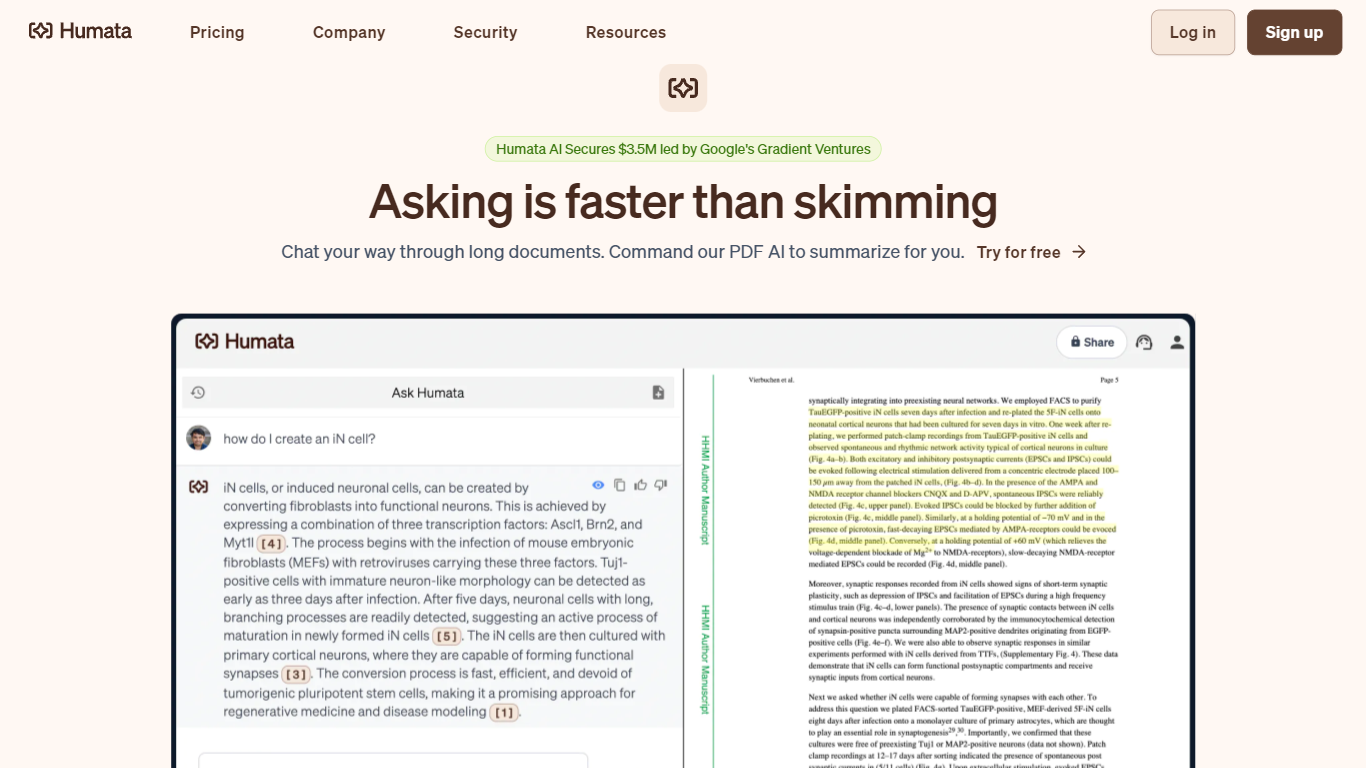
Humata turns uploaded PDFs and documents into a searchable knowledge base you can question in plain language. Upload files, ask questions, and get answers with citations pointing back to the source pages. Teams use it to summarize research papers, compare documents, and pull facts from dense technical reports without reading every page.
General chatbots answer from training data, not your files. Humata reads every document you upload and grounds each response in that content with linked citations. You can ask follow-up questions, request shorter summaries, and embed the chat widget on your own site so customers query your documentation directly.
Researchers, analysts, and educators use Humata to get through long papers faster. Enterprise teams get role-based access controls, encrypted file storage, and department-level permissions on the Team plan. The Expert plan fits small groups of up to three users who need more than the 60-page free allowance.
Free plan includes 60 pages and up to 10 answers per month
Every answer includes citations linking back to source document sections
Expert plan at $9.99 per month covers 500 pages and 3 users
Team plan adds OCR for scanned documents and folder-level permissions
Embeddable chat widget drops into any webpage with a single click
Citations on every answer make it easy to verify claims against source files
Free tier lets you test with 60 pages before committing to a paid plan
Team plan OCR handles scanned PDFs that plain text extractors miss
Embeddable widget lets customers query your docs without leaving your site
Pay-as-you-go page pricing scales beyond included monthly allowances
Free plan caps at 60 pages and 10 answers, which runs out quickly on large docs
Single sign-on with Okta, Google, and SAML is listed as coming soon, not live yet
Enterprise pricing requires a sales conversation with no public rate card
What makes Humata different from ChatGPT?
Humata is built to work with your uploaded files, not general web knowledge. It reads every document you add and generates answers grounded in that content, with citations linking to the relevant sections in your source files.
Does Humata have a free plan?
Yes. Humata offers a free plan at $0 with access to basic features, up to 60 pages per month, and up to 10 answers. No credit card is required to start.
How much does Humata Expert cost?
Humata Expert costs $9.99 per month and includes 3 users, 500 free pages per month, and premium chat support. Additional pages beyond the allowance cost $0.02 per page.
What does the Humata Team plan include?
Humata Team costs $49 per user per month for up to 10 users. It includes 5,000 free pages, department and folder level permissions, OCR for scanned text, and response personalization.
Can I cancel my Humata subscription anytime?
Yes. Humata lets you cancel your subscription at any time with no strings attached. You can also upgrade or downgrade plans whenever your team size or usage changes.
Does Humata support enterprise security?
Yes. Humata uses 256-bit SHA encryption at rest, role-based access controls, and secured private cloud storage. The Enterprise plan adds SOC-2 certification, uptime SLA, and single sign-on integration.