Vizly vs KNIME
In the clash of Vizly vs KNIME, which AI Data Science tool emerges victorious? We assess reviews, pricing, alternatives, features, upvotes, and more.
When we put Vizly and KNIME head to head, which one emerges as the victor?
Let's take a closer look at Vizly and KNIME, both of which are AI-driven data science tools, and see what sets them apart. The upvote count favors KNIME, making it the clear winner. The upvote count for KNIME is 11, and for Vizly it's 6.
Does the result make you go "hmm"? Cast your vote and turn that frown upside down!
Vizly
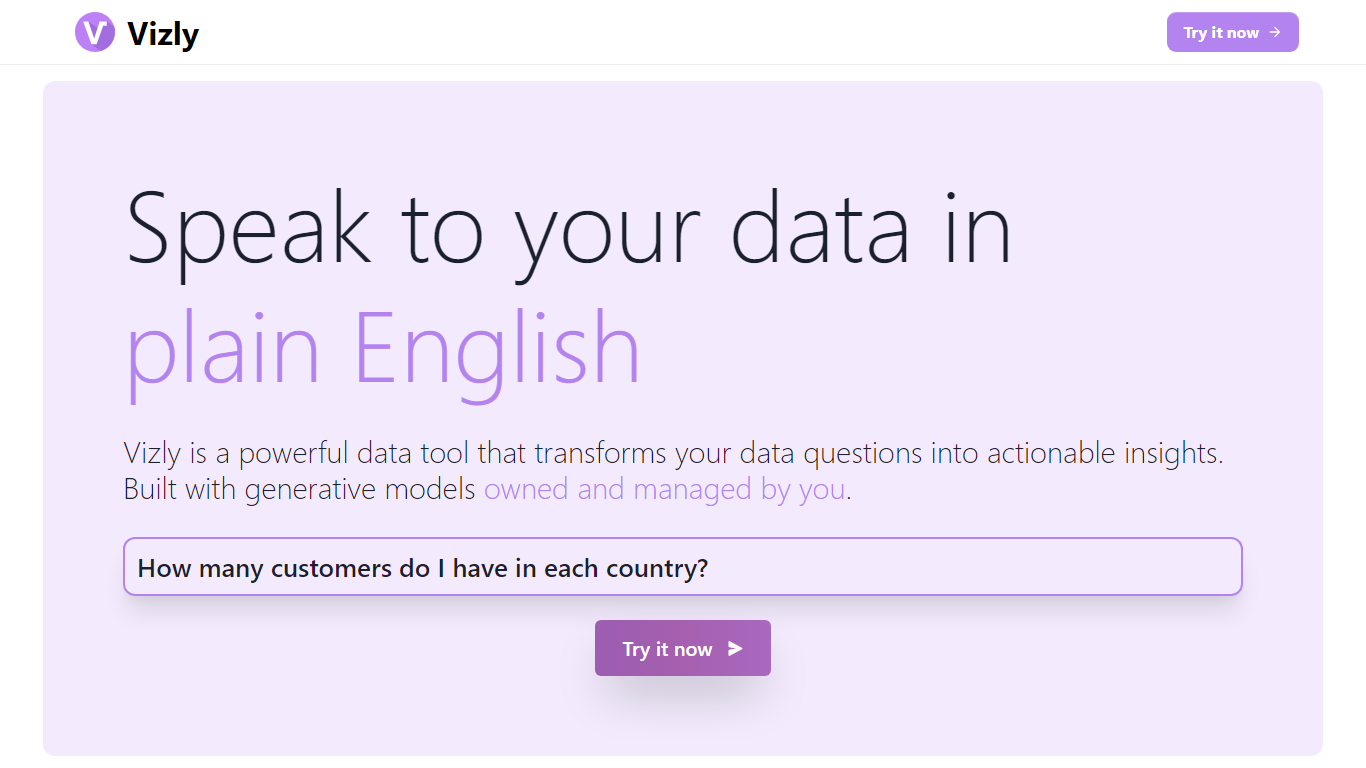

What is Vizly?
Vizly turns spreadsheet uploads into charts and statistical answers through a chat interface. Upload Excel, CSV, or SPSS files, ask questions in plain language, and get interactive Plotly visualizations, regression lines, and correlation matrices back. A private Python sandbox handles machine learning when you need more than summary stats.
Where Tableau and Looker focus on dashboards you configure by hand, Vizly leans on conversational analysis. You describe what you want to know and the app generates visuals on the fly. The trade-off is less pixel-perfect dashboard control in exchange for faster exploratory analysis.
Vizly suits students, analysts, and researchers in healthcare, finance, and genetics who need quick charts without writing notebook code. Premium adds unlimited messages, persistent files between sessions, and high-performance coding environments for heavier workloads.
KNIME
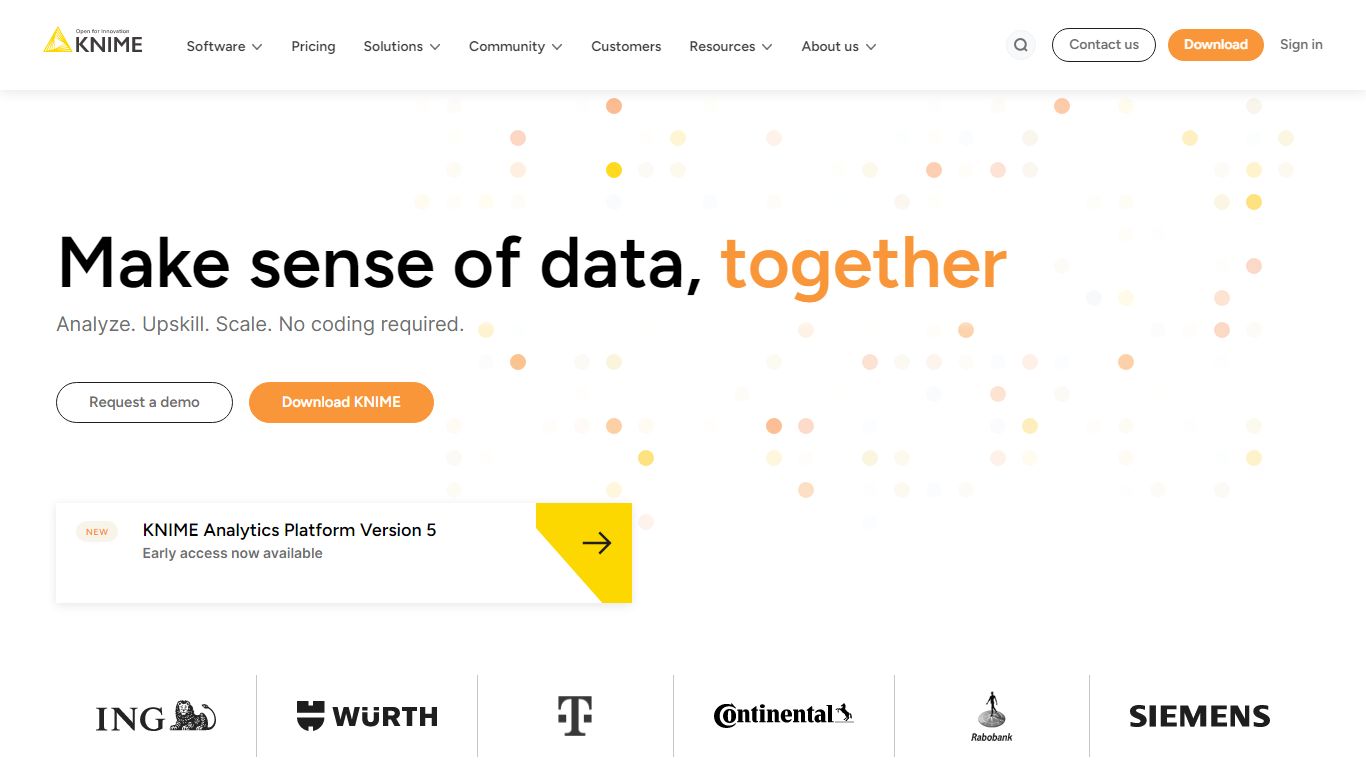
What is KNIME?
KNIME lets you build visual data workflows by connecting nodes that read, transform, model, and visualize information without writing code for every step. Drag nodes for ETL, analytics, machine learning, and generative AI into a canvas, wire them left to right, and run the pipeline all at once or step by step. The open-source Analytics Platform runs locally on your desktop and connects to more than 300 data sources, from Snowflake and Databricks to OpenAI and Claude.
Compared with notebook-only tools that bury logic in scripts, KNIME keeps the full pipeline visible and rerunnable. Business users can start with spreadsheet-style tasks while data scientists drop in Python, R, or Java through built-in integrations on the same canvas. Paid KNIME Hub tiers add cloud execution, team collaboration, workflow deployment as data apps, and governance controls that the free desktop edition does not include.
KNIME serves manufacturing, life sciences, finance, retail, and public sector teams at companies like AMD, ASML, Bosch, Citi, and P&G. Citizen data scientists automate repetitive spreadsheet work, analysts prototype churn models, and MLOps teams deploy monitored workflows on premises or in the cloud. The K-AI assistant helps draft workflows, with 20 free interactions per month on a Personal account and 500 on the Pro plan.
Vizly Upvotes
KNIME Upvotes
Vizly Top Features
Chat interface generates Plotly visualizations and statistical analysis from uploaded files
Supports Excel, CSV, and SPSS with built-in data cleaning tools
Private Python code sandbox for machine learning and predictive modeling
Premium plan offers unlimited messages and persistent files between sessions
Use-case templates for healthcare, finance, and genetic research workflows
KNIME Top Features
Free Analytics Platform connects to 300+ data sources and runs locally on your desktop
Visual node-based workflows cover ETL, statistics, ML, geospatial, and generative AI tasks
Pro plan at $19 per month includes 120 workflow runtime credits and 500 K-AI interactions
Team plan at $99 per month supports 3 collaborators in private Hub spaces
Integrates OpenAI, Claude, Gemini, Hugging Face, Snowflake, Databricks, and PostgreSQL natively
Deploy workflows as data apps and services with scheduling and monitoring on Business Hub
Vizly Category
- Data Science
KNIME Category
- Data Science
Vizly Pricing Type
- Freemium
KNIME Pricing Type
- Freemium