Vizly vs Liner.ai
In the contest of Vizly vs Liner.ai, which AI Data Science tool is the champion? We evaluate pricing, alternatives, upvotes, features, reviews, and more.
If you had to choose between Vizly and Liner.ai, which one would you go for?
When we examine Vizly and Liner.ai, both of which are AI-enabled data science tools, what unique characteristics do we discover? There's no clear winner in terms of upvotes, as both tools have received the same number. The power is in your hands! Cast your vote and have a say in deciding the winner.
Want to flip the script? Upvote your favorite tool and change the game!
Vizly

What is Vizly?
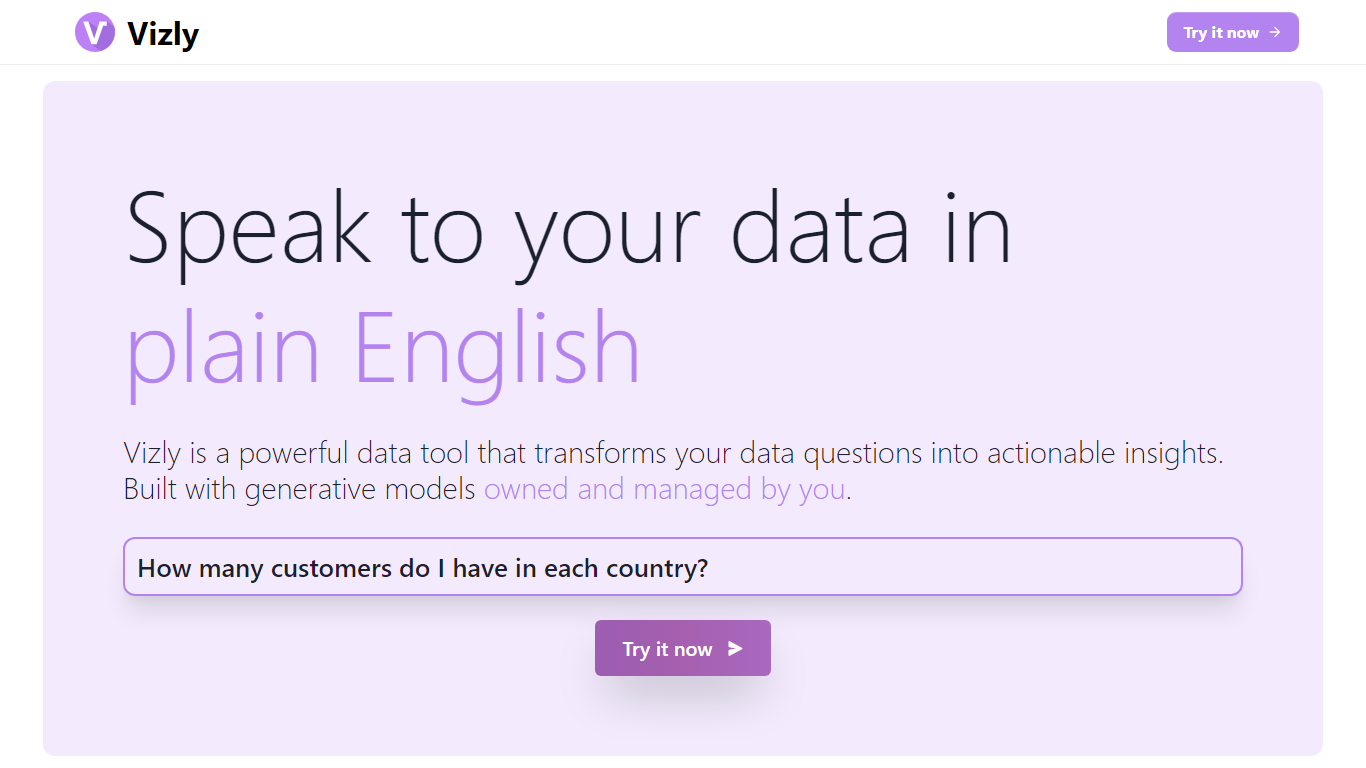
Vizly turns spreadsheet uploads into charts and statistical answers through a chat interface. Upload Excel, CSV, or SPSS files, ask questions in plain language, and get interactive Plotly visualizations, regression lines, and correlation matrices back. A private Python sandbox handles machine learning when you need more than summary stats.
Where Tableau and Looker focus on dashboards you configure by hand, Vizly leans on conversational analysis. You describe what you want to know and the app generates visuals on the fly. The trade-off is less pixel-perfect dashboard control in exchange for faster exploratory analysis.
Vizly suits students, analysts, and researchers in healthcare, finance, and genetics who need quick charts without writing notebook code. Premium adds unlimited messages, persistent files between sessions, and high-performance coding environments for heavier workloads.
Liner.ai
What is Liner.ai?
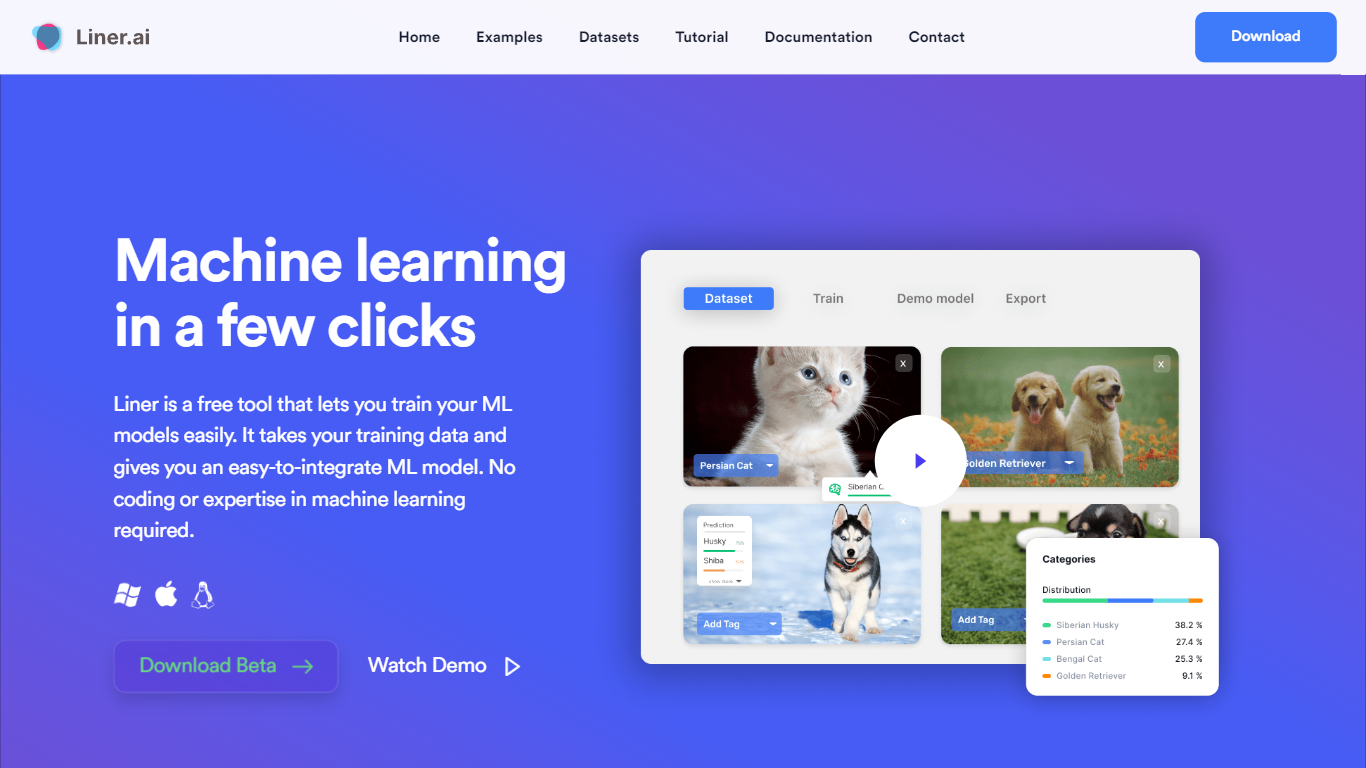
Liner.ai is a free desktop app for training and deploying machine learning models without writing code. You import your data, pick a project type, and Liner automatically selects an appropriate model and trains it on your machine. It is built for anyone who wants image, text, audio, or video classifiers, object detectors, or segmentation models without setting up a full ML stack.
The entire workflow runs locally. Training happens on your computer, so your data never leaves the device. Liner includes ready-made project templates for image classification, text classification, audio classification, video classification, object detection, image segmentation, and pose classification. Most models finish within minutes, and Liner optimizes training for standard CPUs so a GPU is not required.
When training is done, you export models to Keras, TensorFlow, TensorFlow Lite, TensorFlow.js, Core ML, or ONNX for use in web, mobile, or edge applications. Liner also hosts a free library of labeled public datasets covering tasks like dog vs cat classification, road sign detection, and yoga pose recognition. It fits educators, hobbyists, and product teams prototyping vision or classification features before bringing in a dedicated data science workflow.
Vizly Upvotes
Liner.ai Upvotes
Vizly Top Features
Chat interface generates Plotly visualizations and statistical analysis from uploaded files
Supports Excel, CSV, and SPSS with built-in data cleaning tools
Private Python code sandbox for machine learning and predictive modeling
Premium plan offers unlimited messages and persistent files between sessions
Use-case templates for healthcare, finance, and genetic research workflows
Liner.ai Top Features
Seven project templates cover image, text, audio, and video classification plus detection and segmentation
One-click training after import; Liner picks an appropriate model for your data automatically
All training runs locally so your data never leaves your computer
Most models finish within minutes with CPU-optimized training, no GPU required
Export to Keras, TensorFlow Lite, Core ML, ONNX, TensorFlow.js, and standard TensorFlow
Free public datasets for dogs vs cats, road signs, yoga poses, mask detection, and more
Vizly Category
- Data Science
Liner.ai Category
- Data Science
Vizly Pricing Type
- Freemium
Liner.ai Pricing Type
- Free