
Last updated 07-23-2026
Category:
Reviews:
Join thousands of AI enthusiasts in the World of AI!
Liner.ai
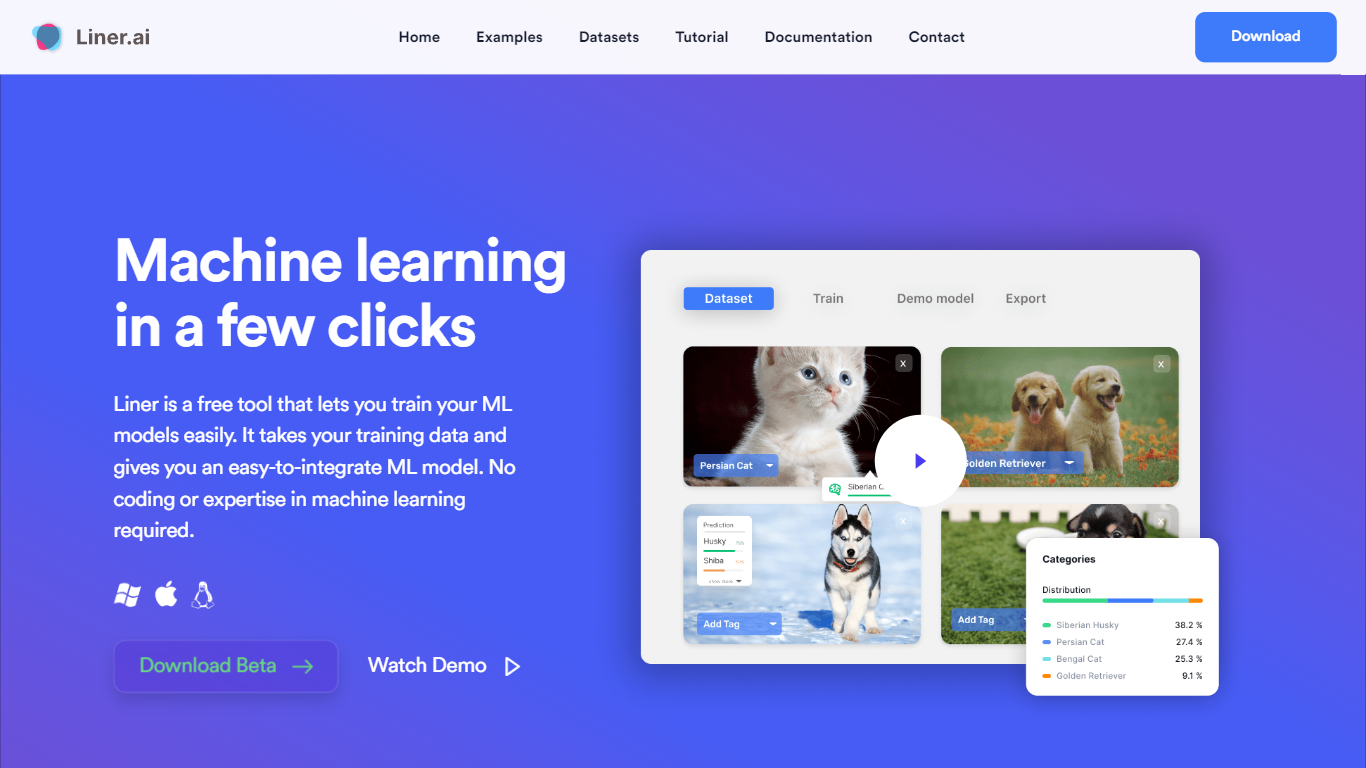
Liner.ai is a free desktop app for training and deploying machine learning models without writing code. You import your data, pick a project type, and Liner automatically selects an appropriate model and trains it on your machine. It is built for anyone who wants image, text, audio, or video classifiers, object detectors, or segmentation models without setting up a full ML stack.
The entire workflow runs locally. Training happens on your computer, so your data never leaves the device. Liner includes ready-made project templates for image classification, text classification, audio classification, video classification, object detection, image segmentation, and pose classification. Most models finish within minutes, and Liner optimizes training for standard CPUs so a GPU is not required.
When training is done, you export models to Keras, TensorFlow, TensorFlow Lite, TensorFlow.js, Core ML, or ONNX for use in web, mobile, or edge applications. Liner also hosts a free library of labeled public datasets covering tasks like dog vs cat classification, road sign detection, and yoga pose recognition. It fits educators, hobbyists, and product teams prototyping vision or classification features before bringing in a dedicated data science workflow.
Seven project templates cover image, text, audio, and video classification plus detection and segmentation
One-click training after import; Liner picks an appropriate model for your data automatically
All training runs locally so your data never leaves your computer
Most models finish within minutes with CPU-optimized training, no GPU required
Export to Keras, TensorFlow Lite, Core ML, ONNX, TensorFlow.js, and standard TensorFlow
Free public datasets for dogs vs cats, road signs, yoga poses, mask detection, and more
Completely free with no subscription or paid tiers listed on the site.
Local training keeps your data on your machine and off the cloud.
Supports seven ML project types from a single desktop interface.
Exports to six major model formats for production deployment.
Includes a library of free public datasets to start training quickly.
Linux support is listed as coming soon on the download page.
The documentation page currently shows a coming soon placeholder.
Desktop app only; there is no browser-based training environment.
Product is still in beta (version 0.2.0 on the download page).
Is Liner.ai free to use?
Yes, Liner.ai is completely free. The homepage states there is no cost to download or use the desktop app, and the contact page notes that Liner does not offer subscription services.
Where does Liner.ai training happen?
Training happens locally on your computer. Liner.ai states that nothing is sent to the cloud and your data always stays on your device.
What project types does Liner.ai support?
Liner.ai supports image classification, text classification, audio classification, video classification, object detection, image segmentation, and pose classification. You select a template and add your own data or use a pre-labeled dataset.
Can I train models on Liner.ai without a GPU?
Yes. Liner.ai optimizes its models for CPU training and states that you can train without a GPU. Training is designed to be fast on standard processors.
What formats can I export models to from Liner.ai?
Liner.ai lets you export trained models to Keras, TensorFlow, TensorFlow.js, TensorFlow Lite, Core ML, and ONNX. These formats support web, mobile, and edge deployment.
What operating systems does Liner.ai support?
Liner.ai offers desktop downloads for Windows and macOS, with separate builds for Intel and Apple Silicon Macs. The download page lists Linux support as coming soon.