DATAKU vs Liner.ai
In the face-off between DATAKU vs Liner.ai, which AI Data Science tool takes the crown? We scrutinize features, alternatives, upvotes, reviews, pricing, and more.
In a face-off between DATAKU and Liner.ai, which one takes the crown?
If we were to analyze DATAKU and Liner.ai, both of which are AI-powered data science tools, what would we find? The upvote count favors DATAKU, making it the clear winner. DATAKU has attracted 7 upvotes from aitools.fyi users, and Liner.ai has attracted 6 upvotes.
Does the result make you go "hmm"? Cast your vote and turn that frown upside down!
DATAKU


What is DATAKU?
DATAKU is a data science site that tracks AI benchmarks, API pricing, and model releases, then packages the numbers into free calculators and downloadable datasets. The homepage archives articles on inference costs, funding rounds, and head-to-head model comparisons, while the Tools section hosts eight utilities such as an LLM cost calculator, benchmark decoder, and model graveyard.
Most AI news sites summarize press releases. DATAKU cross-references provider docs, leaderboard scores, and its own pricing tables, which is why the downloadable datasets page lists 48-row pricing histories and 62-row benchmark score tables under CC BY 4.0 licenses.
Data analysts, ML engineers, and buyers use DATAKU when they need cost-per-token math, benchmark context, or CSV exports instead of marketing claims. The About page describes the project as benchmark and pricing tracking run by a former Tokyo data analyst.
Liner.ai
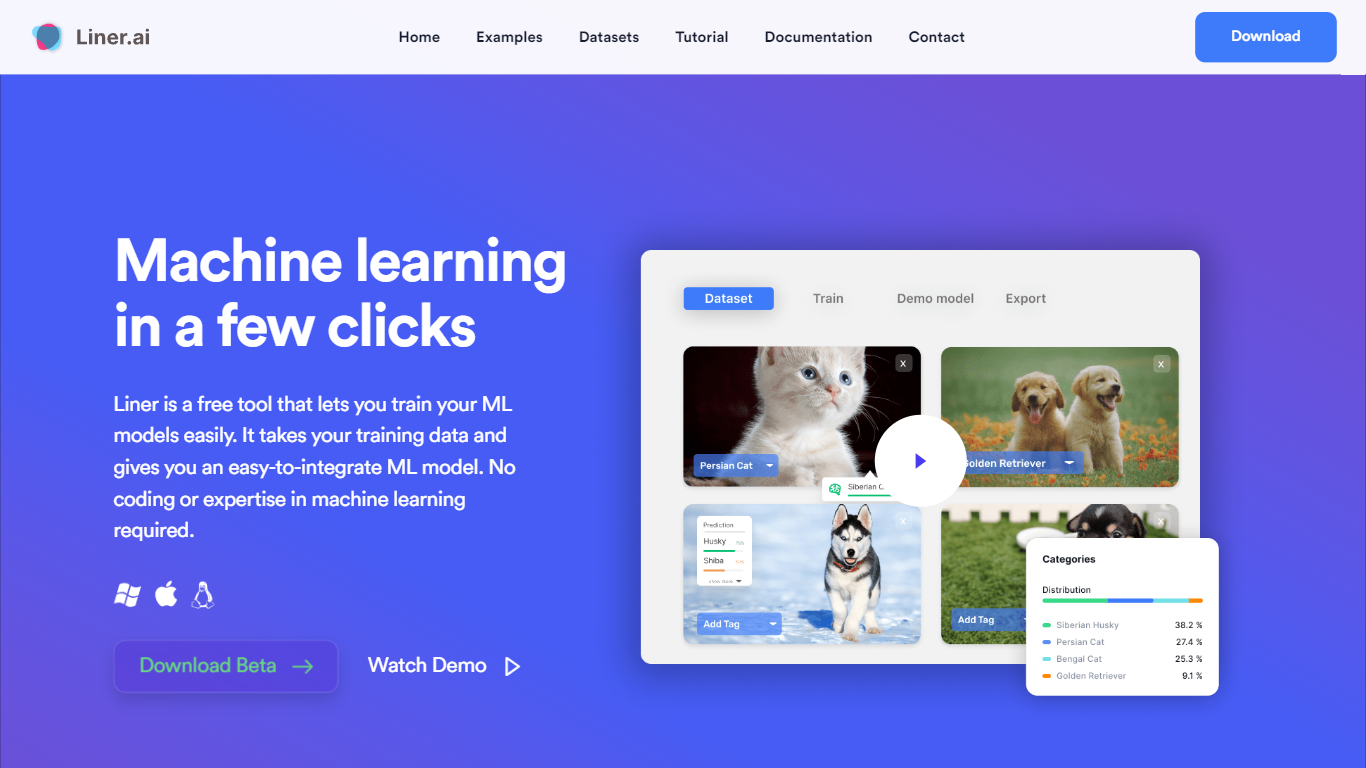
What is Liner.ai?
Liner.ai is a free desktop app for training and deploying machine learning models without writing code. You import your data, pick a project type, and Liner automatically selects an appropriate model and trains it on your machine. It is built for anyone who wants image, text, audio, or video classifiers, object detectors, or segmentation models without setting up a full ML stack.
The entire workflow runs locally. Training happens on your computer, so your data never leaves the device. Liner includes ready-made project templates for image classification, text classification, audio classification, video classification, object detection, image segmentation, and pose classification. Most models finish within minutes, and Liner optimizes training for standard CPUs so a GPU is not required.
When training is done, you export models to Keras, TensorFlow, TensorFlow Lite, TensorFlow.js, Core ML, or ONNX for use in web, mobile, or edge applications. Liner also hosts a free library of labeled public datasets covering tasks like dog vs cat classification, road sign detection, and yoga pose recognition. It fits educators, hobbyists, and product teams prototyping vision or classification features before bringing in a dedicated data science workflow.
DATAKU Upvotes
Liner.ai Upvotes
DATAKU Top Features
LLM Cost Calculator estimates API spend across OpenAI, Anthropic, Google, Meta, and Mistral models
Benchmark Decoder explains what benchmarks measure and which models score highest
AI Training Data Tracker documents sources and cutoff dates for 18+ major models
Model Graveyard archives 25+ deprecated models with replacement notes
Downloadable datasets include 48-row pricing history and 62-row benchmark tables (CC BY 4.0)
AI Energy Calculator estimates watts, kWh, and CO2 per model query
Liner.ai Top Features
Seven project templates cover image, text, audio, and video classification plus detection and segmentation
One-click training after import; Liner picks an appropriate model for your data automatically
All training runs locally so your data never leaves your computer
Most models finish within minutes with CPU-optimized training, no GPU required
Export to Keras, TensorFlow Lite, Core ML, ONNX, TensorFlow.js, and standard TensorFlow
Free public datasets for dogs vs cats, road signs, yoga poses, mask detection, and more
DATAKU Category
- Data Science
Liner.ai Category
- Data Science
DATAKU Pricing Type
- Free
Liner.ai Pricing Type
- Free