NeuralStudio vs Liner.ai
In the clash of NeuralStudio vs Liner.ai, which AI Data Science tool emerges victorious? We assess reviews, pricing, alternatives, features, upvotes, and more.
When we put NeuralStudio and Liner.ai head to head, which one emerges as the victor?
Let's take a closer look at NeuralStudio and Liner.ai, both of which are AI-driven data science tools, and see what sets them apart. Neither tool takes the lead, as they both have the same upvote count. Be a part of the decision-making process. Your vote could determine the winner.
You don't agree with the result? Cast your vote to help us decide!
NeuralStudio
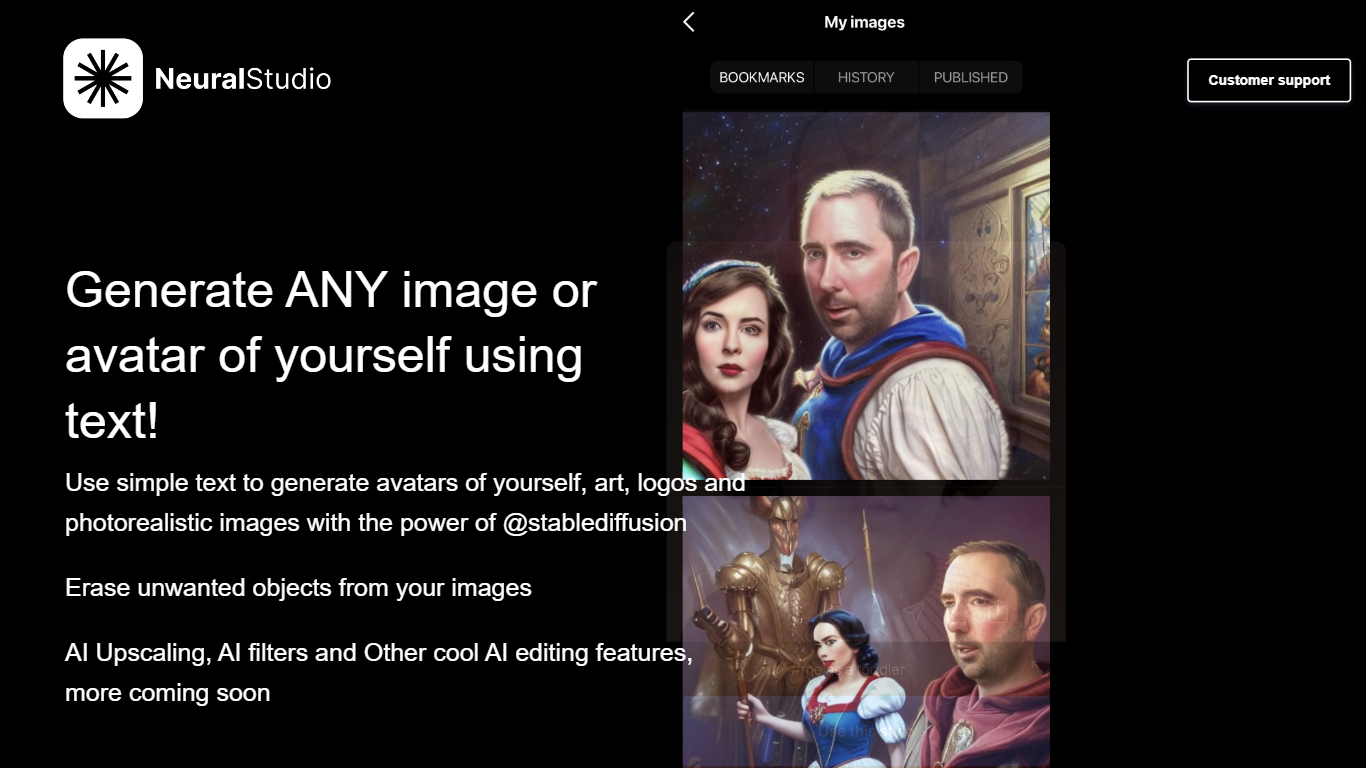

What is NeuralStudio?
NeuralStudio turns text prompts into avatars, art, logos, and photorealistic images through Stable Diffusion on neural.cam. You describe what you want in plain language and get generated visuals without opening a separate design tool. The same workspace also removes unwanted objects from photos and applies AI upscaling and filter effects.
Compared with general-purpose image editors that need manual masking for object removal, NeuralStudio bundles generation and cleanup in one Stable Diffusion-powered flow. That combination targets creators who want quick avatar variants and touch-up edits without switching between a generator and a photo editor.
Social media creators, indie designers, and hobbyists use NeuralStudio for profile avatars, logo drafts, and quick image cleanup. The product is published in partnership with MWM. Support is available at [email protected].
Liner.ai

What is Liner.ai?
Liner.ai is a free desktop app for training and deploying machine learning models without writing code. You import your data, pick a project type, and Liner automatically selects an appropriate model and trains it on your machine. It is built for anyone who wants image, text, audio, or video classifiers, object detectors, or segmentation models without setting up a full ML stack.
The entire workflow runs locally. Training happens on your computer, so your data never leaves the device. Liner includes ready-made project templates for image classification, text classification, audio classification, video classification, object detection, image segmentation, and pose classification. Most models finish within minutes, and Liner optimizes training for standard CPUs so a GPU is not required.
When training is done, you export models to Keras, TensorFlow, TensorFlow Lite, TensorFlow.js, Core ML, or ONNX for use in web, mobile, or edge applications. Liner also hosts a free library of labeled public datasets covering tasks like dog vs cat classification, road sign detection, and yoga pose recognition. It fits educators, hobbyists, and product teams prototyping vision or classification features before bringing in a dedicated data science workflow.
NeuralStudio Upvotes
Liner.ai Upvotes
NeuralStudio Top Features
Text-to-image generation for avatars, art, logos, and photorealistic scenes via Stable Diffusion
Object eraser removes unwanted elements from existing photos
AI upscaling sharpens image resolution beyond the original capture
AI filter effects for stylized output without manual layer editing
Published in partnership with MWM for expanded distribution reach
Support contact at [email protected] for generation and editing help
Liner.ai Top Features
Seven project templates cover image, text, audio, and video classification plus detection and segmentation
One-click training after import; Liner picks an appropriate model for your data automatically
All training runs locally so your data never leaves your computer
Most models finish within minutes with CPU-optimized training, no GPU required
Export to Keras, TensorFlow Lite, Core ML, ONNX, TensorFlow.js, and standard TensorFlow
Free public datasets for dogs vs cats, road signs, yoga poses, mask detection, and more
NeuralStudio Category
- Data Science
Liner.ai Category
- Data Science
NeuralStudio Pricing Type
- Freemium
Liner.ai Pricing Type
- Free