Vizly vs Teachable Machine
In the battle of Vizly vs Teachable Machine, which AI Data Science tool comes out on top? We compare reviews, pricing, alternatives, upvotes, features, and more.
Between Vizly and Teachable Machine, which one is superior?
Upon comparing Vizly with Teachable Machine, which are both AI-powered data science tools, The upvote count reveals a draw, with both tools earning the same number of upvotes. Since other aitools.fyi users could decide the winner, the ball is in your court now to cast your vote and help us determine the winner.
Want to flip the script? Upvote your favorite tool and change the game!
Vizly

What is Vizly?
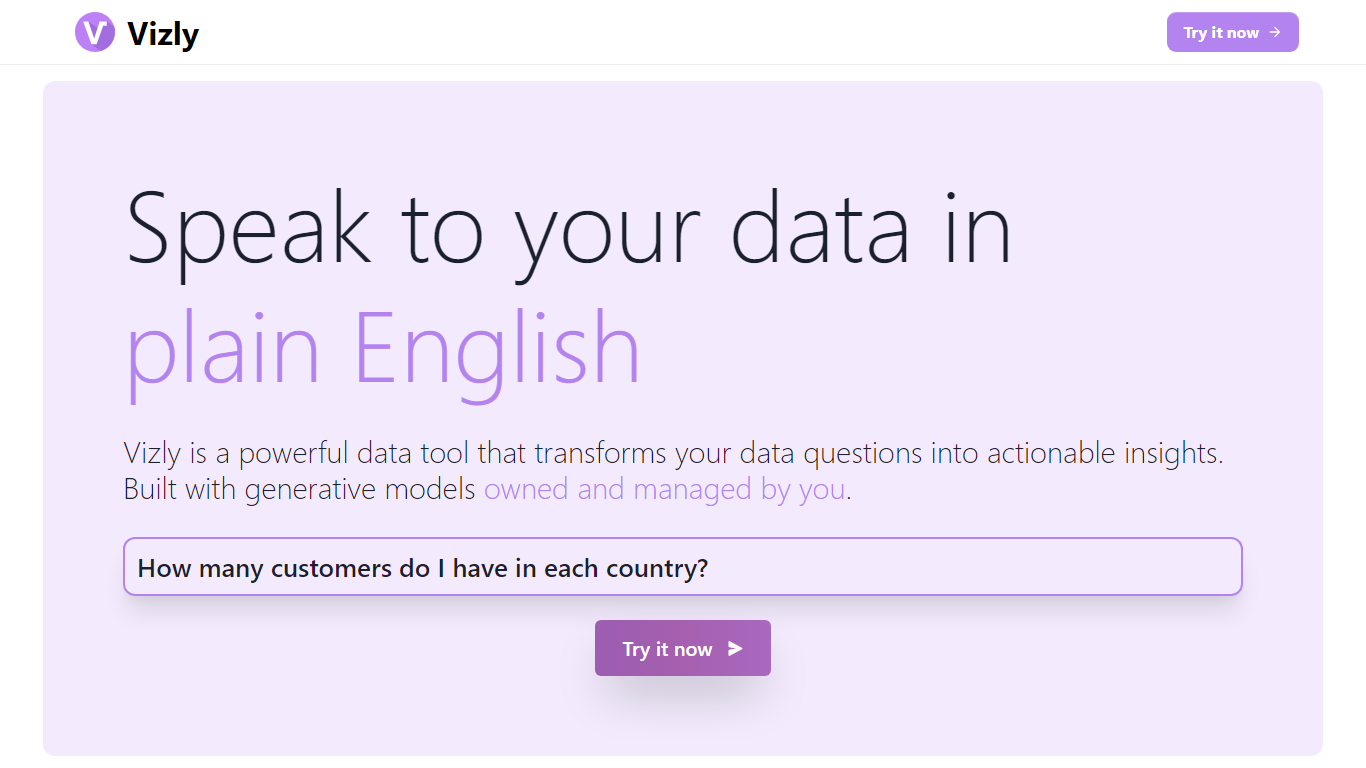
Vizly turns spreadsheet uploads into charts and statistical answers through a chat interface. Upload Excel, CSV, or SPSS files, ask questions in plain language, and get interactive Plotly visualizations, regression lines, and correlation matrices back. A private Python sandbox handles machine learning when you need more than summary stats.
Where Tableau and Looker focus on dashboards you configure by hand, Vizly leans on conversational analysis. You describe what you want to know and the app generates visuals on the fly. The trade-off is less pixel-perfect dashboard control in exchange for faster exploratory analysis.
Vizly suits students, analysts, and researchers in healthcare, finance, and genetics who need quick charts without writing notebook code. Premium adds unlimited messages, persistent files between sessions, and high-performance coding environments for heavier workloads.
Teachable Machine
What is Teachable Machine?
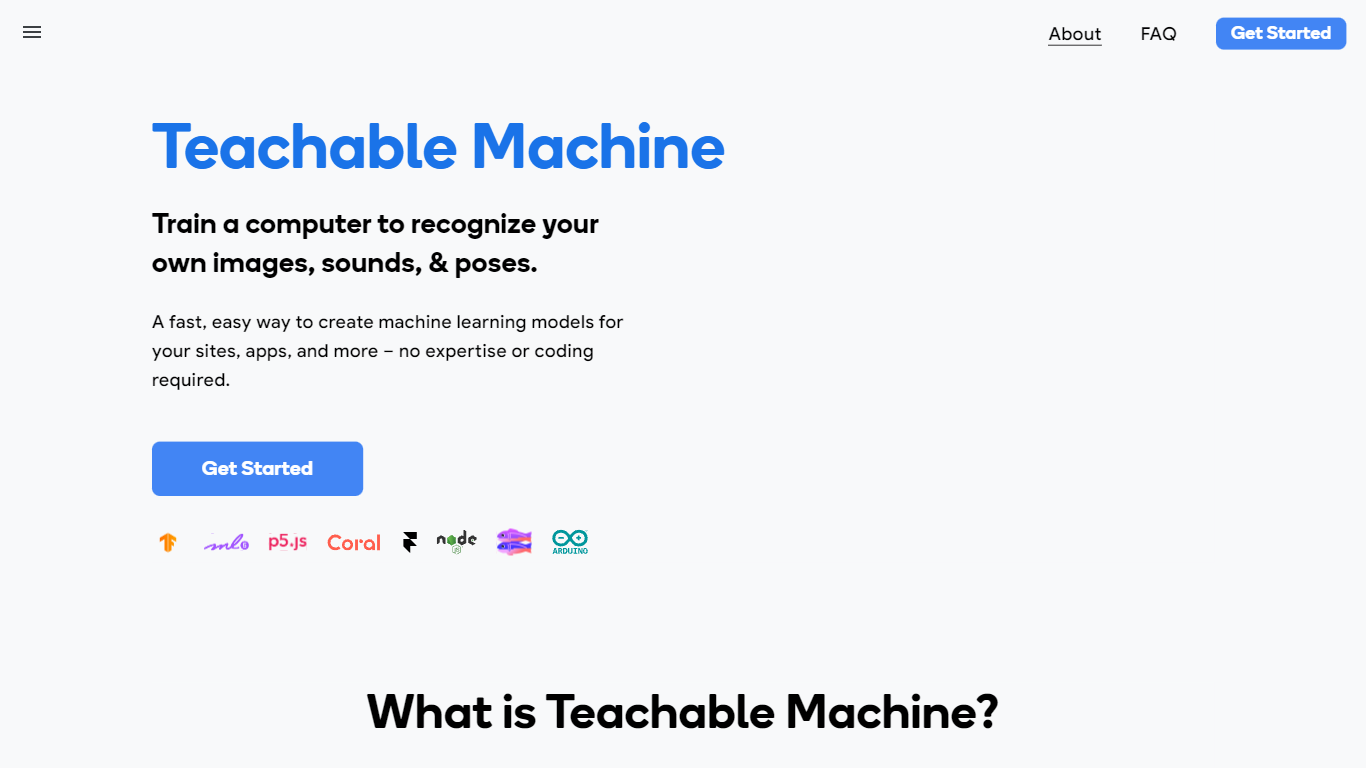
Teachable Machine is a browser-based machine learning trainer from Google that lets you build image, sound, and pose classifiers without writing code. You gather examples into classes, train a model in the browser, then export it as a real TensorFlow.js model for sites, apps, or hardware projects. The whole workflow runs in three steps: gather samples, train, and export.
Most ML platforms assume you know Python and cloud infrastructure. Teachable Machine deliberately targets people who want a working classifier in minutes, not a data science pipeline. Training can stay entirely on your device, so webcam and microphone data never has to leave your computer. The export path points at creative tools like p5.js, Glitch, and Arduino, not enterprise dashboards.
Classroom teachers use it for bias and ethics lessons, students prototype game controllers and assistive devices, and hobbyists build classifiers before touching TensorFlow code. It is free, requires no account to start, and the original 2017 version is still available for camera-only experiments.
Vizly Upvotes
Teachable Machine Upvotes
Vizly Top Features
Chat interface generates Plotly visualizations and statistical analysis from uploaded files
Supports Excel, CSV, and SPSS with built-in data cleaning tools
Private Python code sandbox for machine learning and predictive modeling
Premium plan offers unlimited messages and persistent files between sessions
Use-case templates for healthcare, finance, and genetic research workflows
Teachable Machine Top Features
Supports 3 input types: images (files or webcam), sounds (recorded clips), and body poses
Exports real TensorFlow.js models compatible with p5.js, Glitch, Node.js, Coral, and Arduino
Optional on-device training keeps webcam and microphone data on your computer
Google Drive integration to open, save, copy, and download projects
Three-step workflow: gather samples into classes, train, then test and export
Free Google AI Experiment with no signup required to start training
Vizly Category
- Data Science
Teachable Machine Category
- Data Science
Vizly Pricing Type
- Freemium
Teachable Machine Pricing Type
- Free