
Last updated 08-03-2026
Category:
Reviews:
Join thousands of AI enthusiasts in the World of AI!
Teachable Machine
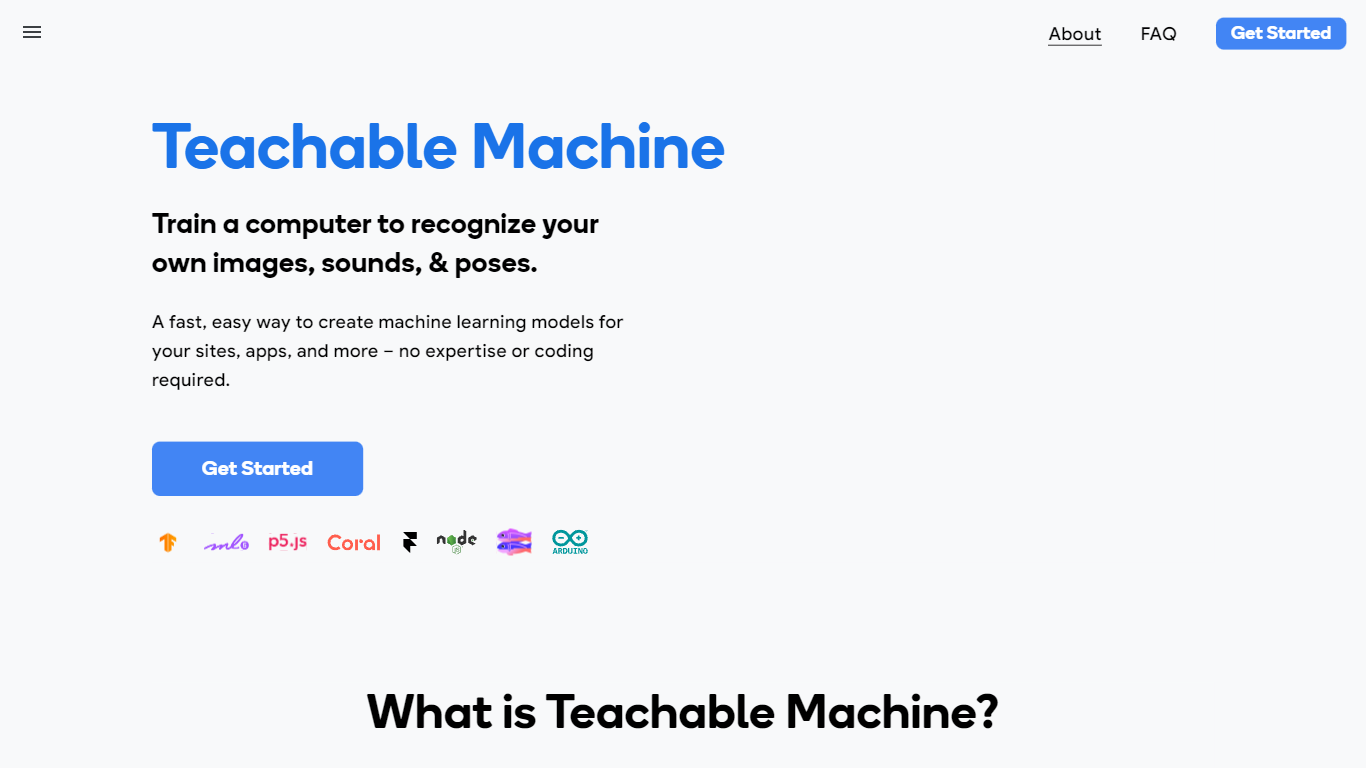
Teachable Machine is a browser-based machine learning trainer from Google that lets you build image, sound, and pose classifiers without writing code. You gather examples into classes, train a model in the browser, then export it as a real TensorFlow.js model for sites, apps, or hardware projects. The whole workflow runs in three steps: gather samples, train, and export.
Most ML platforms assume you know Python and cloud infrastructure. Teachable Machine deliberately targets people who want a working classifier in minutes, not a data science pipeline. Training can stay entirely on your device, so webcam and microphone data never has to leave your computer. The export path points at creative tools like p5.js, Glitch, and Arduino, not enterprise dashboards.
Classroom teachers use it for bias and ethics lessons, students prototype game controllers and assistive devices, and hobbyists build classifiers before touching TensorFlow code. It is free, requires no account to start, and the original 2017 version is still available for camera-only experiments.
Supports 3 input types: images (files or webcam), sounds (recorded clips), and body poses
Exports real TensorFlow.js models compatible with p5.js, Glitch, Node.js, Coral, and Arduino
Optional on-device training keeps webcam and microphone data on your computer
Google Drive integration to open, save, copy, and download projects
Three-step workflow: gather samples into classes, train, then test and export
Free Google AI Experiment with no signup required to start training
Trains image, sound, and pose models without writing any code.
Runs training locally in the browser with an optional on-device-only mode.
Exports real TensorFlow.js models for Glitch, p5.js, Node.js, Coral, and Arduino.
Free with no account required to start a new project.
Google Drive integration for saving, copying, and sharing projects.
The training UI requires desktop Chrome or Safari; other browsers show an unsupported message.
The 2017 version recommends at least 30 images per class for reliable recognition.
No hosted inference API; you export models and integrate them into your own projects.
Is Teachable Machine free to use?
Yes, Teachable Machine is a free Google AI Experiment with no paid plans listed on the site. You can start training image, sound, or pose models in the browser without creating an account.
What can Teachable Machine train?
Teachable Machine trains classifiers for three input types: images from files or a webcam, short sound recordings, and body poses from files or a webcam. You group examples into classes and the tool learns to recognize each one.
Does Teachable Machine require coding?
No. Teachable Machine is designed for people with no coding experience. You gather samples, click Train, test the model live, then export it. Developers can still use the exported TensorFlow.js models in JavaScript projects.
Where does Teachable Machine run training?
Teachable Machine trains models locally in your browser. The site states you can use it entirely on-device so webcam and microphone data never leaves your computer. The 2017 version also confirms all training happens locally with no images sent to Google servers.
What formats can Teachable Machine export?
Teachable Machine exports TensorFlow.js models that run anywhere JavaScript runs, including Glitch, p5.js, and Node.js. You can also download the model or host it online, and export to formats for Coral and Arduino hardware.
What browsers support Teachable Machine?
The main Teachable Machine training app requires desktop Chrome or Safari. Other browsers and mobile devices show an unsupported message on the training page. The original 2017 camera version works best on desktop browsers with webcam access.