DATAKU vs Teachable Machine
In the face-off between DATAKU vs Teachable Machine, which AI Data Science tool takes the crown? We scrutinize features, alternatives, upvotes, reviews, pricing, and more.
In a face-off between DATAKU and Teachable Machine, which one takes the crown?
If we were to analyze DATAKU and Teachable Machine, both of which are AI-powered data science tools, what would we find? In the race for upvotes, DATAKU takes the trophy. DATAKU has received 7 upvotes from aitools.fyi users, while Teachable Machine has received 6 upvotes.
Disagree with the result? Upvote your favorite tool and help it win!
DATAKU
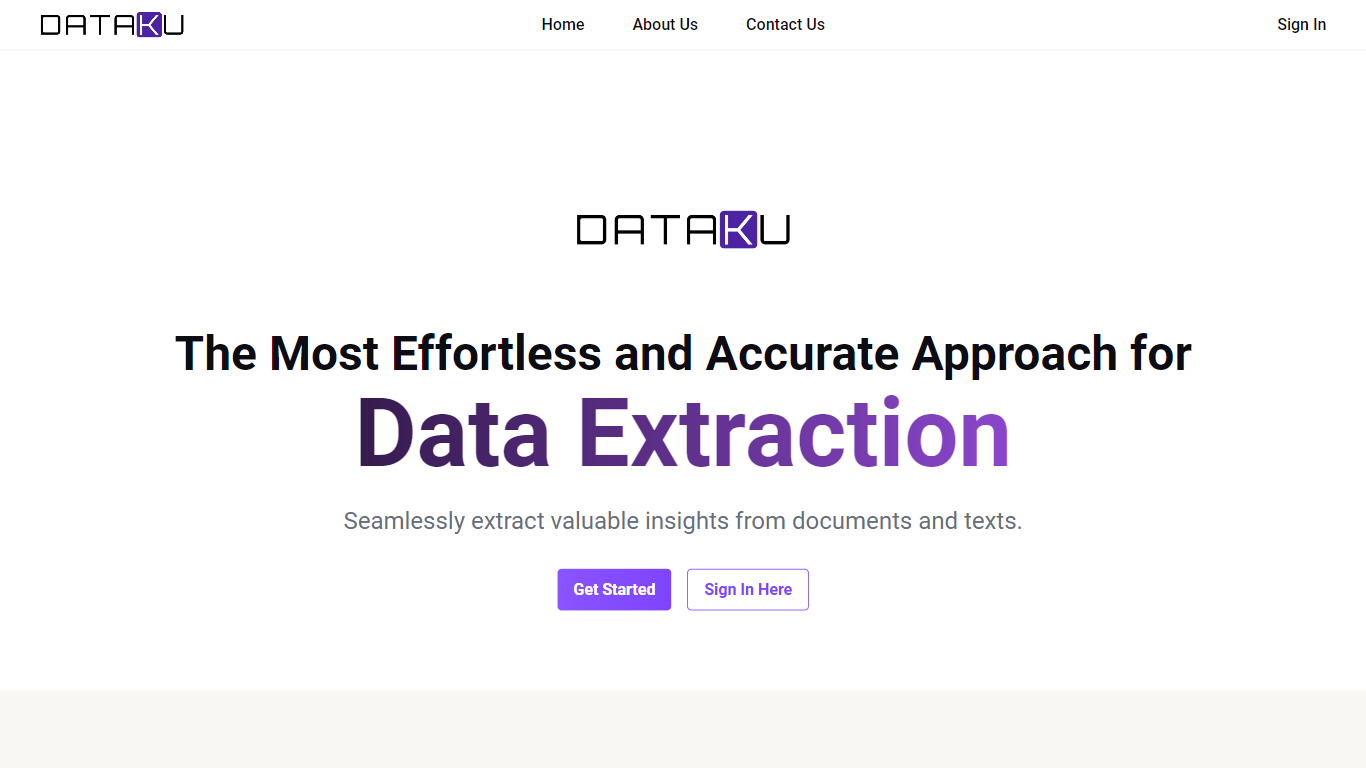

What is DATAKU?
DATAKU is a data science site that tracks AI benchmarks, API pricing, and model releases, then packages the numbers into free calculators and downloadable datasets. The homepage archives articles on inference costs, funding rounds, and head-to-head model comparisons, while the Tools section hosts eight utilities such as an LLM cost calculator, benchmark decoder, and model graveyard.
Most AI news sites summarize press releases. DATAKU cross-references provider docs, leaderboard scores, and its own pricing tables, which is why the downloadable datasets page lists 48-row pricing histories and 62-row benchmark score tables under CC BY 4.0 licenses.
Data analysts, ML engineers, and buyers use DATAKU when they need cost-per-token math, benchmark context, or CSV exports instead of marketing claims. The About page describes the project as benchmark and pricing tracking run by a former Tokyo data analyst.
Teachable Machine
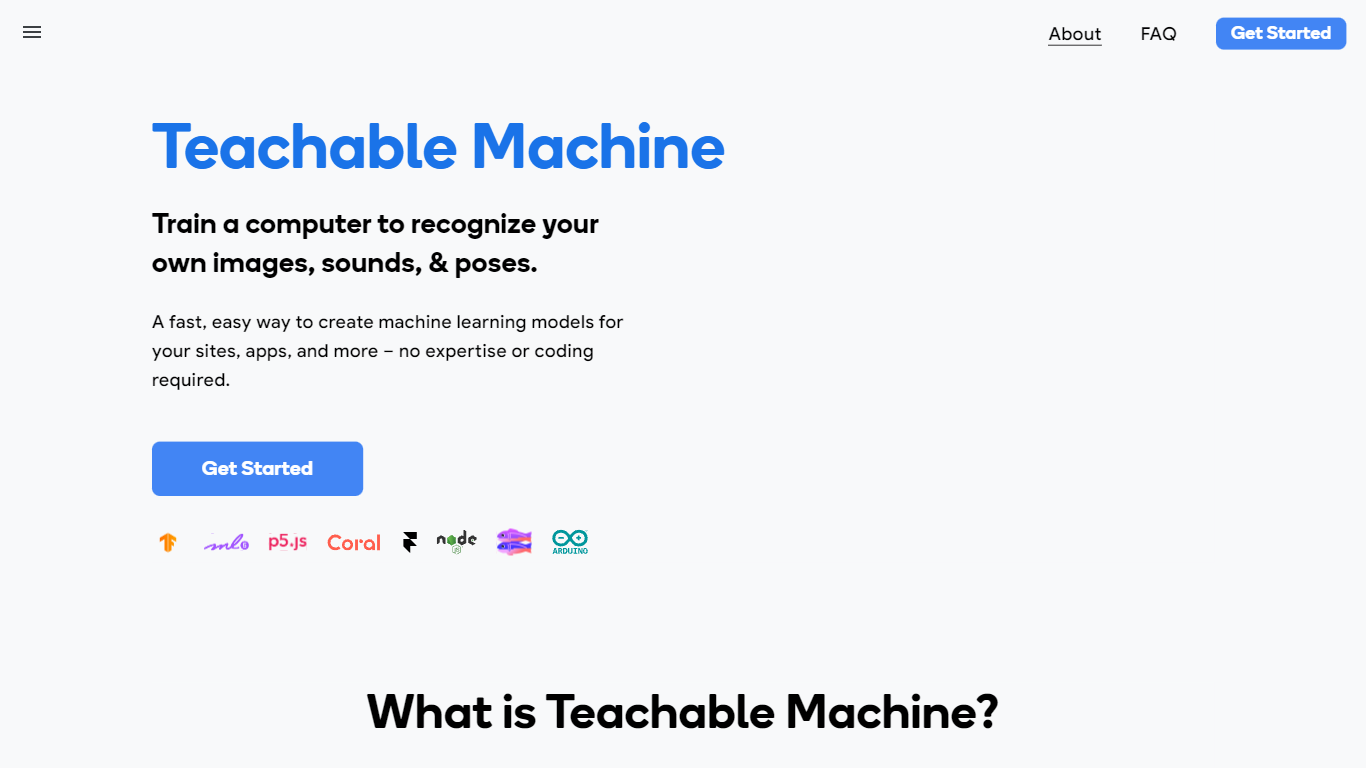
What is Teachable Machine?
Teachable Machine is a browser-based machine learning trainer from Google that lets you build image, sound, and pose classifiers without writing code. You gather examples into classes, train a model in the browser, then export it as a real TensorFlow.js model for sites, apps, or hardware projects. The whole workflow runs in three steps: gather samples, train, and export.
Most ML platforms assume you know Python and cloud infrastructure. Teachable Machine deliberately targets people who want a working classifier in minutes, not a data science pipeline. Training can stay entirely on your device, so webcam and microphone data never has to leave your computer. The export path points at creative tools like p5.js, Glitch, and Arduino, not enterprise dashboards.
Classroom teachers use it for bias and ethics lessons, students prototype game controllers and assistive devices, and hobbyists build classifiers before touching TensorFlow code. It is free, requires no account to start, and the original 2017 version is still available for camera-only experiments.
DATAKU Upvotes
Teachable Machine Upvotes
DATAKU Top Features
LLM Cost Calculator estimates API spend across OpenAI, Anthropic, Google, Meta, and Mistral models
Benchmark Decoder explains what benchmarks measure and which models score highest
AI Training Data Tracker documents sources and cutoff dates for 18+ major models
Model Graveyard archives 25+ deprecated models with replacement notes
Downloadable datasets include 48-row pricing history and 62-row benchmark tables (CC BY 4.0)
AI Energy Calculator estimates watts, kWh, and CO2 per model query
Teachable Machine Top Features
Supports 3 input types: images (files or webcam), sounds (recorded clips), and body poses
Exports real TensorFlow.js models compatible with p5.js, Glitch, Node.js, Coral, and Arduino
Optional on-device training keeps webcam and microphone data on your computer
Google Drive integration to open, save, copy, and download projects
Three-step workflow: gather samples into classes, train, then test and export
Free Google AI Experiment with no signup required to start training
DATAKU Category
- Data Science
Teachable Machine Category
- Data Science
DATAKU Pricing Type
- Free
Teachable Machine Pricing Type
- Free