Vocea vs Microsoft Copilot+ PC
When comparing Vocea vs Microsoft Copilot+ PC, which AI Assistant tool shines brighter? We look at pricing, alternatives, upvotes, features, reviews, and more.
In a comparison between Vocea and Microsoft Copilot+ PC, which one comes out on top?
When we put Vocea and Microsoft Copilot+ PC side by side, both being AI-powered assistant tools, Interestingly, both tools have managed to secure the same number of upvotes. Every vote counts! Cast yours and contribute to the decision of the winner.
Feeling rebellious? Cast your vote and shake things up!
Vocea
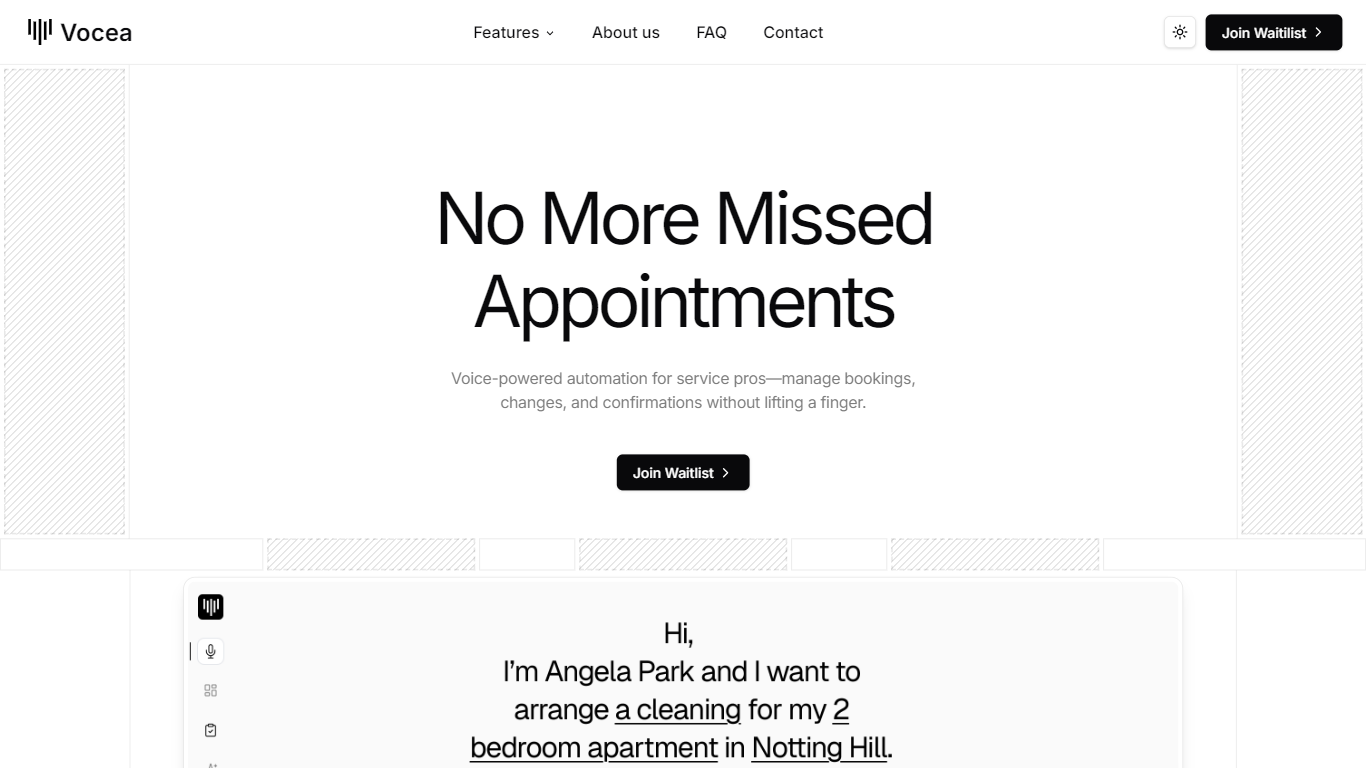

What is Vocea?
Vocea is an AI Voice Assistant designed specifically for service providers, enabling them to automate phone bookings efficiently. Its core functionality revolves around managing appointments, confirmations, and calendar synchronization, ensuring that service professionals never miss a call or an appointment. This tool is particularly beneficial for industries that rely heavily on scheduling, such as healthcare, beauty, and home services, where timely communication is crucial for success.
The target audience for Vocea includes service providers who are looking to streamline their booking processes and enhance customer satisfaction. By automating the scheduling process, Vocea allows service professionals to focus on their core tasks while the AI handles the administrative burden. This not only saves time but also reduces the likelihood of human error in scheduling, which can lead to missed appointments and dissatisfied customers.
Vocea's unique value proposition lies in its ability to provide a hands-free solution for managing bookings. Unlike traditional scheduling methods that require manual input, Vocea's AI can handle bookings, modifications, confirmations, and cancellations without any human intervention. This level of automation is a game-changer for service providers, allowing them to operate more efficiently and effectively.
Key differentiators of Vocea include its smart assignation feature, which automatically routes bookings to the appropriate team member based on availability or service type. Additionally, the real-time sync capability ensures that calendars are updated instantly across various platforms, such as Google and Calendly, preventing double-booking and scheduling conflicts. This seamless integration with existing tools makes Vocea a versatile choice for service providers.
From a technical implementation perspective, Vocea is designed to be user-friendly, requiring no technical expertise to set up. Users can easily connect their existing phone lines and calendars, allowing the AI assistant to start managing bookings immediately. This simplicity, combined with its powerful features, makes Vocea an attractive option for service providers looking to enhance their operational efficiency.
Microsoft Copilot+ PC
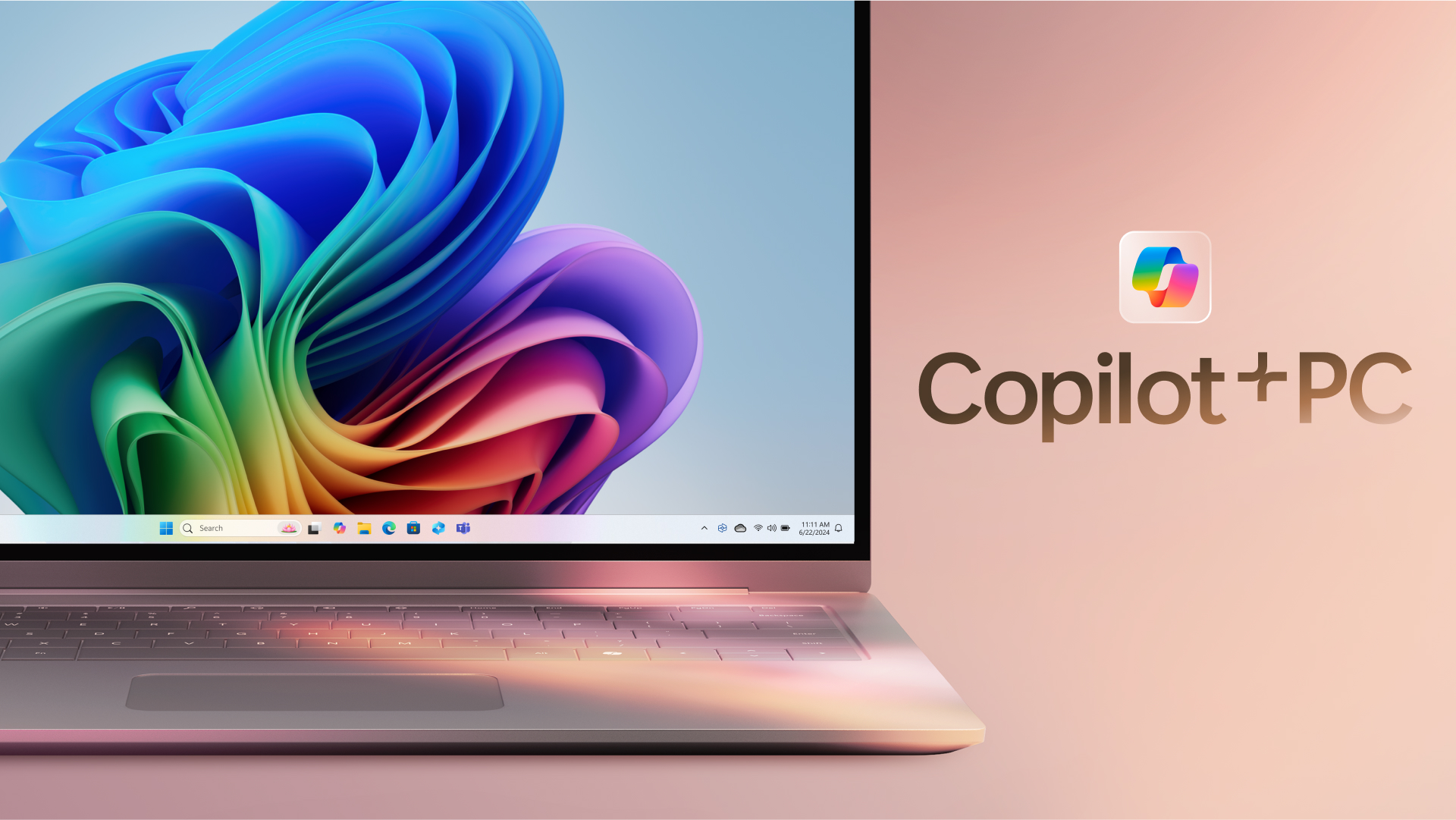
What is Microsoft Copilot+ PC?
Microsoft Copilot+ PC is a Windows PC category built around a dedicated Neural Processing Unit (NPU) for on-device AI workloads. Microsoft introduced the lineup in May 2024 as thin, light laptops and 2-in-1s from Surface and major OEM partners, with silicon that delivers 40+ trillion operations per second alongside all-day battery life.
The hardware pairs CPU, GPU, and NPU with Windows 11 experiences that run locally instead of relying only on the cloud. That includes Recall for finding past activity on your PC, Cocreator for near real-time image generation in Paint and Photos, Live Captions with translation from 40+ languages, Click to Do, improved Windows search, and Windows Studio Effects for video calls.
Copilot+ PCs target students, remote workers, creators, and anyone who wants Windows with built-in local AI. Devices are sold through Microsoft and retailers such as Dell, HP, Lenovo, Samsung, Acer, and ASUS, with Copilot+ PC experiences that vary by device, market, and software updates.
Vocea Upvotes
Microsoft Copilot+ PC Upvotes
Vocea Top Features
Voice-Powered Automation: Vocea automates phone bookings, allowing service providers to manage appointments without manual effort, saving time and reducing errors.
Smart Assignation: The AI automatically routes bookings to the right team member based on their availability or the type of service requested, ensuring efficient use of resources.
Real-Time Calendar Sync: Vocea updates calendars instantly across various platforms like Google and Calendly, preventing double-booking and scheduling conflicts.
Easy Setup: Users can connect their existing phone lines and calendars in just a few simple steps, making it easy to start using the AI assistant without needing technical support.
Hands-Free Management: The AI can schedule, modify, confirm, or cancel appointments autonomously, allowing service providers to focus on their core tasks while the assistant handles bookings.
Microsoft Copilot+ PC Top Features
Dedicated NPU rated at 40+ TOPS for on-device AI workloads without constant cloud calls
Recall helps you find apps, sites, and documents you have already seen on your PC
Cocreator in Paint and Photos generates and refines images in near real time on the device
Live Captions translates audio from 40+ languages into English subtitles across apps
Click to Do and improved Windows search speed up common tasks on Copilot+ PCs
Vocea Category
- Assistant
Microsoft Copilot+ PC Category
- Assistant
Vocea Pricing Type
- Freemium
Microsoft Copilot+ PC Pricing Type
- Paid