Voice to Text vs Free TTS
In the battle of Voice to Text vs Free TTS, which AI Text to Speech (TTS) tool comes out on top? We compare reviews, pricing, alternatives, upvotes, features, and more.
Between Voice to Text and Free TTS, which one is superior?
Upon comparing Voice to Text with Free TTS, which are both AI-powered text to speech (tts) tools, The upvote count shows a clear preference for Free TTS. Free TTS has 19 upvotes, and Voice to Text has 6 upvotes.
Don't agree with the result? Cast your vote and be a part of the decision-making process!
Voice to Text

What is Voice to Text?
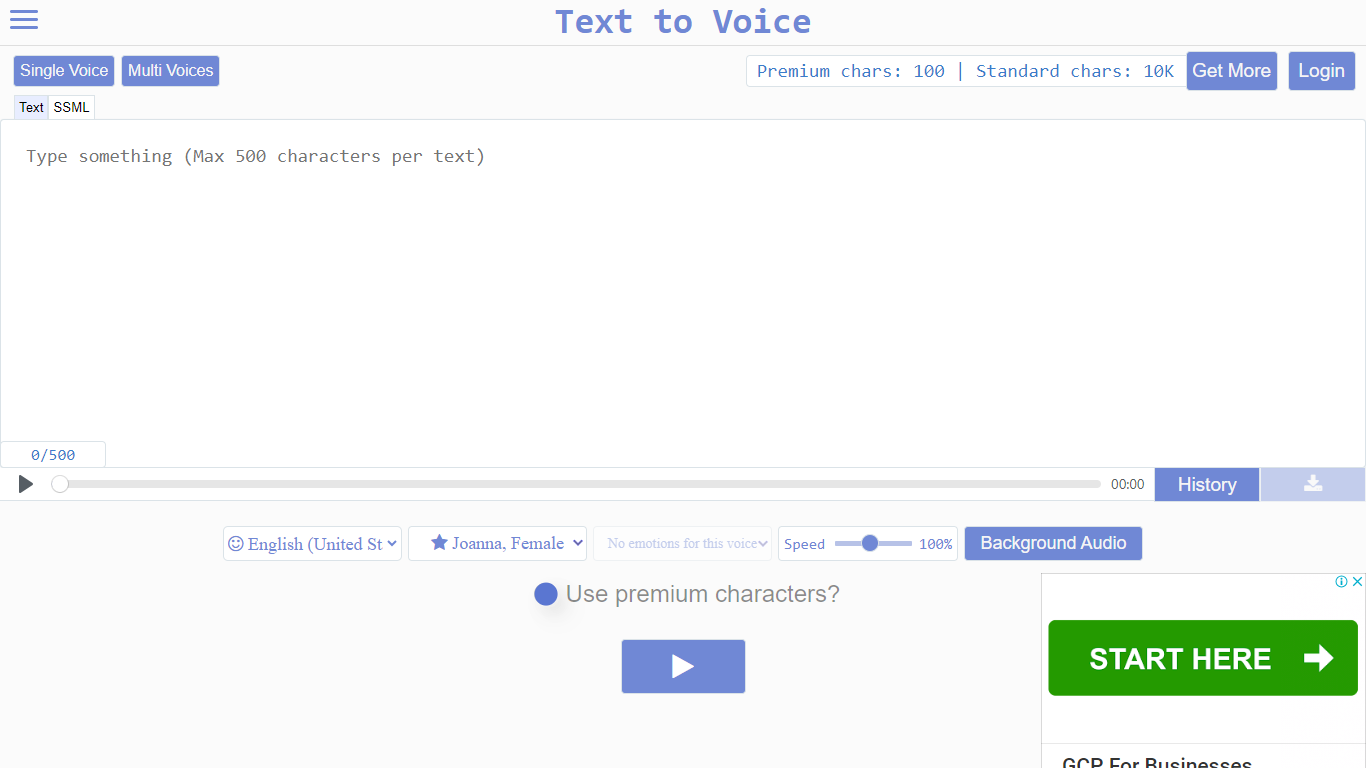
Text to Voice (texttovoice.online) is a browser-based text to speech platform that turns written text into downloadable MP3 voiceovers. You type or paste text, pick a language and voice, adjust speed and emotion, then play or download the result. No desktop install is required; it runs in the browser on Mac, Windows, and mobile.
The core converter supports a large catalog of languages and regional accents, with separate tools for standard voices, Gen2 voices, prompted voices, multi-speaker scripts, voice changing, voice cloning, and sound effects. Gen2 voices aim for more lifelike output with emotion inferred from text context. Premium voices use a more advanced algorithm for less robotic speech, while standard voices cover everyday use on a free character allowance.
Free accounts reset daily with premium and standard character pools. Paid plans add higher limits, commercial use, background audio, file history, sound effects, and API access on the top tier. Google sign-in is supported alongside email registration.
Free TTS
What is Free TTS?
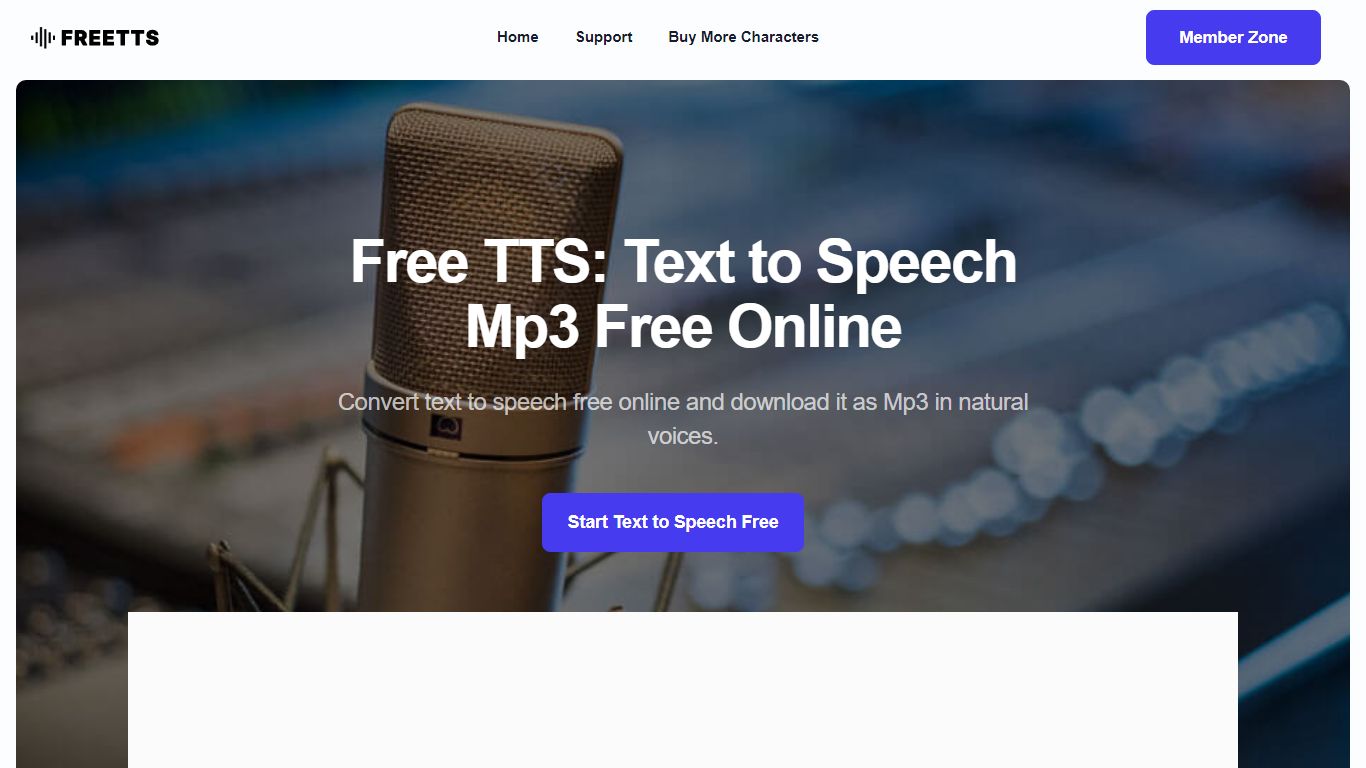
Free TTS is an online audio workspace that brings together text to speech, speech to text, vocal removal, voice enhancement, and browser-based audio editing on one site. You can turn scripts into spoken audio, transcribe recordings, split song vocals, clean up noisy voice tracks, and handle everyday format work without installing desktop software.
The platform keeps free browser tools separate from credit-based cloud text to speech. Utilities like the audio cutter, joiner, converter, and compressor run in the browser when possible, while AI Cloud TTS uses monthly character allowances and optional paid top-ups for Google and AWS voices.
Text to speech offers three paths: Device TTS for instant local playback, AI Local TTS with offline models after sign-in, and AI Cloud TTS with cloud voices and short-term history. Speech to text runs server-side with Whisper AI, supports auto language detection, and exports plain text transcripts.
Podcasters, educators, content creators, and musicians who need narration, transcription, karaoke tracks, or quick file cleanup without opening a full DAW can cover those jobs from a single dashboard.
Voice to Text Upvotes
Free TTS Upvotes
Voice to Text Top Features
Convert text to speech in dozens of languages with gender, accent, and emotion controls
Gen2 voices produce more lifelike audio with context-driven emotion and varied tone on replay
Multi-speaker mode builds scripts with different voices, speeds, and delays per line
Voice changer transforms uploaded audio into another voice while keeping source emotion
Clone a Gen2 voice from a clear 10+ second sample (Pro plan; clones expire after 30 days)
Download finished voiceovers as MP3 files with one click on the free tier
Free TTS Top Features
Three TTS modes cover Device playback, AI Local offline voices, and AI Cloud with Google and AWS voices
Whisper-backed speech to text transcribes MP3, WAV, OGG, and FLAC up to 25 MB with auto language detect
Vocal remover splits uploaded songs into separate vocal and instrumental tracks for karaoke or remixing
Voice enhancer reduces background noise and sharpens spoken recordings for podcasts and meetings
Browser audio cutter, joiner, converter, and compressor support MP3, WAV, OGG, FLAC, AAC, M4A, and batch jobs
Voice to Text Category
- Text to Speech (TTS)
Free TTS Category
- Text to Speech (TTS)
Voice to Text Pricing Type
- Freemium
Free TTS Pricing Type
- Freemium