Voice to Text vs ReadSpeaker
Compare Voice to Text vs ReadSpeaker and see which AI Text to Speech (TTS) tool is better when we compare features, reviews, pricing, alternatives, upvotes, etc.
Which one is better? Voice to Text or ReadSpeaker?
When we compare Voice to Text with ReadSpeaker, which are both AI-powered text to speech (tts) tools, Interestingly, both tools have managed to secure the same number of upvotes. Every vote counts! Cast yours and contribute to the decision of the winner.
Not your cup of tea? Upvote your preferred tool and stir things up!
Voice to Text
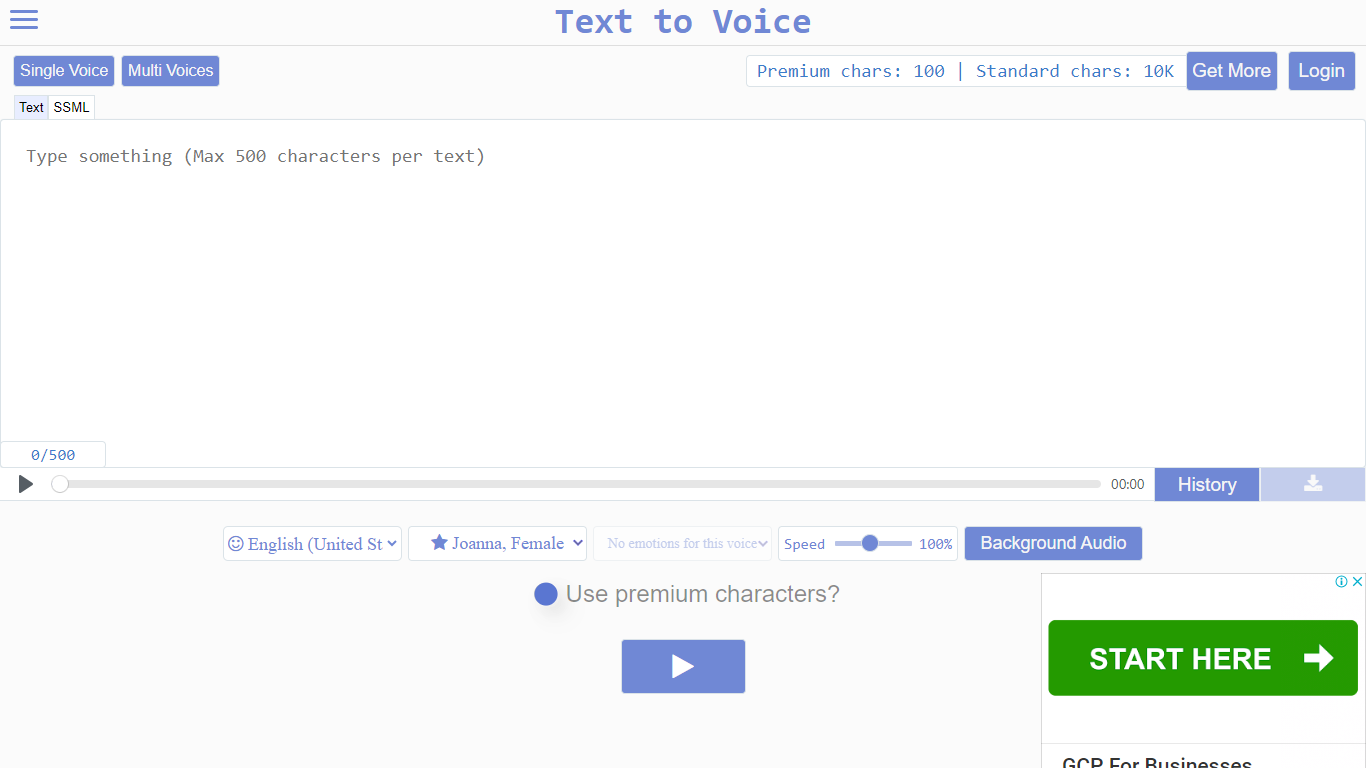

What is Voice to Text?
Text to Voice (texttovoice.online) is a browser-based text to speech platform that turns written text into downloadable MP3 voiceovers. You type or paste text, pick a language and voice, adjust speed and emotion, then play or download the result. No desktop install is required; it runs in the browser on Mac, Windows, and mobile.
The core converter supports a large catalog of languages and regional accents, with separate tools for standard voices, Gen2 voices, prompted voices, multi-speaker scripts, voice changing, voice cloning, and sound effects. Gen2 voices aim for more lifelike output with emotion inferred from text context. Premium voices use a more advanced algorithm for less robotic speech, while standard voices cover everyday use on a free character allowance.
Free accounts reset daily with premium and standard character pools. Paid plans add higher limits, commercial use, background audio, file history, sound effects, and API access on the top tier. Google sign-in is supported alongside email registration.
ReadSpeaker
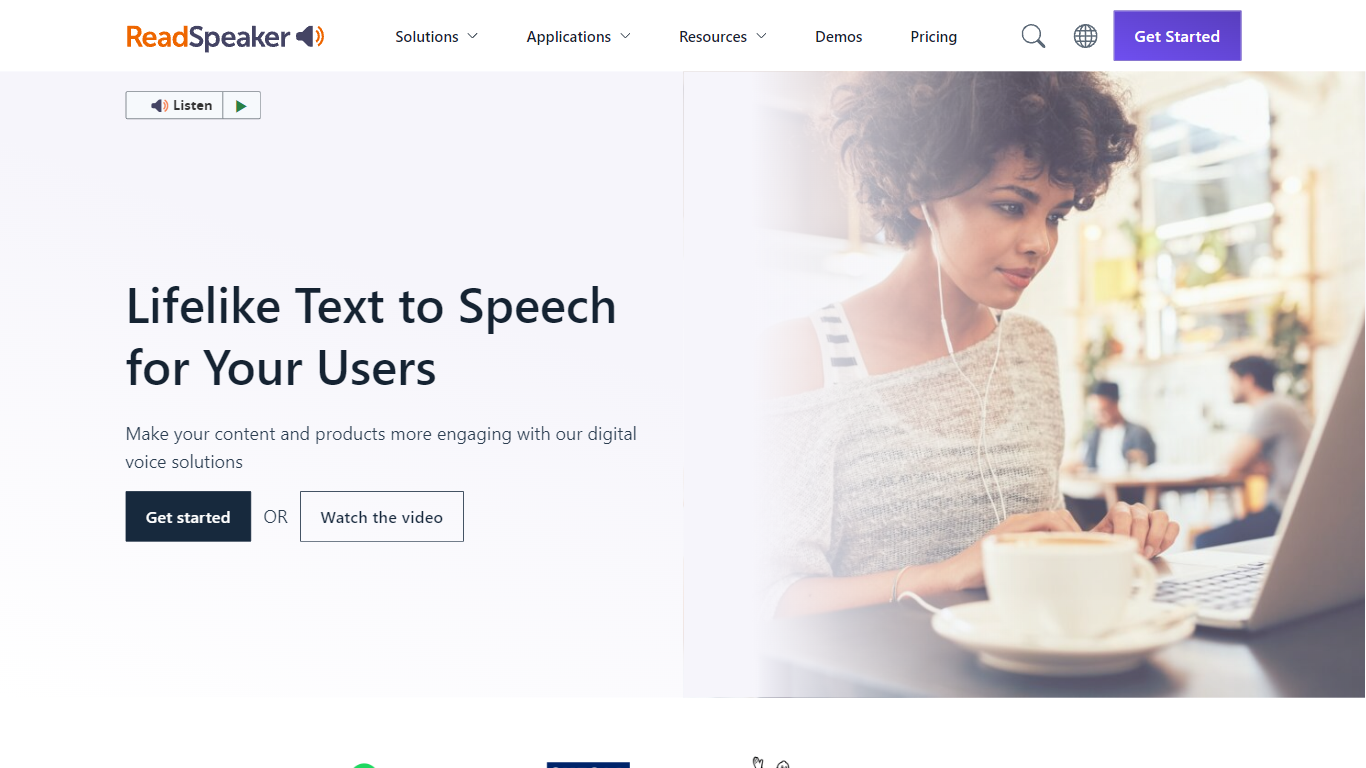
What is ReadSpeaker?
ReadSpeaker is an enterprise text-to-speech platform that turns written content into natural-sounding audio across websites, documents, apps, and learning systems. Its catalog includes more than 300 AI voices across 90+ languages and dialects, with deployment options spanning browser plugins, APIs, SDKs, and on-premise servers.
Core products include webReader for live website reading, docReader for online PDFs and documents, and speechCloud API for developers who need TTS inside their own apps. The Education Suite adds LMS integrations for platforms like Canvas, Moodle, Blackboard, and Brightspace, plus literacy tools such as TextAid for struggling readers.
ReadSpeaker also offers speechMaker Studio for cloud-based voice content creation, speechEngine SDK for embedded and desktop use, and custom voice development for branded audio. The company cites 12,000+ customer organizations and serves sectors including education, government, healthcare, publishing, transportation, and gaming.
Security and accessibility are central to the platform. ReadSpeaker highlights ISO/IEC 27001:2022 certification, GDPR compliance, and support for WCAG and VPAT accessibility requirements.
Voice to Text Upvotes
ReadSpeaker Upvotes
Voice to Text Top Features
Convert text to speech in dozens of languages with gender, accent, and emotion controls
Gen2 voices produce more lifelike audio with context-driven emotion and varied tone on replay
Multi-speaker mode builds scripts with different voices, speeds, and delays per line
Voice changer transforms uploaded audio into another voice while keeping source emotion
Clone a Gen2 voice from a clear 10+ second sample (Pro plan; clones expire after 30 days)
Download finished voiceovers as MP3 files with one click on the free tier
ReadSpeaker Top Features
webReader plugin reads website content aloud in real time with translation support
docReader plays back online PDFs and document formats in the browser
speechCloud API adds premium TTS to apps, devices, and cloud workflows
Education Suite integrates with major LMS platforms including Canvas, Moodle, and Blackboard
Custom Voice Studio builds exclusive branded voices for enterprise use
Voice to Text Category
- Text to Speech (TTS)
ReadSpeaker Category
- Text to Speech (TTS)
Voice to Text Pricing Type
- Freemium
ReadSpeaker Pricing Type
- Paid