Voice to Text vs SpeechGen.io
When comparing Voice to Text vs SpeechGen.io, which AI Text to Speech (TTS) tool shines brighter? We look at pricing, alternatives, upvotes, features, reviews, and more.
In a comparison between Voice to Text and SpeechGen.io, which one comes out on top?
When we put Voice to Text and SpeechGen.io side by side, both being AI-powered text to speech (tts) tools, Both tools are equally favored, as indicated by the identical upvote count. The power is in your hands! Cast your vote and have a say in deciding the winner.
You don't agree with the result? Cast your vote to help us decide!
Voice to Text
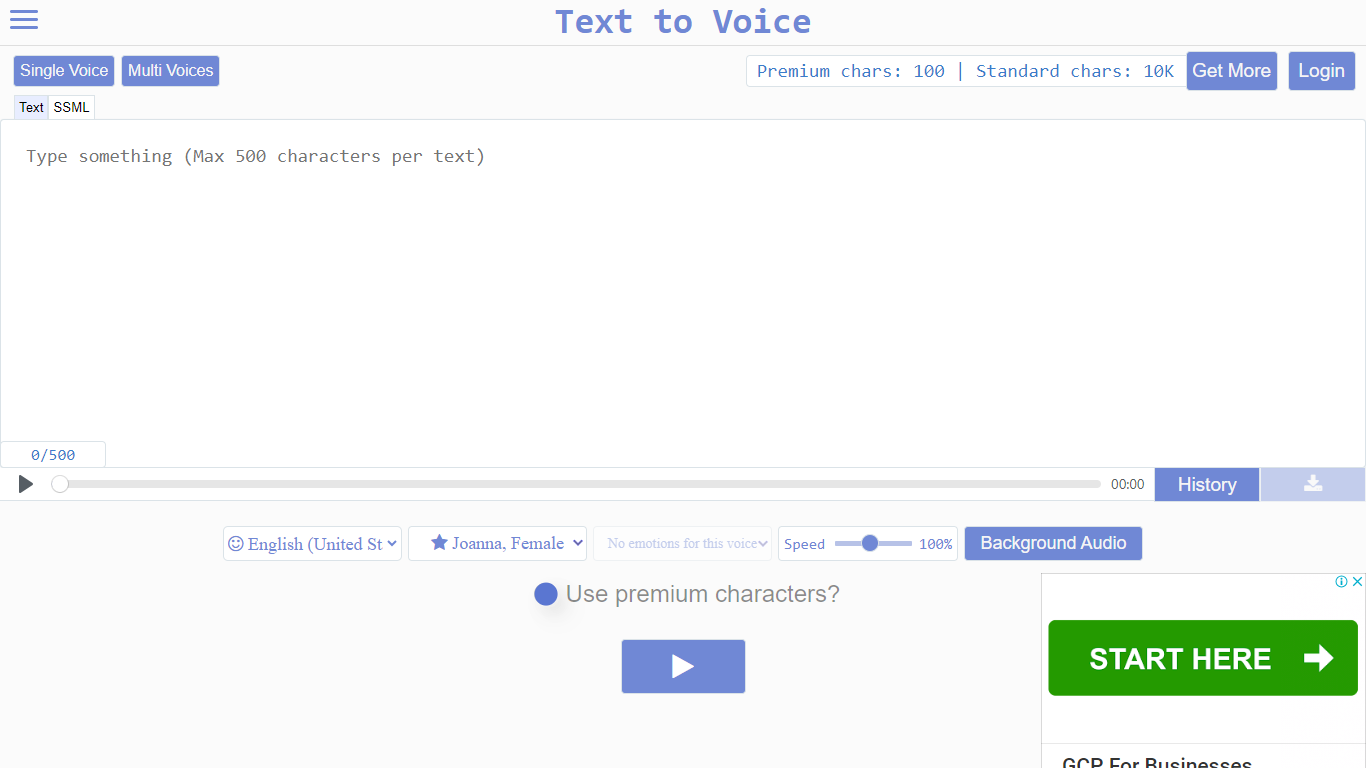

What is Voice to Text?
Text to Voice (texttovoice.online) is a browser-based text to speech platform that turns written text into downloadable MP3 voiceovers. You type or paste text, pick a language and voice, adjust speed and emotion, then play or download the result. No desktop install is required; it runs in the browser on Mac, Windows, and mobile.
The core converter supports a large catalog of languages and regional accents, with separate tools for standard voices, Gen2 voices, prompted voices, multi-speaker scripts, voice changing, voice cloning, and sound effects. Gen2 voices aim for more lifelike output with emotion inferred from text context. Premium voices use a more advanced algorithm for less robotic speech, while standard voices cover everyday use on a free character allowance.
Free accounts reset daily with premium and standard character pools. Paid plans add higher limits, commercial use, background audio, file history, sound effects, and API access on the top tier. Google sign-in is supported alongside email registration.
SpeechGen.io
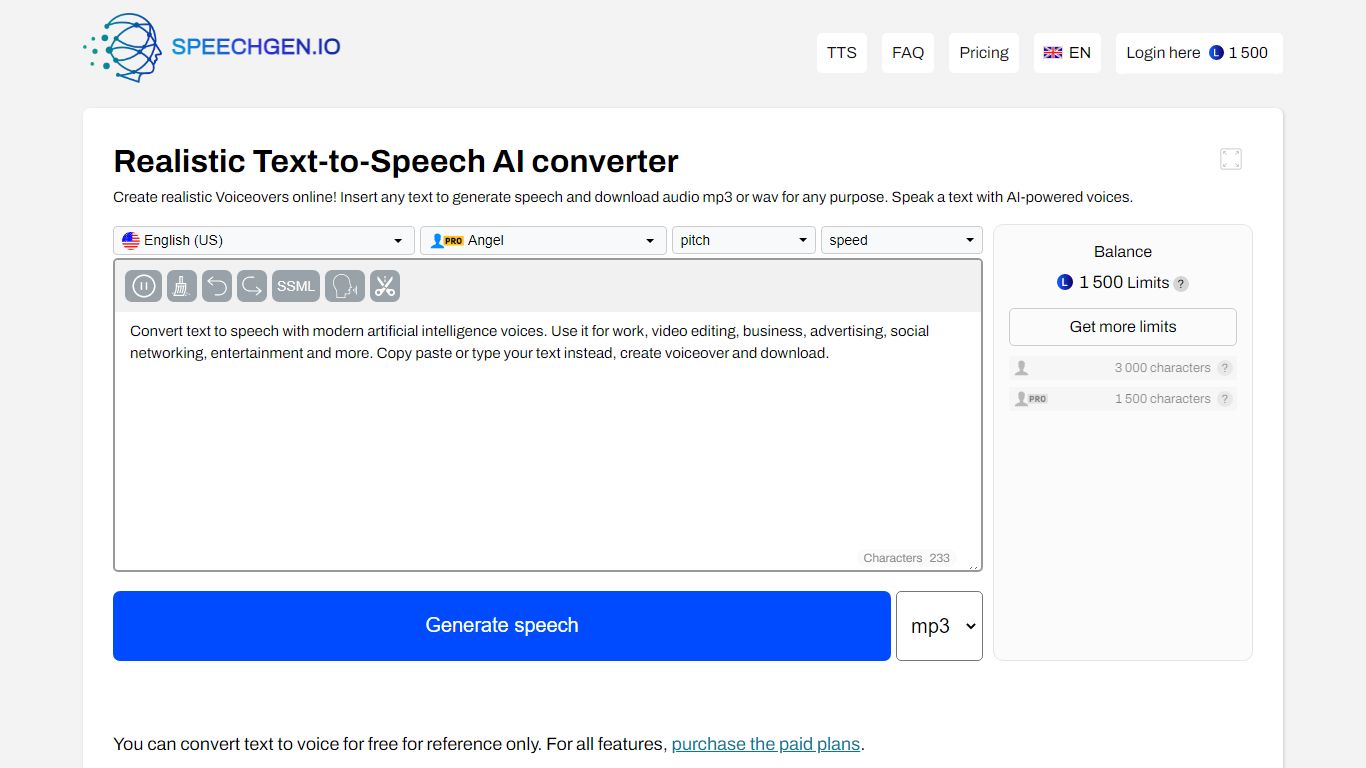
What is SpeechGen.io?
SpeechGen.io is an online text-to-speech platform that turns written text into downloadable voiceovers. The editor supports 5,000+ voices across 150 languages and regional accents, with controls for speed, pitch, volume, and SSML markup for pauses, emphasis, and intonation.
Beyond basic TTS, SpeechGen.io includes voice cloning from short audio samples, subtitle-to-speech conversion for SRT, SUB, and VTT files, and audio-to-text transcription for uploaded files, YouTube links, and video. Export options include MP3, WAV, OGG, FLAC, and other formats at multiple bitrates.
Credits are pay-as-you-go with no subscription. New accounts receive free credits to test the service, and purchased credits stay valid for up to one year. A Smart Cache feature reuses previously generated sentences at no extra cost when you edit and re-export projects.
Voice to Text Upvotes
SpeechGen.io Upvotes
Voice to Text Top Features
Convert text to speech in dozens of languages with gender, accent, and emotion controls
Gen2 voices produce more lifelike audio with context-driven emotion and varied tone on replay
Multi-speaker mode builds scripts with different voices, speeds, and delays per line
Voice changer transforms uploaded audio into another voice while keeping source emotion
Clone a Gen2 voice from a clear 10+ second sample (Pro plan; clones expire after 30 days)
Download finished voiceovers as MP3 files with one click on the free tier
SpeechGen.io Top Features
5,000+ voices across 150 languages with regional accent variants
Voice cloning from uploaded or recorded audio samples up to 55 seconds
SSML editor for fine-tuning pauses, pitch, rate, emphasis, and intonation
Subtitle-to-speech conversion for SRT, SUB, and VTT files
Audio-to-text transcription with speaker diarization and SRT or VTT export
Voice to Text Category
- Text to Speech (TTS)
SpeechGen.io Category
- Text to Speech (TTS)
Voice to Text Pricing Type
- Freemium
SpeechGen.io Pricing Type
- Freemium