Voiser vs SpeechGPT
In the face-off between Voiser vs SpeechGPT, which AI Audio Generation tool takes the crown? We scrutinize features, alternatives, upvotes, reviews, pricing, and more.
In a face-off between Voiser and SpeechGPT, which one takes the crown?
If we were to analyze Voiser and SpeechGPT, both of which are AI-powered audio generation tools, what would we find? Both tools are equally favored, as indicated by the identical upvote count. You can help us determine the winner by casting your vote and tipping the scales in favor of one of the tools.
Think we got it wrong? Cast your vote and show us who's boss!
Voiser

What is Voiser?
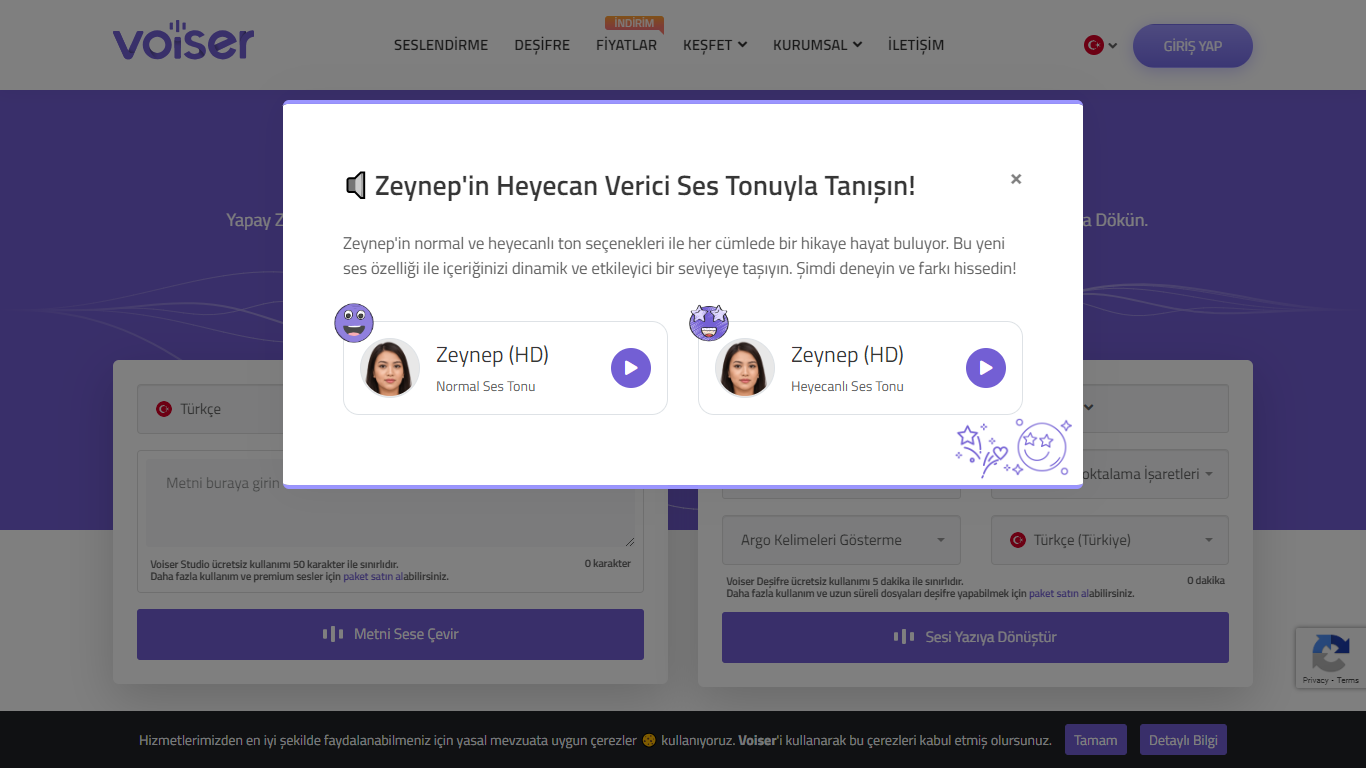
Voiser is a web-based text-to-speech and speech-to-text platform from Voiser Teknoloji Ltd. ??ti. It converts written text into natural-sounding audio across 75+ languages and 550+ voice options, and transcribes audio and video files back into editable text. The product line includes Voiser Studio for voiceovers, Voiser Transcribe for transcription, a Webreader embed for websites, developer APIs, and specialty tools like voice cloning, talking avatars, and YouTube dubbing.
The Studio editor lets you adjust speed, pitch, pauses, and pronunciation before exporting MP3 files. Transcription supports uploads in common audio and video formats, YouTube links, and URL-based files, with exports in SRT, TXT, DOCX, and XLSX. Voiser reports transcription accuracy up to 99% depending on audio quality, and says it processes speech about four times faster than manual transcription.
Voiser serves more than 2,000 brands across 200+ countries. Use cases span YouTube videos, social content, e-learning, IVR systems, document narration, museum smart guides, and WordPress site voiceovers. A newer Voiser.ai site is promoted alongside voiser.net, with mobile apps available through link.voiser.ai.
SpeechGPT

What is SpeechGPT?
SpeechGPT lets you hold voice conversations in the browser using your own OpenAI API key. You type or record messages, send them through a chat interface, and hear spoken replies without installing desktop software.
Unlike hosted TTS services that bundle model costs into a subscription, SpeechGPT runs in the browser and bills you only through the OpenAI, Azure Speech Services, or Amazon Polly accounts you connect. That makes it a lightweight option for developers and language learners who already have API access and want a simple voice chat front end.
The interface supports English, Spanish, and Chinese UI labels, includes a record button for speech input, and stores session data locally in the browser. It suits developers testing voice chat flows, language learners practicing spoken prompts, and anyone who wants a minimal ChatGPT voice client on mobile or desktop.
Voiser Upvotes
SpeechGPT Upvotes
Voiser Top Features
550+ voices across 75+ languages with HD, HQ, and UHD quality tiers
Studio editor with speed, pitch, pause, and pronunciation controls
Speech-to-text for audio, video, YouTube links, and URL uploads
Export voiceovers as MP3 and transcripts as SRT, TXT, DOCX, or XLSX
Webreader JavaScript embed to voice website articles and blog posts
API access for text-to-speech and transcription in paid plans
Voice cloning, talking avatars, and YouTube dubbing on extended plans
SpeechGPT Top Features
Chat interface accepts typed messages or recorded speech input with Enter to send
Requires your OpenAI API key in settings before the app will run conversations
Optional Azure Speech Services or Amazon Polly access keys for alternate text-to-speech backends
UI available in English, Spanish, and Chinese from the in-app language selector
Shift plus Enter inserts a newline without sending the message
Runs as a web app on Vercel with no separate desktop install required
Voiser Category
- Audio Generation
SpeechGPT Category
- Audio Generation
Voiser Pricing Type
- Freemium
SpeechGPT Pricing Type
- Free