Web on Demand vs Dictation
Compare Web on Demand vs Dictation and see which AI Web Apps tool is better when we compare features, reviews, pricing, alternatives, upvotes, etc.
Which one is better? Web on Demand or Dictation?
When we compare Web on Demand with Dictation, which are both AI-powered web apps tools, Interestingly, both tools have managed to secure the same number of upvotes. The power is in your hands! Cast your vote and have a say in deciding the winner.
Feeling rebellious? Cast your vote and shake things up!
Web on Demand

What is Web on Demand?
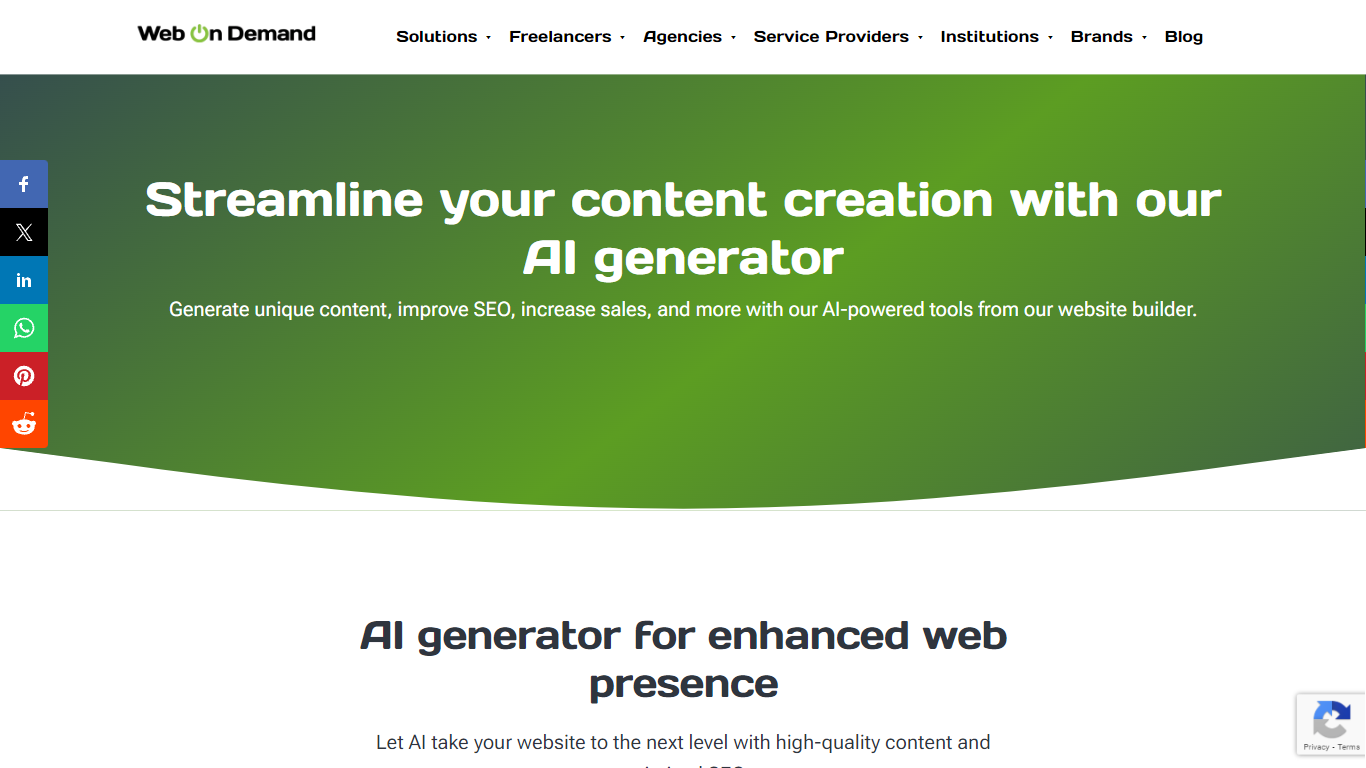
Web on Demand is a no-code web apps builder for agencies, freelancers, and resellers who need client sites without PHP backends or plugin stacks. It combines drag-and-drop layouts, spreadsheet-style database editing, e-commerce tools, and an AI generator for blogs, product descriptions, and SEO metadata. Sites run on HTML and CSS, and edits happen on the live page through embedded controls instead of a separate admin dashboard.
Where WordPress or Webflow charge monthly subscriptions and hide editing behind a backend, Web on Demand sells one-time licenses starting at $1,000 and lets you click text on the published page to change it. That fits white-label workflows where clients expect to update copy themselves. The trade-off is the upfront license cost and the HTML/CSS skills needed for fully custom layouts.
Freelancers, design studios, and ISP partners use it to ship e-commerce stores, landing pages, and branded website storefronts. The AI generator helps teams draft SEO-friendly blog posts and product copy without hiring a writer for every SKU. Resellers on the Storefront plan can earn a 20% share of client hosting fees sold through their store.
Dictation
What is Dictation?
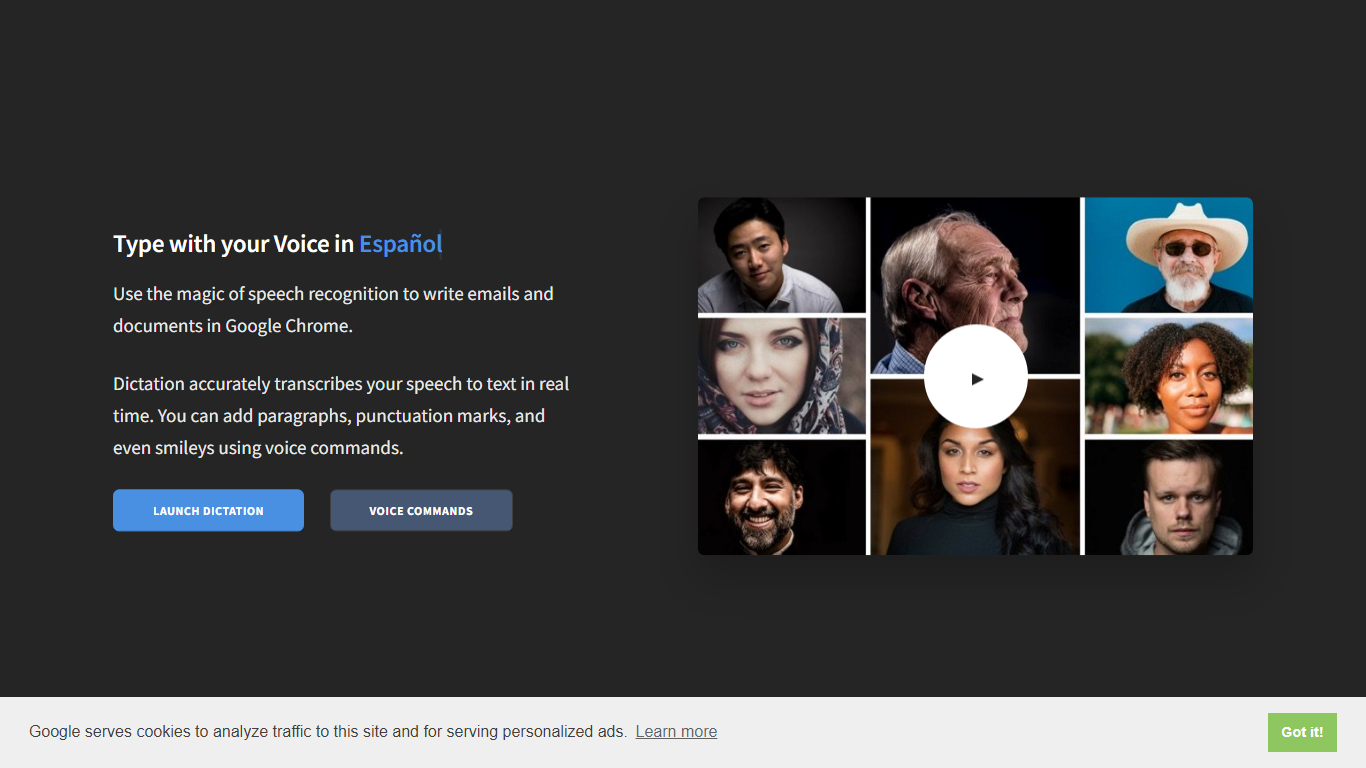
Dictation transcribes your voice into editable text in real time inside Google Chrome. It supports more than 100 languages and regional variants through Google's speech recognition engine, and voice commands add paragraphs, punctuation, and smileys without touching the keyboard. The tool targets anyone drafting emails or documents hands-free on Windows, Mac, or Linux.
Most dictation apps want a desktop install or a paid API key. Dictation keeps everything in the browser, stores converted text locally, and does not upload audio to its own servers according to the help copy. That makes it a lightweight option for drafting emails and documents when you already use Chrome.
Writers, multilingual users, and accessibility-focused workers use Dictation for hands-free typing. The trade-off is Chrome-only support and dependence on Google's recognition quality, which varies by language and microphone setup.
Web on Demand Upvotes
Dictation Upvotes
Web on Demand Top Features
Basic license costs $1,000 as a one-time payment with no recurring platform subscription
AI generator drafts full blog posts from a short prompt and suggests keywords plus meta descriptions from a page title
Edit content on the live site with embedded controls instead of logging into a backend admin panel
Import e-commerce inventory from Google Sheets or Microsoft Excel in one click
Supports 64 languages with LTR and RTL layouts on published sites
Hosting runs on AWS with HTTPS encryption included on every business plan
Dictation Top Features
Real-time speech transcription in more than 100 languages via Google Speech Recognition
Voice commands for new lines, punctuation marks, and smileys like "Smiling Face"
Runs in Google Chrome on Windows, Mac, and Linux with no account required
Converted text stays in the browser locally with no server upload, per the site help
Dedicated pages list supported languages and per-language voice commands
Free to use with contact at [email protected] for feedback
Web on Demand Category
- Web Apps
Dictation Category
- Web Apps
Web on Demand Pricing Type
- Paid
Dictation Pricing Type
- Free