Web on Demand vs Rapid Editor
Dive into the comparison of Web on Demand vs Rapid Editor and discover which AI Web Apps tool stands out. We examine alternatives, upvotes, features, reviews, pricing, and beyond.
In a comparison between Web on Demand and Rapid Editor, which one comes out on top?
When we compare Web on Demand and Rapid Editor, two exceptional web apps tools powered by artificial intelligence, and place them side by side, several key similarities and differences come to light. With more upvotes, Rapid Editor is the preferred choice. The upvote count for Rapid Editor is 7, and for Web on Demand it's 6.
You don't agree with the result? Cast your vote to help us decide!
Web on Demand


What is Web on Demand?
Web on Demand is a no-code web apps builder for agencies, freelancers, and resellers who need client sites without PHP backends or plugin stacks. It combines drag-and-drop layouts, spreadsheet-style database editing, e-commerce tools, and an AI generator for blogs, product descriptions, and SEO metadata. Sites run on HTML and CSS, and edits happen on the live page through embedded controls instead of a separate admin dashboard.
Where WordPress or Webflow charge monthly subscriptions and hide editing behind a backend, Web on Demand sells one-time licenses starting at $1,000 and lets you click text on the published page to change it. That fits white-label workflows where clients expect to update copy themselves. The trade-off is the upfront license cost and the HTML/CSS skills needed for fully custom layouts.
Freelancers, design studios, and ISP partners use it to ship e-commerce stores, landing pages, and branded website storefronts. The AI generator helps teams draft SEO-friendly blog posts and product copy without hiring a writer for every SKU. Resellers on the Storefront plan can earn a 20% share of client hosting fees sold through their store.
Rapid Editor
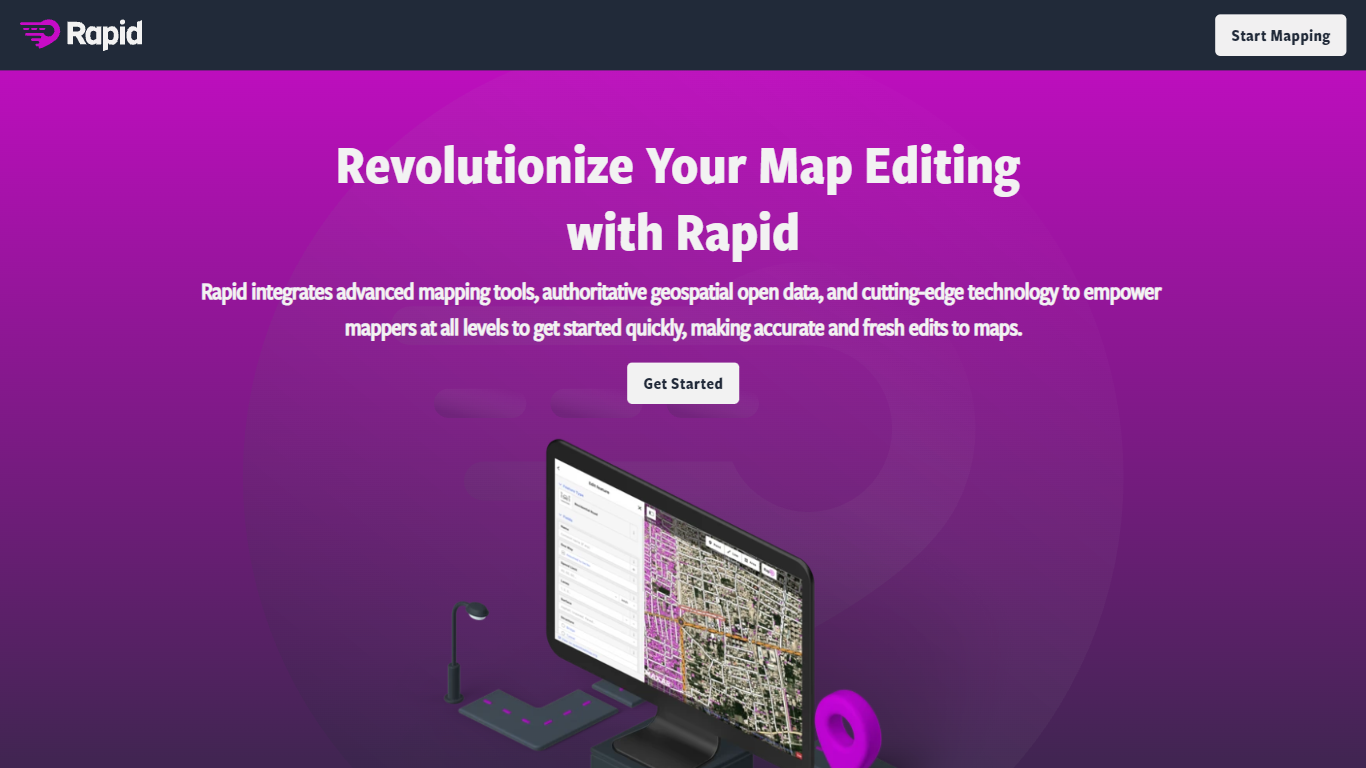
What is Rapid Editor?
Rapid Editor lets you edit OpenStreetMap from the browser by reviewing satellite imagery, open geospatial datasets, and predicted roads, buildings, and pathways before you commit changes. You can browse the world map without signing up, but you need an OpenStreetMap account to save edits back to the community map. Meta built the editor to give new and experienced mappers a faster starting point than tracing every feature by hand.
Where classic OSM editors expect you to trace every road and building by hand, Rapid treats machine learning outputs as editable suggestions you accept, tweak, or ignore. That trade-off favors speed on humanitarian crises and large unmapped areas, not deep tag editing or offline workflows. The editor also lets you pull external map layers into the session, while predicted features ship under an MIT license with attribution rules for Maxar or DigitalGlobe imagery. If your workflow depends on JOSM plugins or painstaking manual geometry, Rapid will feel lighter and more opinionated.
Volunteer mappers, HOTOSM tasking managers, and local community groups use Rapid to chip away at missing roads and structures worldwide. Esri and OpenStreetMap partnerships surface authoritative datasets inside the same canvas, which helps teams standardize imports during coordinated mapathons. Humanitarian responders who need a quick visual scan of gaps before assigning tiles tend to reach for Rapid first, then hand complex fixes to other tools.
Web on Demand Upvotes
Rapid Editor Upvotes
Web on Demand Top Features
Basic license costs $1,000 as a one-time payment with no recurring platform subscription
AI generator drafts full blog posts from a short prompt and suggests keywords plus meta descriptions from a page title
Edit content on the live site with embedded controls instead of logging into a backend admin panel
Import e-commerce inventory from Google Sheets or Microsoft Excel in one click
Supports 64 languages with LTR and RTL layouts on published sites
Hosting runs on AWS with HTTPS encryption included on every business plan
Rapid Editor Top Features
Predicted roads, pathways, and buildings appear as an editable overlay you accept, reject, or adjust before uploading to OpenStreetMap
Browse world map data without registering; an OpenStreetMap account is required only when you want to save edits back to the community database
Pull in external map layers as User-Originated Data, with you responsible for licensing and configuration per the site terms
Predicted feature datasets ship under the MIT license, with changeset attribution to source=maxar or source=digitalglobe when metadata requires it
Partnerships with OpenStreetMap, HOTOSM, and Esri surface authoritative open datasets inside the same editing canvas
Source code lives at github.com/facebookincubator/RapiD for community review and contributions
Web on Demand Category
- Web Apps
Rapid Editor Category
- Web Apps
Web on Demand Pricing Type
- Paid
Rapid Editor Pricing Type
- Free