Webapi.ai vs Chat with AI - LetsView Chat
In the face-off between Webapi.ai vs Chat with AI - LetsView Chat, which AI Chat Bot tool takes the crown? We scrutinize features, alternatives, upvotes, reviews, pricing, and more.
In a face-off between Webapi.ai and Chat with AI - LetsView Chat, which one takes the crown?
If we were to analyze Webapi.ai and Chat with AI - LetsView Chat, both of which are AI-powered chat bot tools, what would we find? There's no clear winner in terms of upvotes, as both tools have received the same number. The power is in your hands! Cast your vote and have a say in deciding the winner.
You don't agree with the result? Cast your vote to help us decide!
Webapi.ai
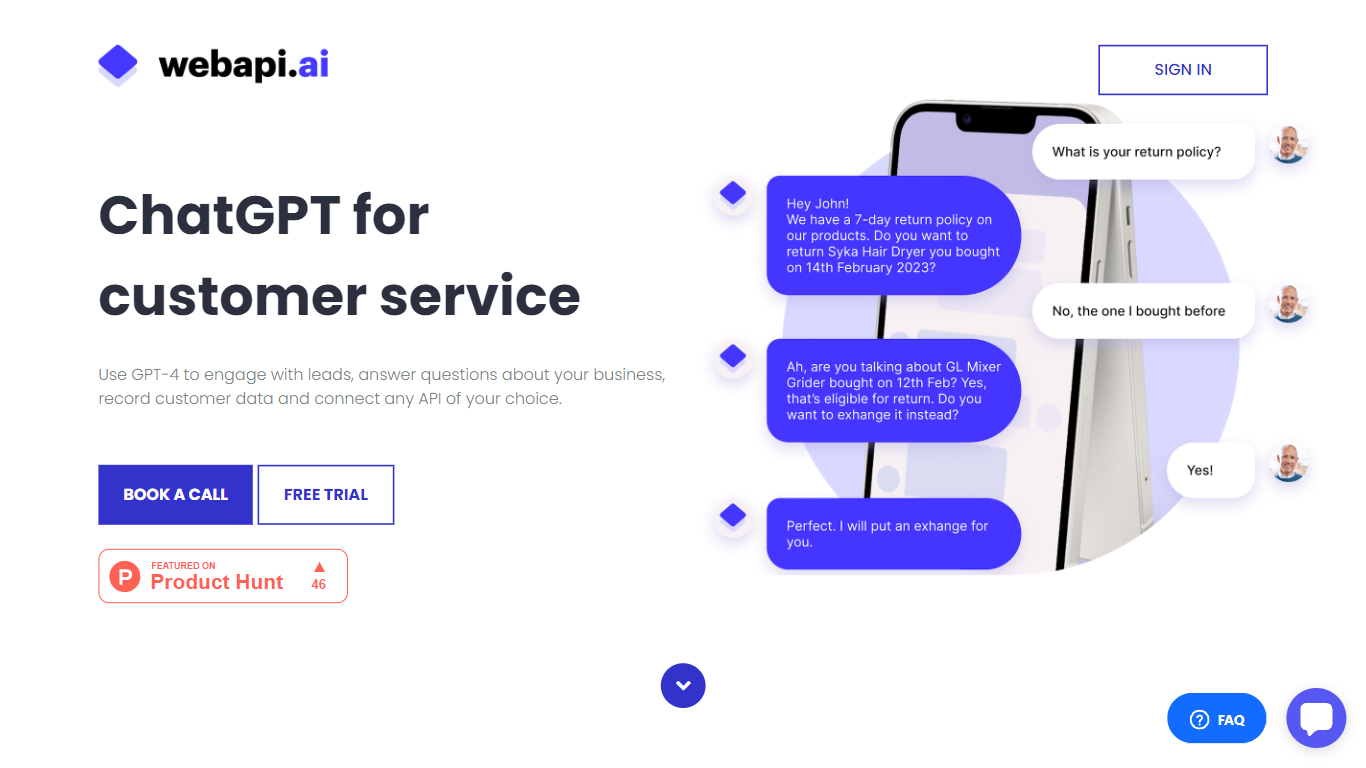

What is Webapi.ai?
ai offers a GPT-4 based chatbot builder designed to improve customer support by engaging leads, answering questions, and managing data. It supports uploading various documents like PDFs and knowledge bases for AI reference, enabling precise answers. Users can create dialogue scenarios to train the chatbot for multi-step conversations and actions such as API calls and notifications.
The platform integrates with popular services like Zendesk, Calendly, and Shopify, allowing chatbots to handle bookings, orders, and ticketing. Chatbots can be connected to multiple channels including websites, Instagram, Facebook Messenger, WhatsApp, Telegram, and SMS. ai to access features like inbox management and analytics.
The service offers tutorials and examples to help users build chatbots for tasks like lead qualification and order management.
Chat with AI - LetsView Chat
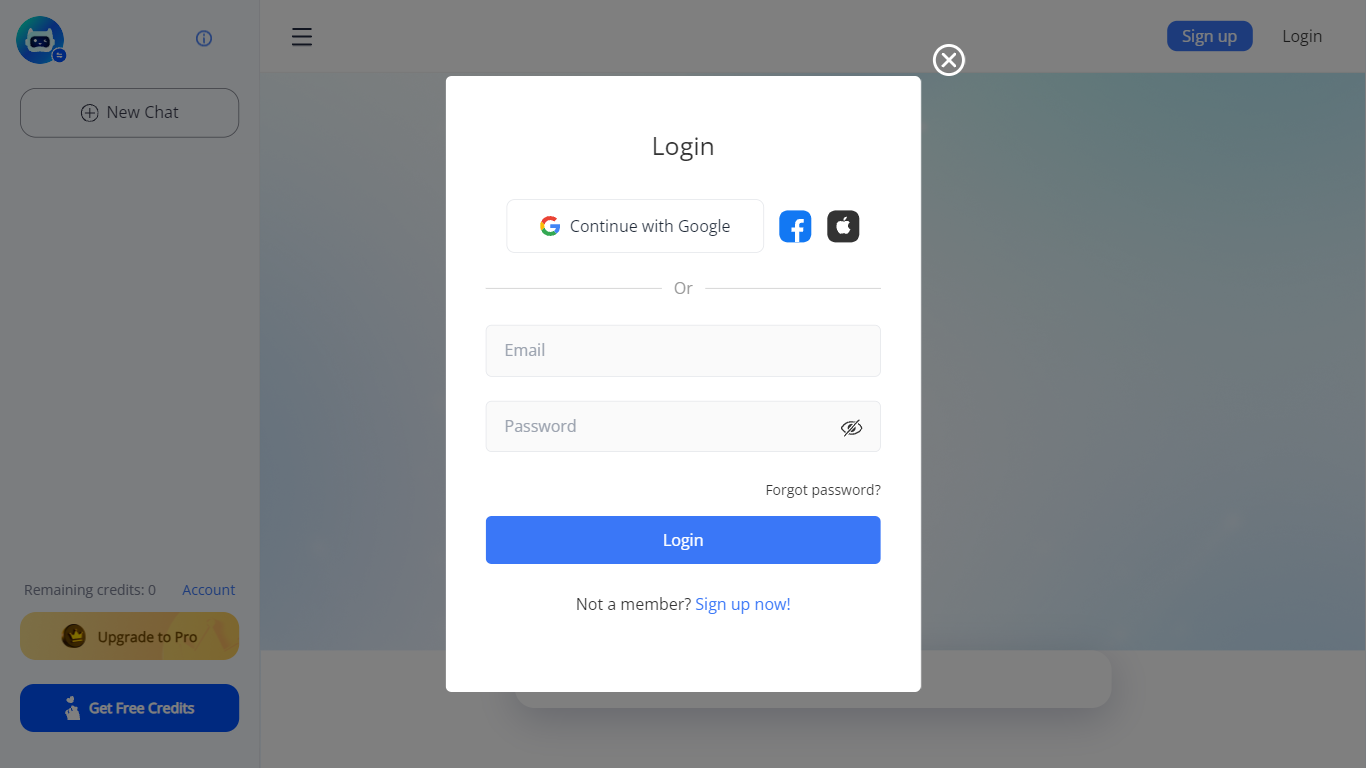
What is Chat with AI - LetsView Chat?
LetsView Chat is a browser-based AI chatbot from LetsView where you sign in, pick an assistant, and send prompts through a web interface. The chatbot page shows credit balances, a free-credit promo, and an Upgrade to Pro path, so usage runs on credits rather than an open-ended free session.
Unlike LetsView's screen-mirroring apps, this product is a standalone chat workspace with assistant switching, recommended prompts, and an Inspiration Library to browse starter ideas. You can continue with Google or create a LetsView account before chatting.
The public page exposes little technical detail beyond those workflow pieces, so teams evaluating LetsView Chat should sign in to test assistant quality and credit limits directly on letsview.com/chatbot.
Webapi.ai Upvotes
Chat with AI - LetsView Chat Upvotes
Webapi.ai Top Features
🧩 Document Upload: Add PDFs, articles, and knowledge bases for AI to reference and answer questions accurately.
💬 Dialogue Scenarios: Create sample conversations to train chatbots for complex, multi-step interactions.
🔗 API Integrations: Connect with services like Zendesk, Calendly, and Shopify to automate bookings and orders.
📱 Multichannel Support: Deploy chatbots across websites, Instagram, Facebook Messenger, WhatsApp, Telegram, and SMS.
⚙️ Custom AI Pipelines: Integrate your own AI models to use Webapi.ai’s channels, inbox, and analytics features.
Chat with AI - LetsView Chat Top Features
Browser-based chat at letsview.com/chatbot with no desktop download mentioned on the page
Switch assistant profiles before starting a new chat session
Credit balance displayed in the interface with Upgrade to Pro and Get Free Credits options
Inspiration Library for browsing prompt ideas inside the chat workspace
Google sign-in plus standard email signup and login
Recommended prompt shortcuts surfaced on the chat landing screen
Webapi.ai Category
- Chat Bot
Chat with AI - LetsView Chat Category
- Chat Bot
Webapi.ai Pricing Type
- Freemium
Chat with AI - LetsView Chat Pricing Type
- Freemium