Webbotify vs MixerBox AI
In the contest of Webbotify vs MixerBox AI, which AI Chat Bot tool is the champion? We evaluate pricing, alternatives, upvotes, features, reviews, and more.
If you had to choose between Webbotify and MixerBox AI, which one would you go for?
When we examine Webbotify and MixerBox AI, both of which are AI-enabled chat bot tools, what unique characteristics do we discover? Webbotify is the clear winner in terms of upvotes. The number of upvotes for Webbotify stands at 8, and for MixerBox AI it's 6.
Disagree with the result? Upvote your favorite tool and help it win!
Webbotify
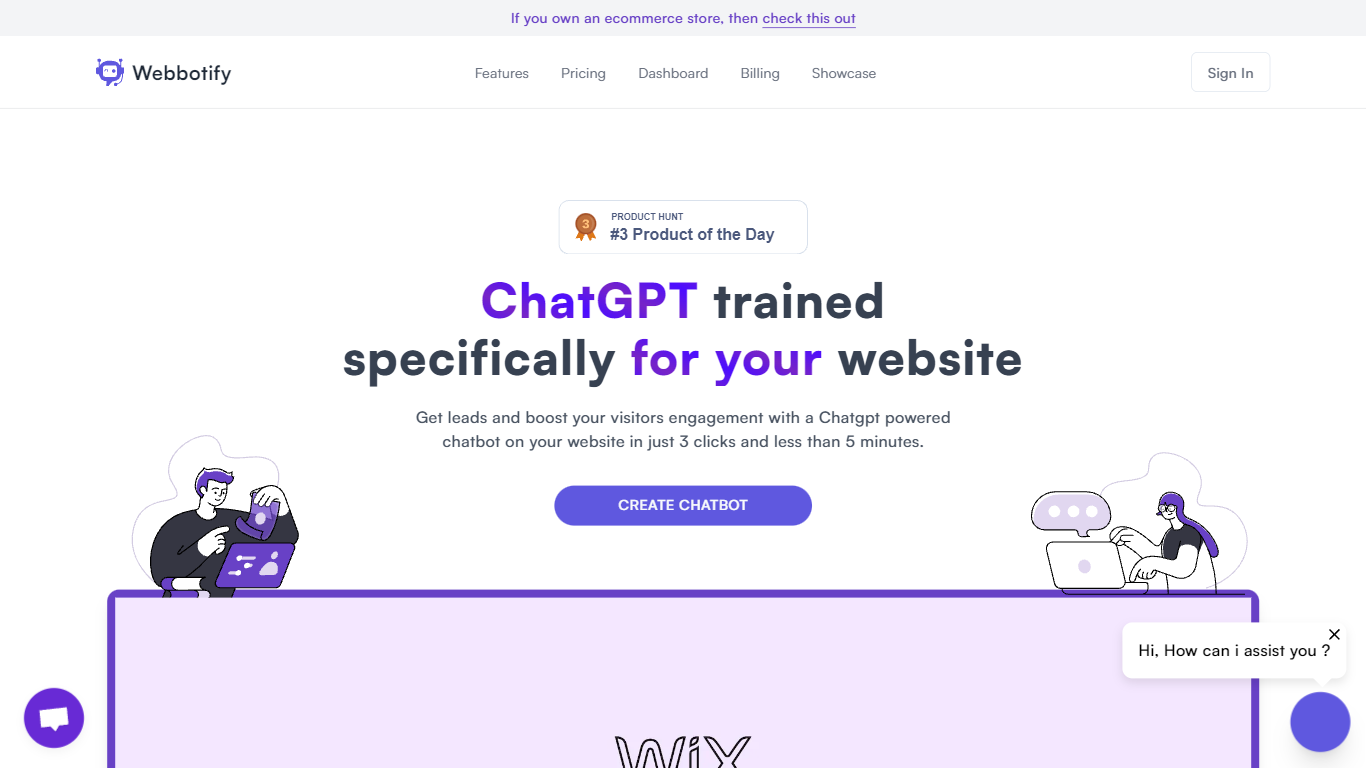

What is Webbotify?
Webbotify trains a GPT-based assistant on your own website content, then embeds it as a live chat bot widget for visitor support and lead capture. You point it at your site URL, upload optional files like PDFs or docs, and get a branded bot that answers questions from that material in under five minutes.
Where many chat bot builders need you to write flows or paste FAQs manually, Webbotify crawls your pages and retrains on a schedule so answers stay tied to what you actually publish. It also auto-detects the visitor language and replies in any of 95 supported languages without you maintaining separate bots per locale.
The product fits small businesses and support teams that want SiteGPT-style coverage without a long setup. E-commerce stores on Shopify, agencies managing client sites, and SaaS teams that field repetitive pre-sales questions are the clearest fits. Pricing starts after a 7-day trial, with message and page limits that scale by plan.
MixerBox AI
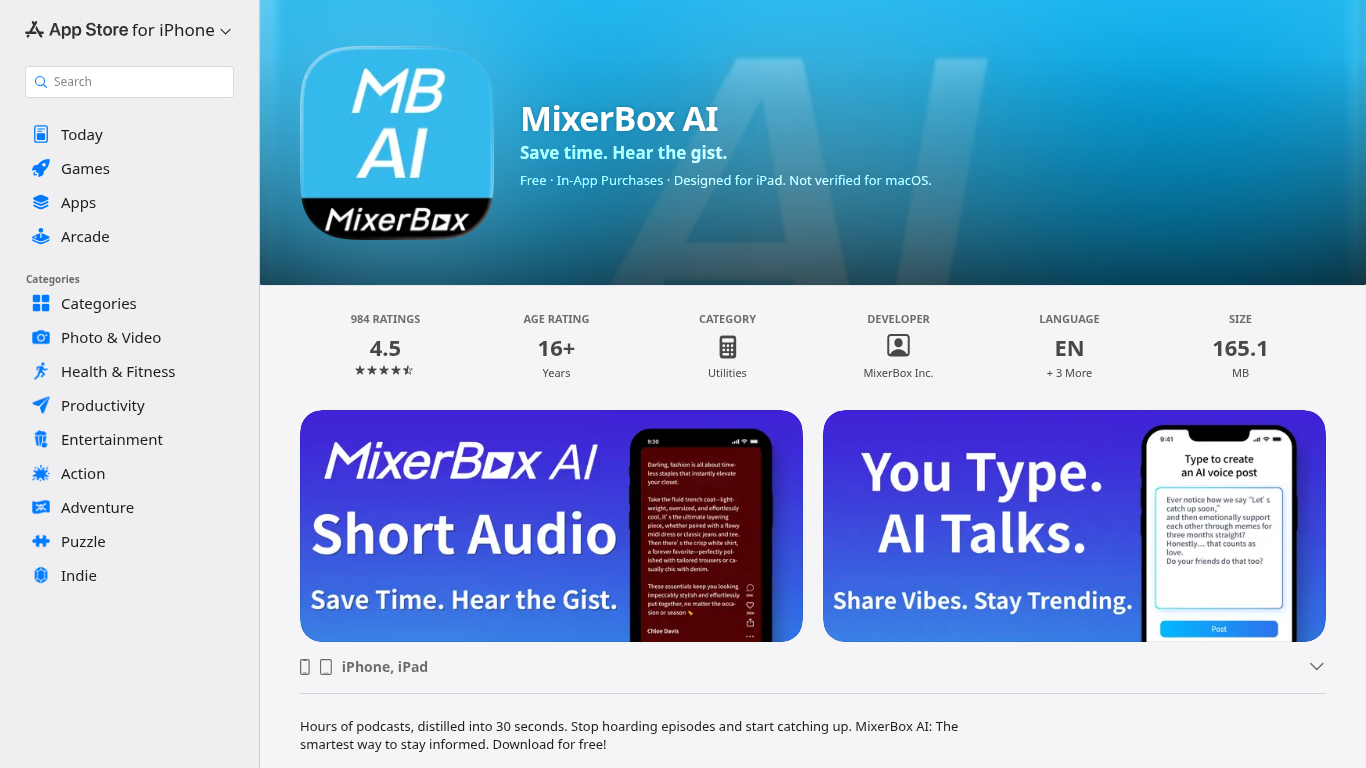
What is MixerBox AI?
For podcast and news overload, MixerBox AI turns long episodes and updates into short audio highlights you can listen to or read. Pick topics or keywords, and it tracks new stories, then delivers 30-second previews with transcripts so you can decide what deserves a full listen.
Most podcast apps assume you will work through a backlog one episode at a time. MixerBox AI flips that by summarizing first. You hear the gist in about 30 seconds, skim the transcript, and only commit when the topic is worth the full runtime. It also includes AI voice posts that turn typed text into spoken audio.
The app suits commuters, news skimmers, and anyone with a growing saved-episode list. It runs on iPhone, iPad, Mac with Apple silicon, and Apple Vision, with a web version at mixerbox.ai and a Chrome extension. Longtime MixerBox users can still access the MB Player music feature from the home tab.
Webbotify Upvotes
MixerBox AI Upvotes
Webbotify Top Features
Launch a site-trained bot in under 5 minutes with a URL, logo, and one embed snippet
Auto-replies in 95 languages by detecting the visitor language at runtime
Train on website pages plus PDF, doc, and text uploads with scheduled auto-sync
Choose GPT-3.5-turbo or GPT-4, or bring your own OpenAI API key
One-click embeds for Shopify, WordPress, Wix, Squarespace, Webflow, and Framer
Built-in lead capture, full chat history, and analytics on popular queries
MixerBox AI Top Features
Preview any podcast episode in about 30 seconds before committing to the full runtime
Set topic keywords and MixerBox AI auto-tracks new updates with short audio digests
Every audio highlight ships with a readable transcript for skimming or saving
Type a post and let AI convert it into a spoken voice clip inside the app
Runs on iOS 14+, iPadOS, Mac with M1, visionOS, plus mixerbox.ai and a Chrome extension
984 App Store ratings averaging 4.5 stars with English, Japanese, and Chinese language support
Webbotify Category
- Chat Bot
MixerBox AI Category
- Chat Bot
Webbotify Pricing Type
- Paid
MixerBox AI Pricing Type
- Freemium