Webscrape AI vs SimpleScraper
When comparing Webscrape AI vs SimpleScraper, which AI Web Scraping tool shines brighter? We look at pricing, alternatives, upvotes, features, reviews, and more.
In a comparison between Webscrape AI and SimpleScraper, which one comes out on top?
When we put Webscrape AI and SimpleScraper side by side, both being AI-powered web scraping tools, The upvote count shows a clear preference for Webscrape AI. The number of upvotes for Webscrape AI stands at 7, and for SimpleScraper it's 6.
Disagree with the result? Upvote your favorite tool and help it win!
Webscrape AI
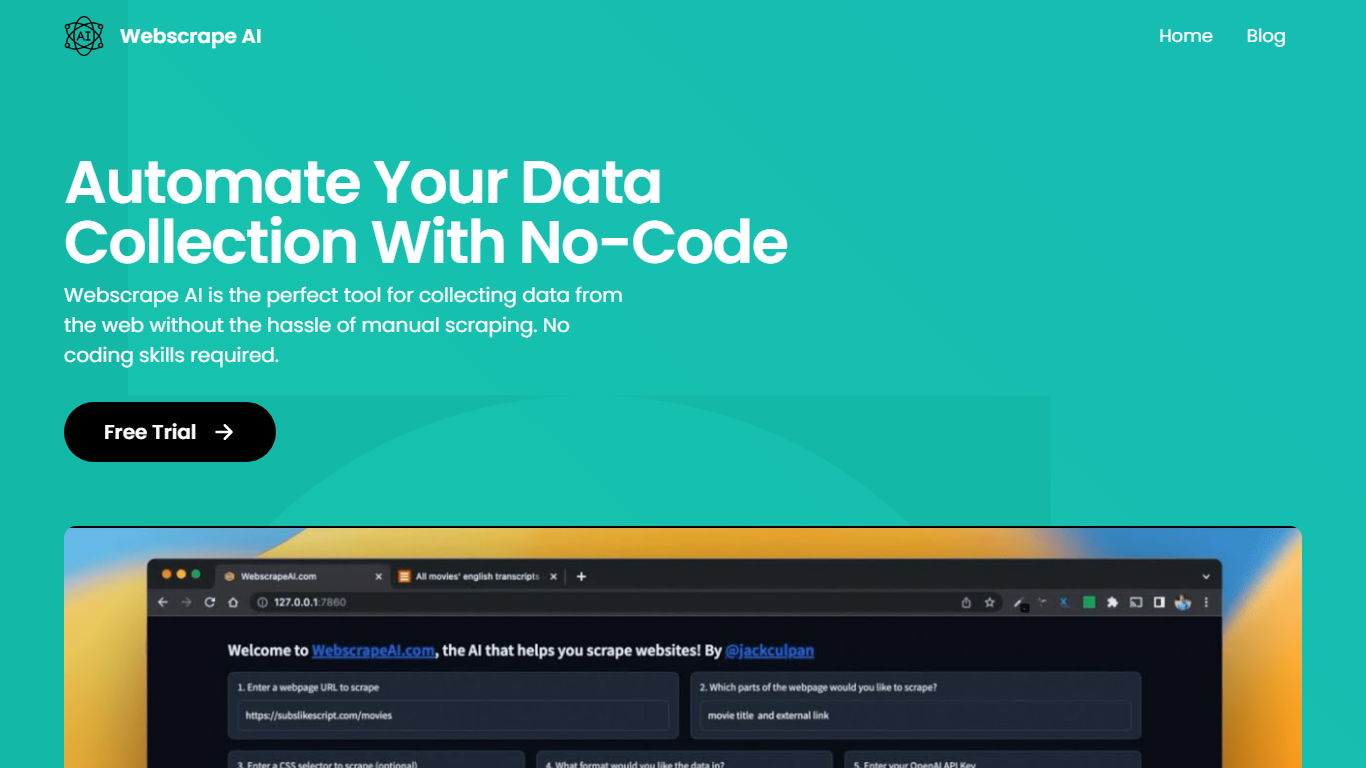

What is Webscrape AI?
Webscrape AI is a no-code platform that automates web data extraction with ease and accuracy. Users simply enter a URL and specify the data they want, and the AI generates a scraping schema to collect information quickly. The platform supports output formats like CSV, JSON, and plain text, making it flexible for various uses. It serves individuals and businesses needing anything from single-page data pulls to bulk scraping across many URLs. Advanced plans add proxy support, custom headers, and JavaScript execution to handle dynamic sites and complex interactions. The Bulk plan enables simultaneous scraping of multiple URLs, maintaining consistent data structure even when some fields are missing. An API is available for integrating scraping tasks into workflows, secured by API keys. Webscrape AI balances simplicity with powerful features, offering a cost-effective solution for automated data collection without coding.
SimpleScraper
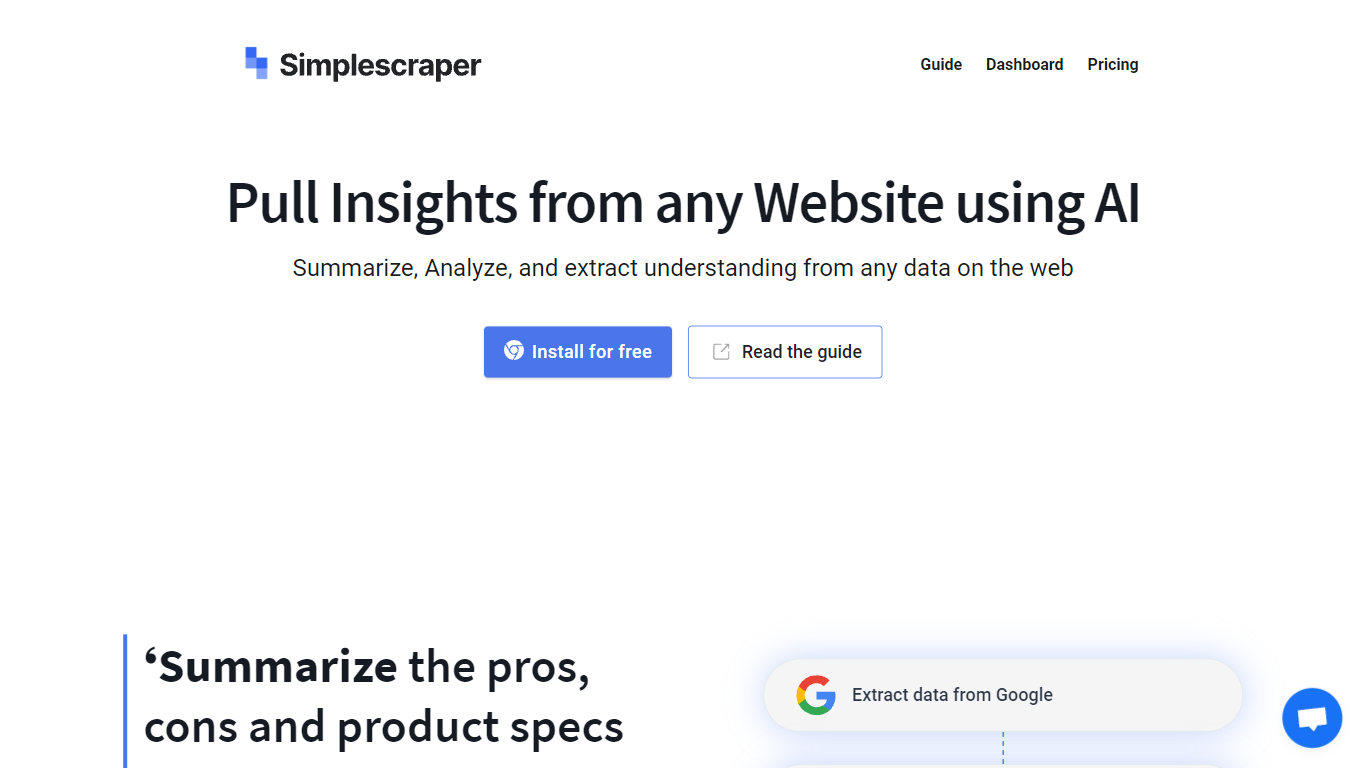
What is SimpleScraper?
SimpleScraper helps you pull structured data from websites using a Chrome extension, a cloud dashboard, or an API. Click elements on a page to build scrape recipes, run them in the browser for instant results, or schedule recurring jobs that export to CSV, JSON, or Markdown.
The platform layers AI on top of extraction workflows. You can summarize scraped rows, extract structured fields from unstructured text, rename columns automatically, or run Smart Extract to pull data from a URL without manual selector setup. Recipes can feed Google Sheets, Airtable, Zapier, Make, webhooks, or your inbox.
It suits no-code analysts, growth teams, and developers who need repeatable web data without maintaining custom scrapers. Browser scraping works for quick one-off pulls, while cloud scraping handles pagination, bulk URL lists up to 5,000 links, login-protected pages, and scheduled runs.
Webscrape AI Upvotes
SimpleScraper Upvotes
Webscrape AI Top Features
🖥️ Easy Setup: Just enter a URL and data points to start scraping without coding.
⚡ Fast Extraction: Uses AI to quickly gather accurate data from websites.
🛠️ Advanced Controls: Add proxies, custom headers, and JavaScript for dynamic sites.
📊 Bulk Scraping: Extract data from many URLs at once with consistent output.
🔗 API Access: Integrate scraping tasks smoothly into your existing workflows.
SimpleScraper Top Features
Point-and-click Chrome extension that detects lists and builds scrape recipes in seconds
Cloud crawler handles up to 5,000 URLs per recipe with pagination and infinite scroll
AI Enhance summarizes rows, extracts structured fields, or rewrites values from natural-language prompts
Push results to Google Sheets, Airtable, Zapier, Make, webhooks, or email on each run
Extract API v1, Screenshot API, and MCP server for programmatic and agent-driven workflows
Webscrape AI Category
- Web Scraping
SimpleScraper Category
- Web Scraping
Webscrape AI Pricing Type
- Paid
SimpleScraper Pricing Type
- Freemium