What Font Is vs Flux
In the face-off between What Font Is vs Flux, which AI Design tool takes the crown? We scrutinize features, alternatives, upvotes, reviews, pricing, and more.
In a face-off between What Font Is and Flux, which one takes the crown?
If we were to analyze What Font Is and Flux, both of which are AI-powered design tools, what would we find? The community has spoken, Flux leads with more upvotes. Flux has been upvoted 11 times by aitools.fyi users, and What Font Is has been upvoted 6 times.
You don't agree with the result? Cast your vote to help us decide!
What Font Is
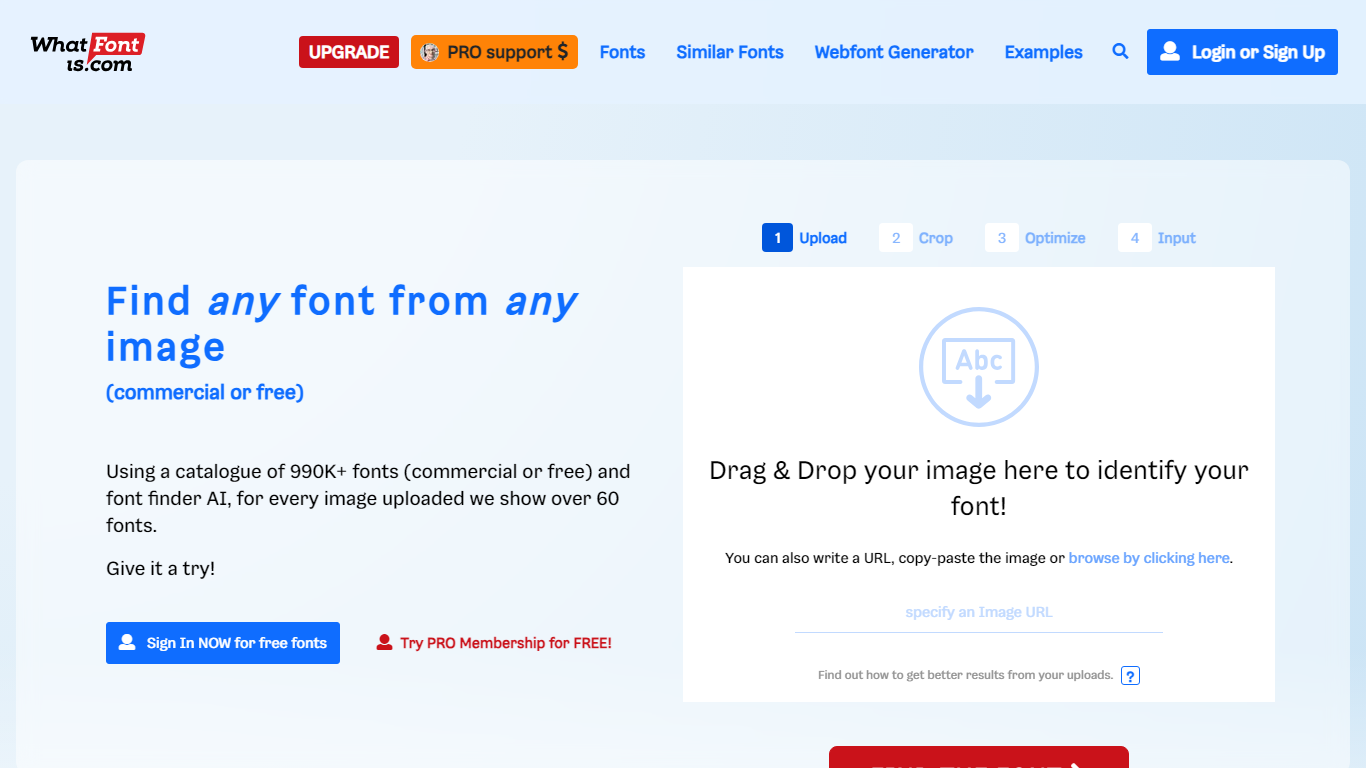

What is What Font Is?
Discover the art of typography with Font Finder 🔎 by What Font Is – your ultimate tool for identifying any font from an image. Whether you encounter a stylish font while browsing or need to match a font from a client's assets, our Font Finder AI is here to assist you. With a vast catalogue of over 990,000 fonts, we offer a treasure trove of options, both commercial and free. Simplify the process with our intuitive four-step system: Upload, Crop, Optimize, and Input to get precise results. Get started for free or elevate your font finding experience with our PRO membership. Enjoy our font detector and good luck in your quest to discover that perfect font!
Flux

What is Flux?
Flux is a browser-based ECAD platform for designing printed circuit boards from idea through manufacturing. You describe what you want to build, and Flux Copilot plans the work, generates schematics and layouts, and checks in before key steps so you stay in control. It targets hardware engineers, startups, and product teams who want full PCB design without desktop installs.
The platform combines a collaborative schematic and layout editor with live component data, supply chain awareness, and explainable automation. Flux handles planning, part research, BoM generation, placement and routing, and design reviews inside one workspace connected to real inventory and pricing.
Flux supports multi-layer PCBs up to eight layers for IoT devices, wearables, robotics, and other production-bound hardware. You can import from Altium, Cadence, KiCad, Eagle, and EasyEDA, then export Gerbers, drill files, BoMs, pick-and-place files, and standard netlists for fabrication.
What Font Is Upvotes
Flux Upvotes
What Font Is Top Features
Advanced AI: Utilizes advanced artificial intelligence to accurately identify fonts from images.
Extensive Catalogue: Access to over 990K+ fonts to find the closest match.
User-Friendly Process: Simple 4-step procedure to upload and identify fonts.
PRO Membership: Offers additional support and benefits for a premium experience.
High Success Rate: Achieves font identification in 90% of cases with high-quality uploads.
Flux Top Features
Describe a board in plain language and Copilot maps a plan for approval
Generates schematics, BoMs, and layouts with placement and routing
Runs design reviews for unconnected pins, missing caps, and tolerance issues
Multi-layer PCBs up to eight layers, from prototype to production
Imports Altium, Cadence, KiCad, Eagle, and EasyEDA projects
Exports Gerbers, drill files, BoM, pick-and-place, and netlists
Real-time collaboration with version control in the browser
What Font Is Category
- Design
Flux Category
- Design
What Font Is Pricing Type
- Freemium
Flux Pricing Type
- Freemium