WhatLetter vs Transcript Download
Dive into the comparison of WhatLetter vs Transcript Download and discover which AI Translation tool stands out. We examine alternatives, upvotes, features, reviews, pricing, and beyond.
In a comparison between WhatLetter and Transcript Download, which one comes out on top?
When we compare WhatLetter and Transcript Download, two exceptional translation tools powered by artificial intelligence, and place them side by side, several key similarities and differences come to light. Neither tool takes the lead, as they both have the same upvote count. The power is in your hands! Cast your vote and have a say in deciding the winner.
Not your cup of tea? Upvote your preferred tool and stir things up!
WhatLetter
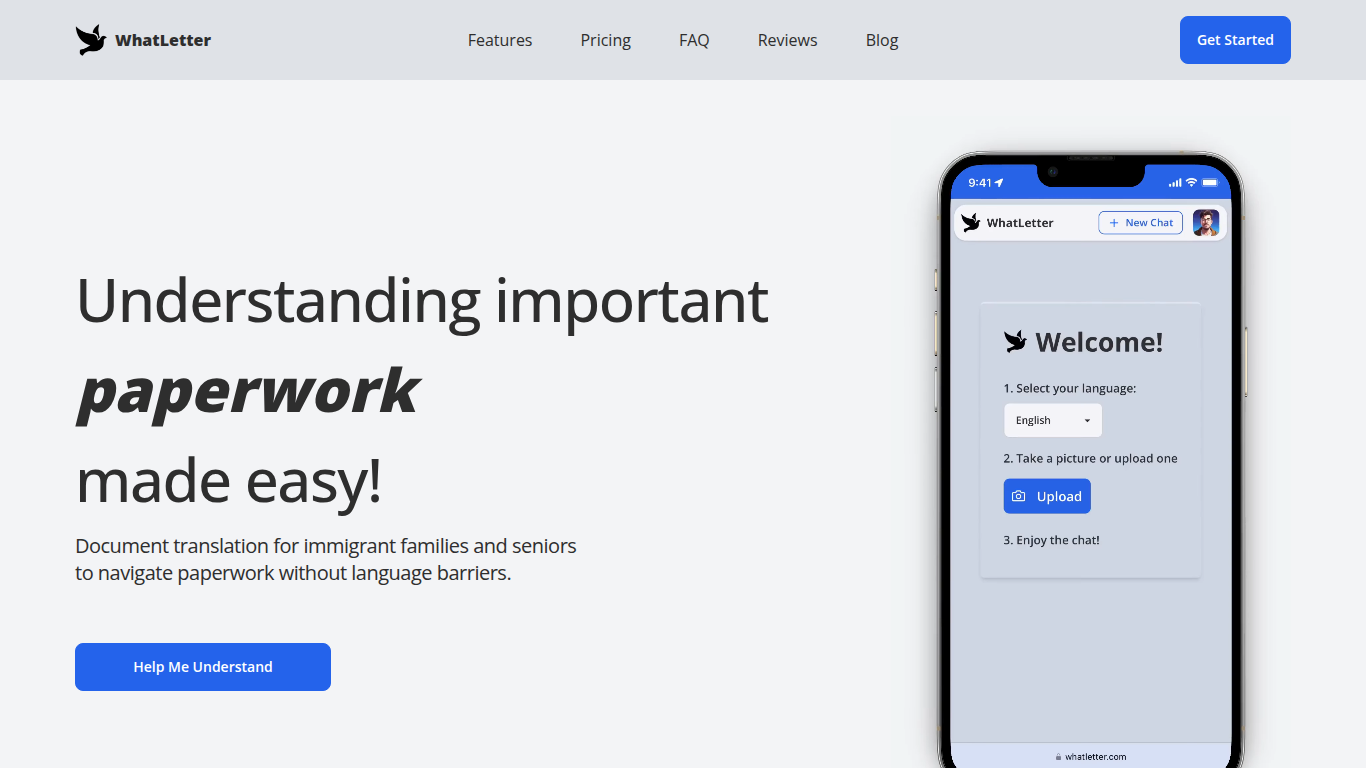

What is WhatLetter?
WhatLetter translates documents and texts into over 30 languages using photo capture and AI technology. Users can take pictures of menus, letters, or forms and receive instant translations in their preferred language. An AI chatbot further explains translated content and answers questions to clarify complex documents.
WhatLetter stands out by combining instant photo translation with an AI assistant that helps users understand the meaning behind translations. Unlike basic translators, it prioritizes privacy by not storing images or chat histories on servers. It is accessible through desktop and mobile browsers without requiring app downloads.
The tool serves diverse users such as immigrant families, seniors, and travelers who need quick, reliable translations for personal or business purposes. While the free plan offers limited translations, the WhatLetter Plus subscription unlocks unlimited access and enhanced AI features. Upcoming integrations with WhatsApp and Telegram will enable message translation within those platforms.
Transcript Download
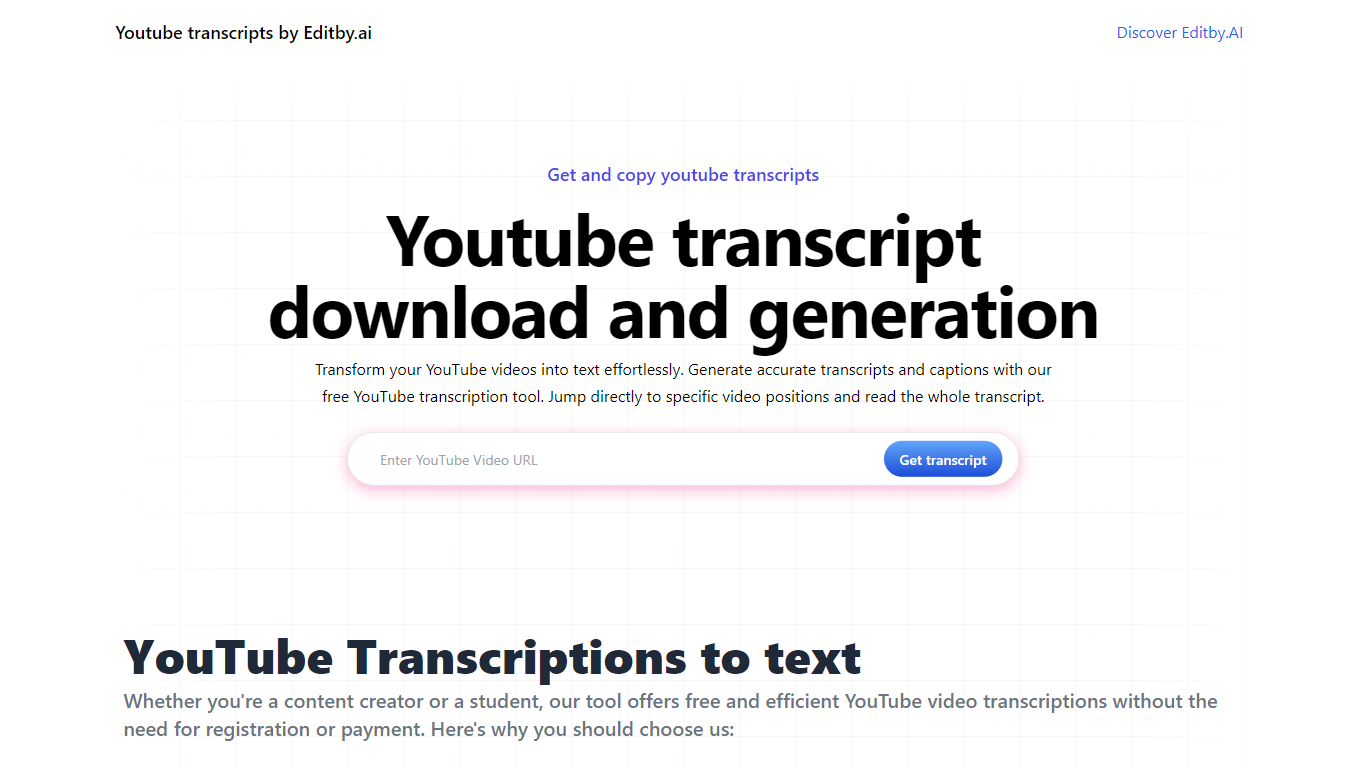
What is Transcript Download?
Unlock the full potential of your YouTube videos with Editby.AI's YouTube Transcription Tool. Our user-friendly platform caters to a range of users including students, researchers, content creators, and SEO professionals by providing an efficient way to generate accurate transcripts and captions. With our tool, there's no need for manual transcription. Simply input a YouTube URL and receive instant transcripts. Highlighted search terms, direct video position jumps, auto-scrolling features, and easy clipboard copying and downloading options streamline your workflow. Our commitment to user privacy is unmatched, requiring no sign-up or personal information. Enhance your productivity and save time with Editby.AI's transcription tool, all at no cost.
WhatLetter Upvotes
Transcript Download Upvotes
WhatLetter Top Features
Instant photo translation in 30+ languages
AI chatbot explains translations and answers questions
No images or chat histories stored to protect privacy
Accessible on desktop and mobile browsers without app download
WhatLetter Plus plan offers unlimited translations and enhanced features
Upcoming WhatsApp and Telegram integrations for message translation
Transcript Download Top Features
Instant Transcripts: Paste a YouTube URL and receive transcripts instantly.
Downloadable Transcripts: Easily download transcripts with a single click.
Jump to Video Position: Navigate directly to specific video segments from the transcript.
Autoscroll Transcripts: Enjoy synchronized transcripts that auto-scroll as the video plays.
No Registration Needed: Access the transcription tool without any account or personal details.
WhatLetter Category
- Translation
Transcript Download Category
- Translation
WhatLetter Pricing Type
- Freemium
Transcript Download Pricing Type
- Freemium