Whattocode vs PSEUDO.AI
Explore the showdown between Whattocode vs PSEUDO.AI and find out which AI Developer tool wins. We analyze upvotes, features, reviews, pricing, alternatives, and more.
When comparing Whattocode and PSEUDO.AI, which one rises above the other?
When we contrast Whattocode with PSEUDO.AI, both of which are exceptional AI-operated developer tools, and place them side by side, we can spot several crucial similarities and divergences. The community has spoken, PSEUDO.AI leads with more upvotes. PSEUDO.AI has 7 upvotes, and Whattocode has 6 upvotes.
Disagree with the result? Upvote your favorite tool and help it win!
Whattocode
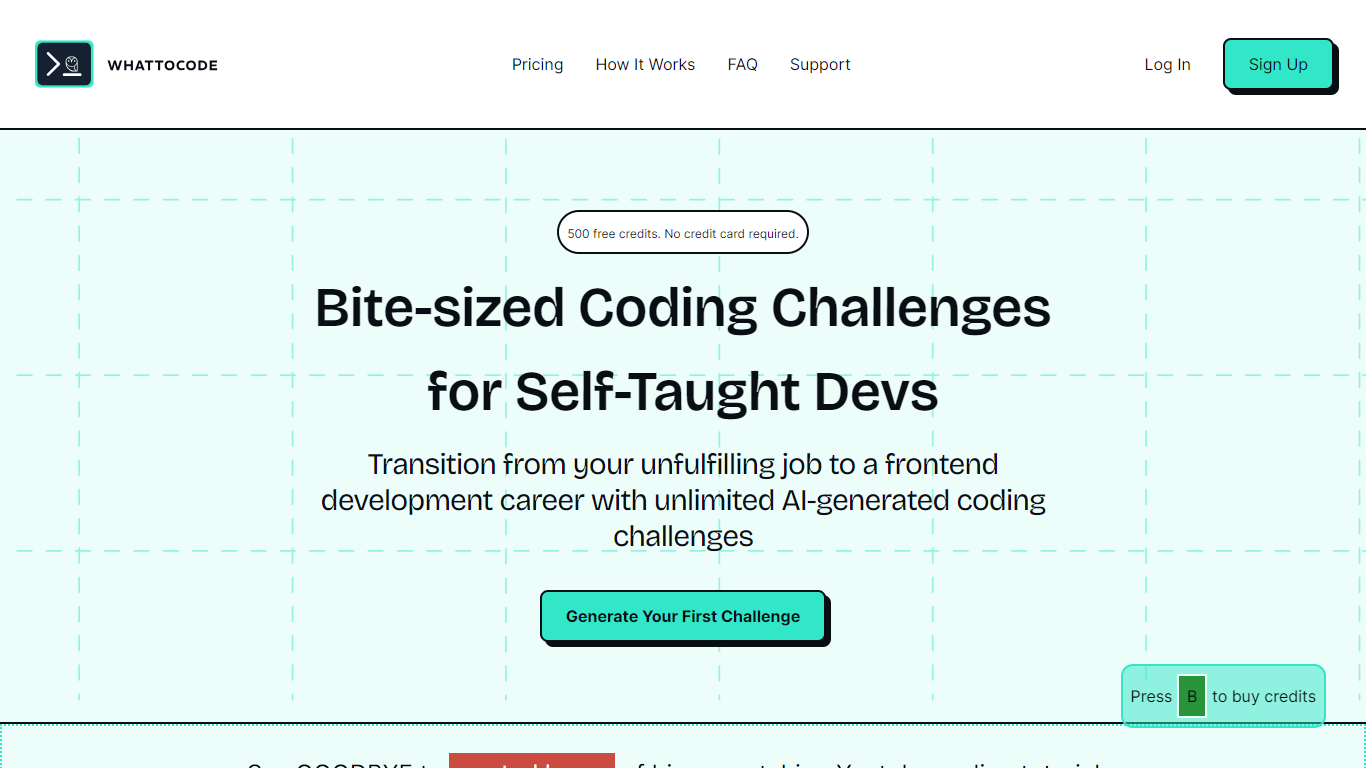

What is Whattocode ?
Whattocode is your ultimate coding challenge generator, helping self-taught developers and those desiring a career switch to front-end development to stay sharp and improve their skills. By picking the amount of time you have and your developer level, you can generate a unique coding challenge in just 2 minutes.
Whattocode eliminates the need for aimless tutorial browsing, offering bite-sized, AI-generated coding challenges tailored to your skill level and goals. From simple UI components to Single-page Applications (SPAs), you can customize challenges to your preference. After completion, you can import the boilerplate code to Codepen for convenience and even share your results on our Discord Server for valuable feedback. Start today with 500 free credits, no credit card required, and make meaningful progress in your coding journey.
PSEUDO.AI

What is PSEUDO.AI?
PSEUDO.AI turns source code into human-readable pseudocode in your browser. You enter a prompt or code snippet, pick a language, and the app returns plain-language steps that read like structured pseudocode rather than raw syntax. It runs on the web at pseudoai.vercel.app with no install, and targets teams who need to explain implementation details to people who do not read code daily.
Most code explainers summarize what a snippet does in prose. PSEUDO.AI keeps the output closer to pseudocode structure, which makes handoffs to designers, product owners, or junior developers easier to scan. The trade-off is focus: it is built for pseudocode conversion, not debugging, testing, or repo-wide documentation. That narrow scope is the point when the goal is shared comprehension, not a full IDE workflow.
Software developers use it to translate tricky logic before code reviews or stakeholder meetings. Computer science students and instructors lean on it when a textbook example needs a readable walkthrough. Product managers and mentors who sit in technical discussions but do not write production code get a format they can follow without parsing braces and semicolons.
Whattocode Upvotes
PSEUDO.AI Upvotes
Whattocode Top Features
Customizable Challenges: Adjust the challenge generator based on time availability and developer level.
Real-Time Challenge Generation: Quickly receive a challenge consisting of a description, features, and starter code.
Codepen Integration: Easily import the generated boilerplate code directly into Codepen.
Community Feedback: Share your completed challenges on our Discord Server and get insights from other developers.
Free Credits to Start: Begin with 500 free credits, no credit card necessary, to jump into coding challenges right away.
PSEUDO.AI Top Features
Choose from 12 languages on the converter page, including C, C++, C#, Java, Python 3, JavaScript, Node.js, PHP, Kotlin, Swift, and SQL.
Runs entirely in the browser at pseudoai.vercel.app with no downloads required, per the homepage FAQ.
Uses an OpenAI-trained GPT model to generate pseudocode from your code input, according to the site FAQ.
Three-step workflow on the converter: enter a prompt or topic, pick a language, then click GO and copy the output.
Homepage FAQ lists Java, Python, C++, and JavaScript among supported languages, with a broader list on the live converter.
Whattocode Category
- Developer
PSEUDO.AI Category
- Developer
Whattocode Pricing Type
- Freemium
PSEUDO.AI Pricing Type
- Free