Whimsical AI vs Stenography
In the face-off between Whimsical AI vs Stenography, which AI Summarizer tool takes the crown? We scrutinize features, alternatives, upvotes, reviews, pricing, and more.
In a face-off between Whimsical AI and Stenography, which one takes the crown?
If we were to analyze Whimsical AI and Stenography, both of which are AI-powered summarizer tools, what would we find? Whimsical AI is the clear winner in terms of upvotes. Whimsical AI has attracted 7 upvotes from aitools.fyi users, and Stenography has attracted 6 upvotes.
Want to flip the script? Upvote your favorite tool and change the game!
Whimsical AI
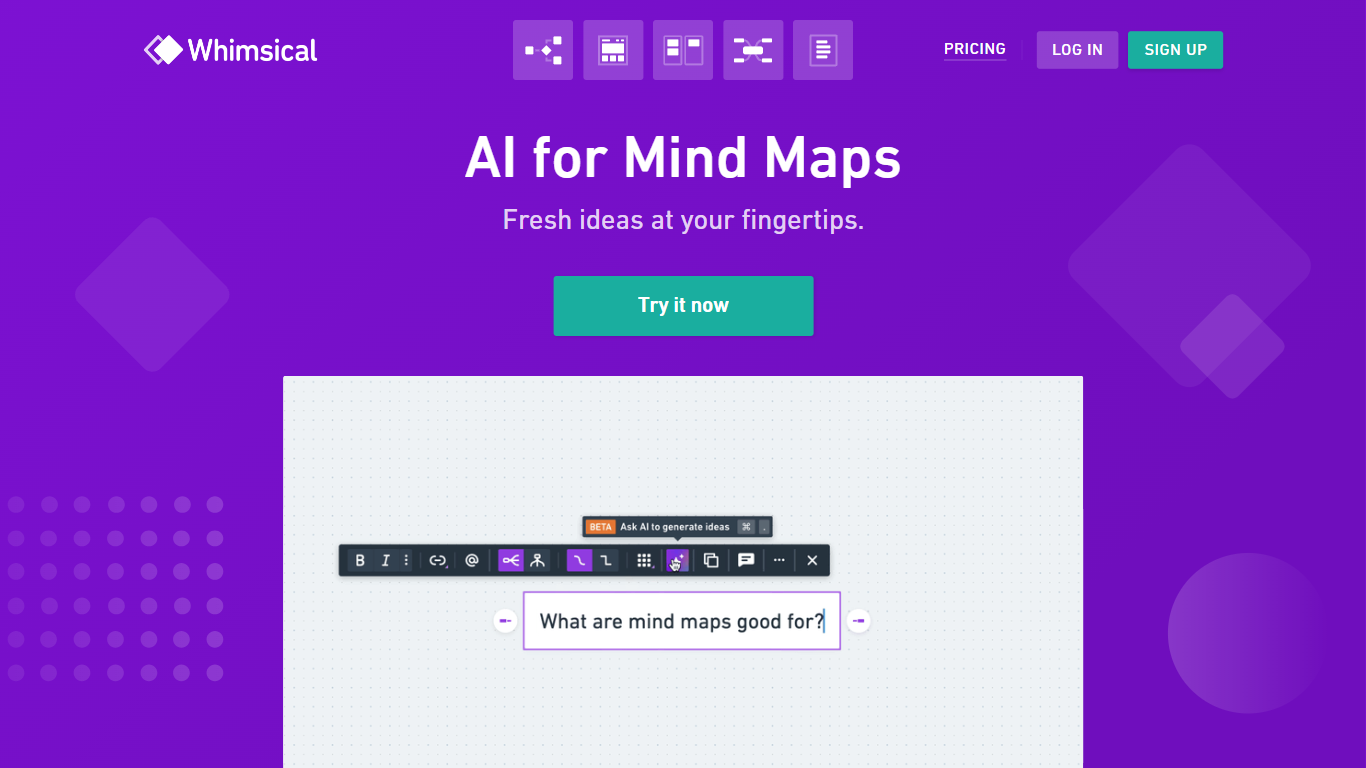

What is Whimsical AI?
Whimsical AI turns a text prompt into editable mind maps inside Whimsical's diagram canvas, powered by Claude. You enter an idea, generate a branched map in seconds, and refine it like any other Whimsical board, flowchart, or wireframe. The page also positions Whimsical AI for summarizing information and brainstorming before you refine a solution.
Standalone chat tools spit out bullet lists you still have to redraw by hand. Whimsical AI keeps output in a visual workspace your team already uses for boards, flowcharts, and wireframes, so maps stay editable and shareable instead of trapped in a text thread.
The free AI mind map generator sits inside Whimsical's broader product suite with real-time collaboration, templates, and integrations for ChatGPT and Claude. Paid plans add more AI credits, longer version history, larger uploads, and admin controls for teams that outgrow the free workspace limits.
Whimsical AI fits product managers, designers, and facilitators who need fast mind maps during workshops, planning sessions, or research synthesis. It also suits individuals who want structured brainstorming without rebuilding diagrams manually after each prompt.
Stenography
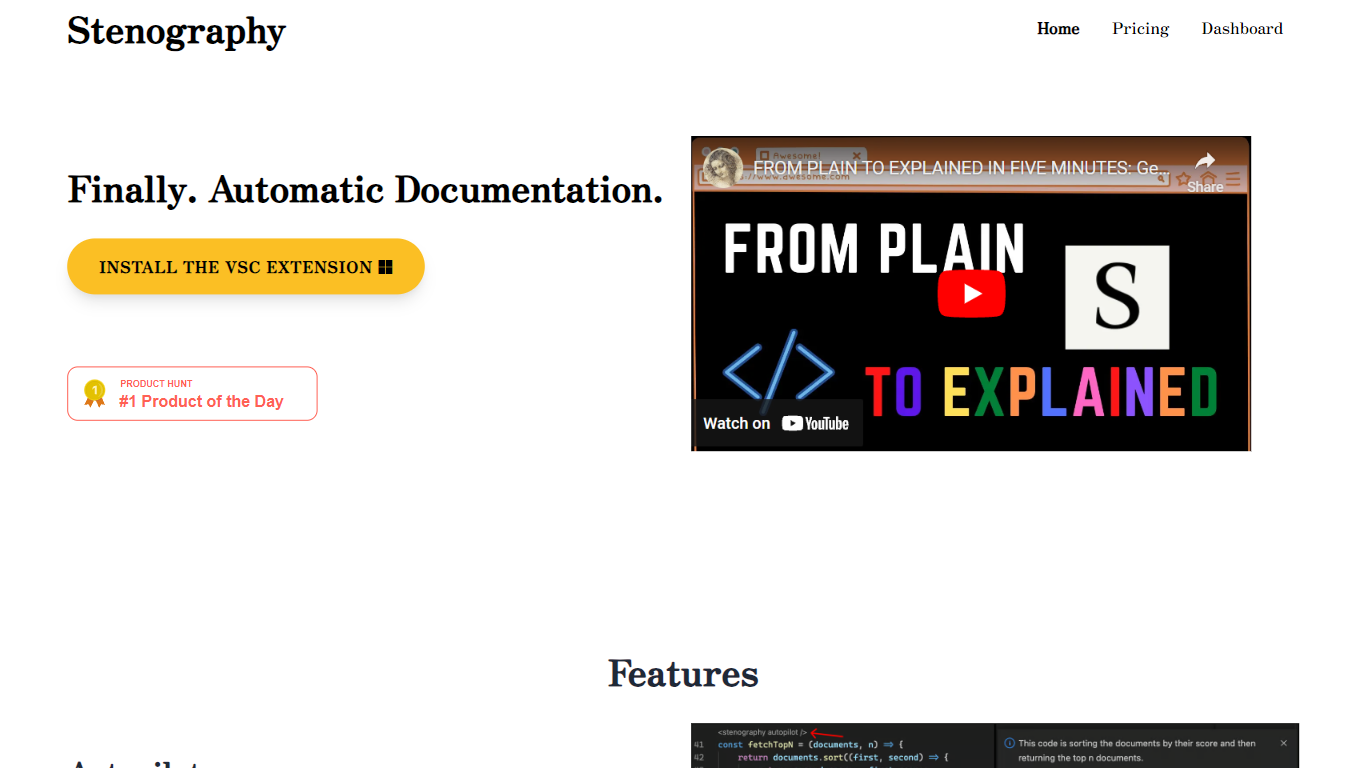
What is Stenography?
Stenography turns source code into plain-English summaries and keeps those explanations updated as you edit. Its VS Code extension runs Autopilot on every save to document entire codebases, while a separate API accepts code snippets and returns customizable explanations you can embed in your own apps or extensions.
Where generic AI chat tools treat code like any other text prompt, Stenography layers Stack Overflow suggestions and linked documentation into each response so answers cite real references instead of guessing. A passthrough API design means your code is not stored on Stenography servers, which matters when you are documenting proprietary repositories.
Developers who maintain large codebases, extension authors, and teams that want living docs without manual README upkeep are the main audience. The free tier covers 250 API calls per month, and paid plans scale invocation limits for heavier use.
Whimsical AI Upvotes
Stenography Upvotes
Whimsical AI Top Features
Text prompts generate fully editable AI mind maps powered by Claude
Free plan includes 20 AI credits per workspace according to pricing FAQs
Pro plan costs $10 per month per editor with 90-day version history
Business plan costs $20 per month per editor with SSO and SCIM
Generated maps open on Whimsical boards alongside flowcharts and wireframes
Integrations let ChatGPT and Claude users turn ideas into Whimsical visuals
Annual billing saves 17% on paid Whimsical plans
Stenography Top Features
Autopilot documents entire codebases on every save inside VS Code
API accepts code input and returns plain-English explanations you can customize
Responses include Stack Overflow suggestions and linked web documentation
250 free API invocations per month on VS Code or custom extensions
Passthrough API does not store submitted code on Stenography servers
Chrome extension and additional integrations listed on the Notion extensions page
Whimsical AI Category
- Summarizer
Stenography Category
- Summarizer
Whimsical AI Pricing Type
- Freemium
Stenography Pricing Type
- Freemium