Wonderslide vs MindShow
In the clash of Wonderslide vs MindShow, which AI Presentation tool emerges victorious? We assess reviews, pricing, alternatives, features, upvotes, and more.
If you had to choose between Wonderslide and MindShow, which one would you go for?
Let's take a closer look at Wonderslide and MindShow, both of which are AI-driven presentation tools, and see what sets them apart. The upvote count shows a clear preference for Wonderslide. Wonderslide has been upvoted 7 times by aitools.fyi users, and MindShow has been upvoted 6 times.
Want to flip the script? Upvote your favorite tool and change the game!
Wonderslide
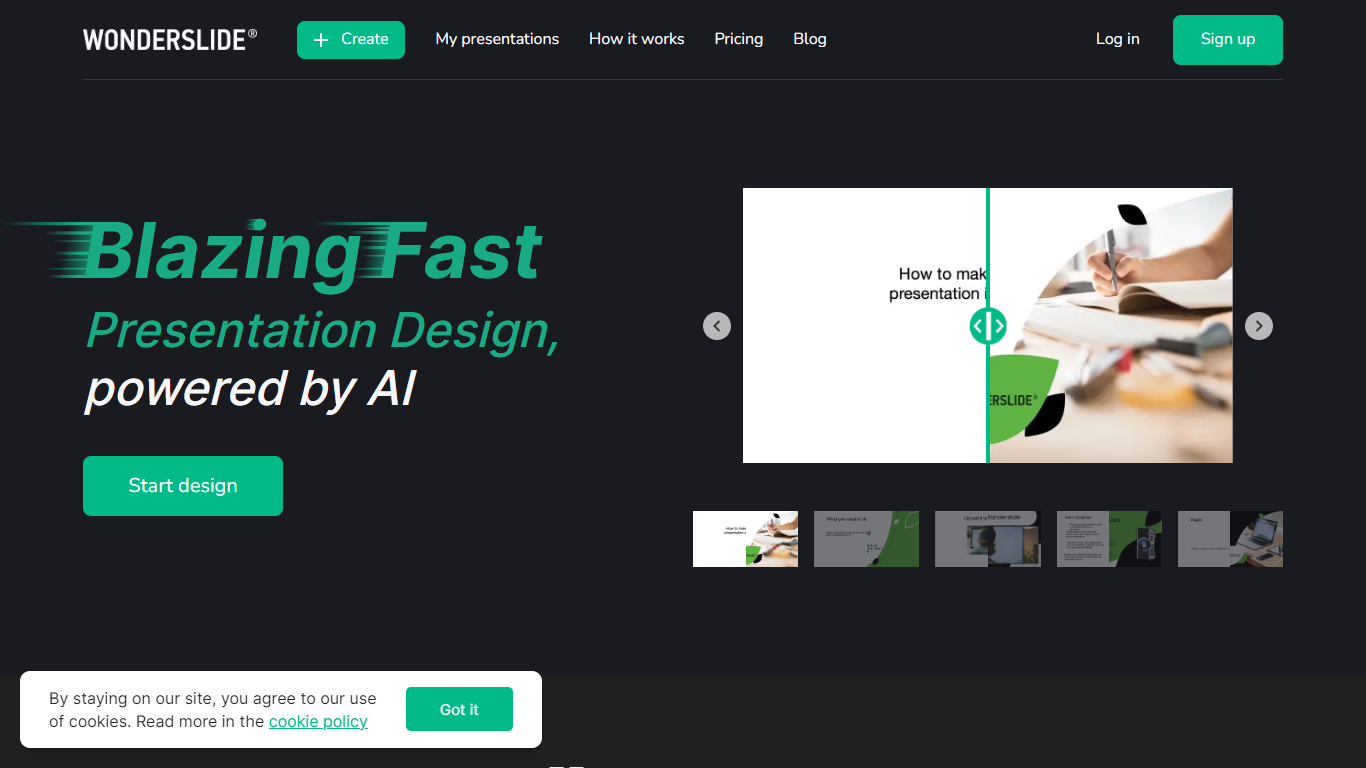

What is Wonderslide?
Wonderslide is an AI presentation maker that turns a short brief into a designed slide deck. You describe the audience and goal, optionally attach documents, and agents propose an outline before any slides render. Marketers, founders, trainers, and students use it when a deck is due tomorrow and laying out PowerPoint is the bottleneck.
Most slide tools either hand you a template or dump text you still have to format. Wonderslide splits the job into structure, then design, then chat edits. It treats a quarterly report differently from a pitch or a training session, and you can ask for changes like a new competitor slide without rebuilding from scratch. Optional web search pulls cited stats instead of anonymous bullet points.
The product is a product of Everypixel and still offers the earlier template-first workflow at classic.wonderslide.com. The main site is the agentic flow: outline approval, progressive slide generation, infographics from your data, and exports you can open in PowerPoint or Google Slides.
MindShow
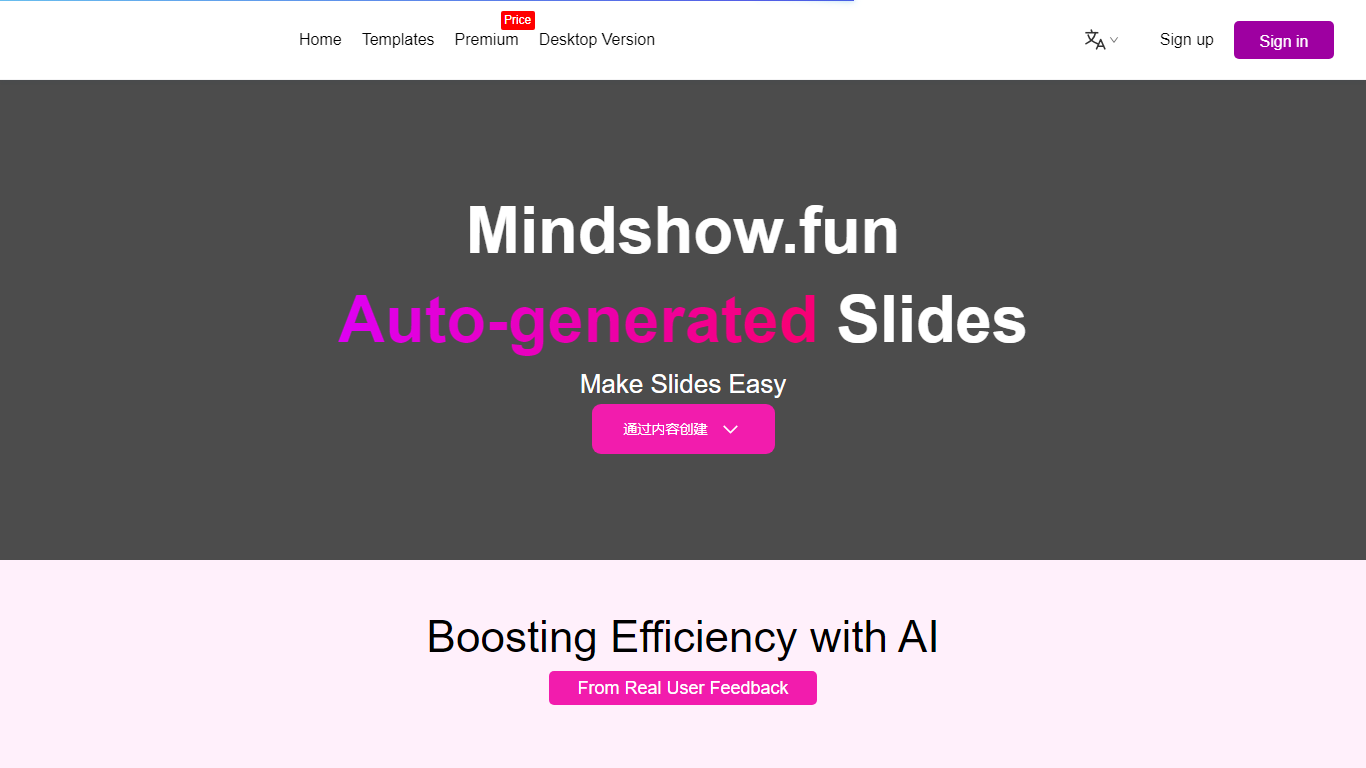
What is MindShow?
MindShow is an online presentation builder that turns a title, pasted text, or uploaded file into a finished slide deck. You can start from a prompt, drop in a Word or PDF file, or import Markdown and mind maps, then let the tool generate layouts, graphics, and animations automatically. It fits anyone who needs a PPT fast without rebuilding every slide by hand.
Where many slide tools stop at blank templates, MindShow pushes import paths and long-document handling. The site lists dedicated flows for Markdown, Word, PDF, PPTX redesign, mind maps in .xmind and .mm, plain text, image analysis, and long-text summaries up to 100,000 words. That breadth matters if your source material already lives outside the presentation app.
Office workers, teachers, and students use it for work reports, product decks, and defense presentations. MindShow also offers a downloadable desktop application, publishes help at mindshow.fun/help, and lists [email protected] for contact.
Wonderslide Upvotes
MindShow Upvotes
Wonderslide Top Features
Outline approval lists every slide title and purpose before design starts
Chat commands add slides or shift tone without rebuilding the deck
Pulls structure from PDF, DOCX, PPTX, or XLSX uploads, several files at once
Optional web search attaches a source link and date to each statistic
Typical runs land in about 15 minutes from brief to downloadable PPTX or PDF
MindShow Top Features
Generate a full PPT from a title, uploaded document, or pasted text
Import Markdown, Word .docx, PDF, PPTX, and mind maps in .xmind or .mm formats
Summarize long text up to 100,000 words into a condensed presentation
Switch between multiple themes and layouts with one click after generation
Edit generated content in an outline view before exporting to PPTX
Desktop application available alongside the browser-based editor
Wonderslide Category
- Presentation
MindShow Category
- Presentation
Wonderslide Pricing Type
- Freemium
MindShow Pricing Type
- Freemium