World Monitor vs CalcGen AI
Dive into the comparison of World Monitor vs CalcGen AI and discover which AI Analytics tool stands out. We examine alternatives, upvotes, features, reviews, pricing, and beyond.
In a comparison between World Monitor and CalcGen AI, which one comes out on top?
When we compare World Monitor and CalcGen AI, two exceptional analytics tools powered by artificial intelligence, and place them side by side, several key similarities and differences come to light. Interestingly, both tools have managed to secure the same number of upvotes. Your vote matters! Help us decide the winner among aitools.fyi users by casting your vote.
Feeling rebellious? Cast your vote and shake things up!
World Monitor

What is World Monitor?
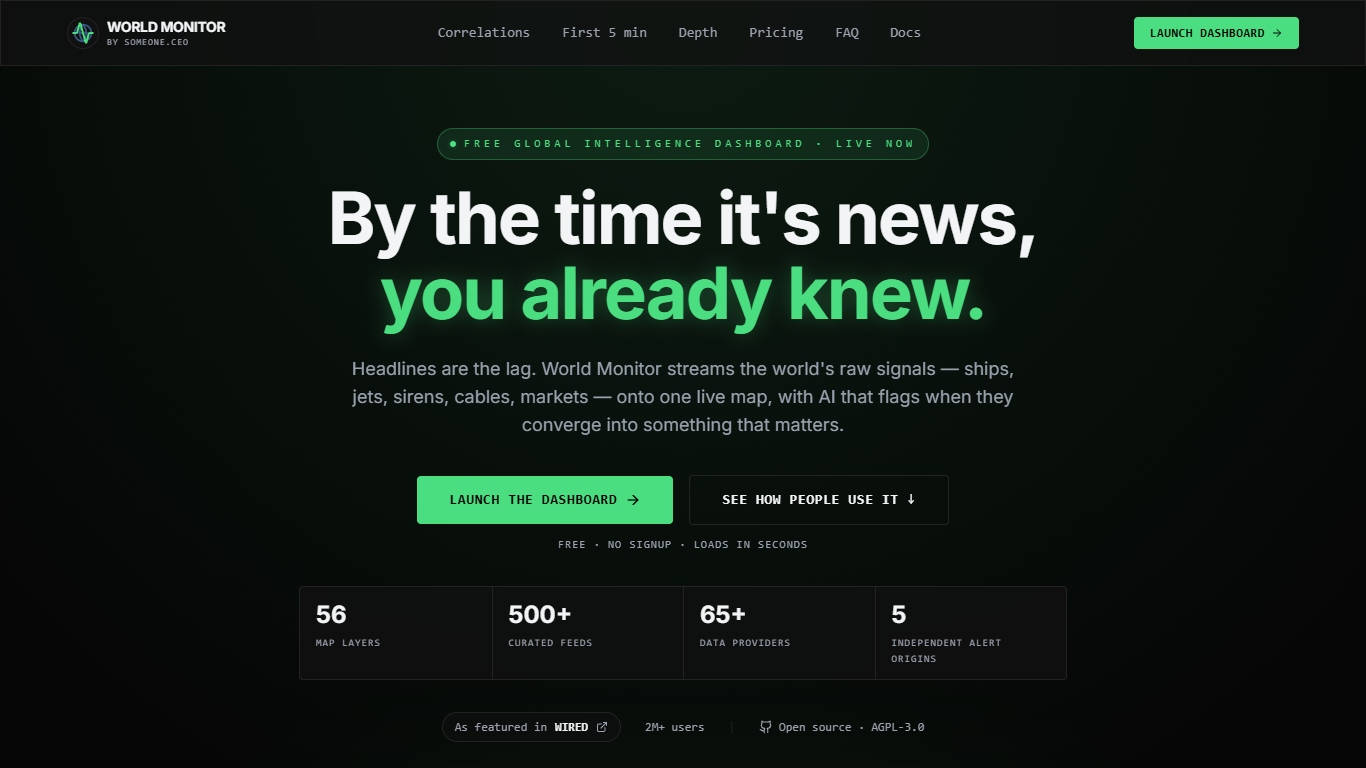
World Monitor is a live analytics dashboard that fuses geopolitics, shipping, markets, infrastructure, and cyber signals onto one world map. The browser app loads conflict events, AIS vessel counts, military flights, subsea cables, chokepoints, markets, and curated news without signup, then scores when those feeds converge.
Most conflict or maritime trackers show one layer at a time. World Monitor correlates country risk, transit flows, macro prices, cable outages, and alert velocity on a single surface, with breaking banners that require five independent origin types before they fire. Pro adds WM Analyst chat, a scenario engine, Route Explorer, scheduled digests, MCP tools, and API access for builders who want live intelligence inside Claude or custom code.
Investors, analysts, journalists, and developers use World Monitor to verify breaking claims, watch Hormuz or Bab el-Mandeb transit in real time, trace country-risk moves, and wire live briefs into Slack, Telegram, or email. The core map stays free under AGPL-3.0 on GitHub, with desktop apps for Windows, macOS, Linux, and Android TV.
CalcGen AI
What is CalcGen AI?
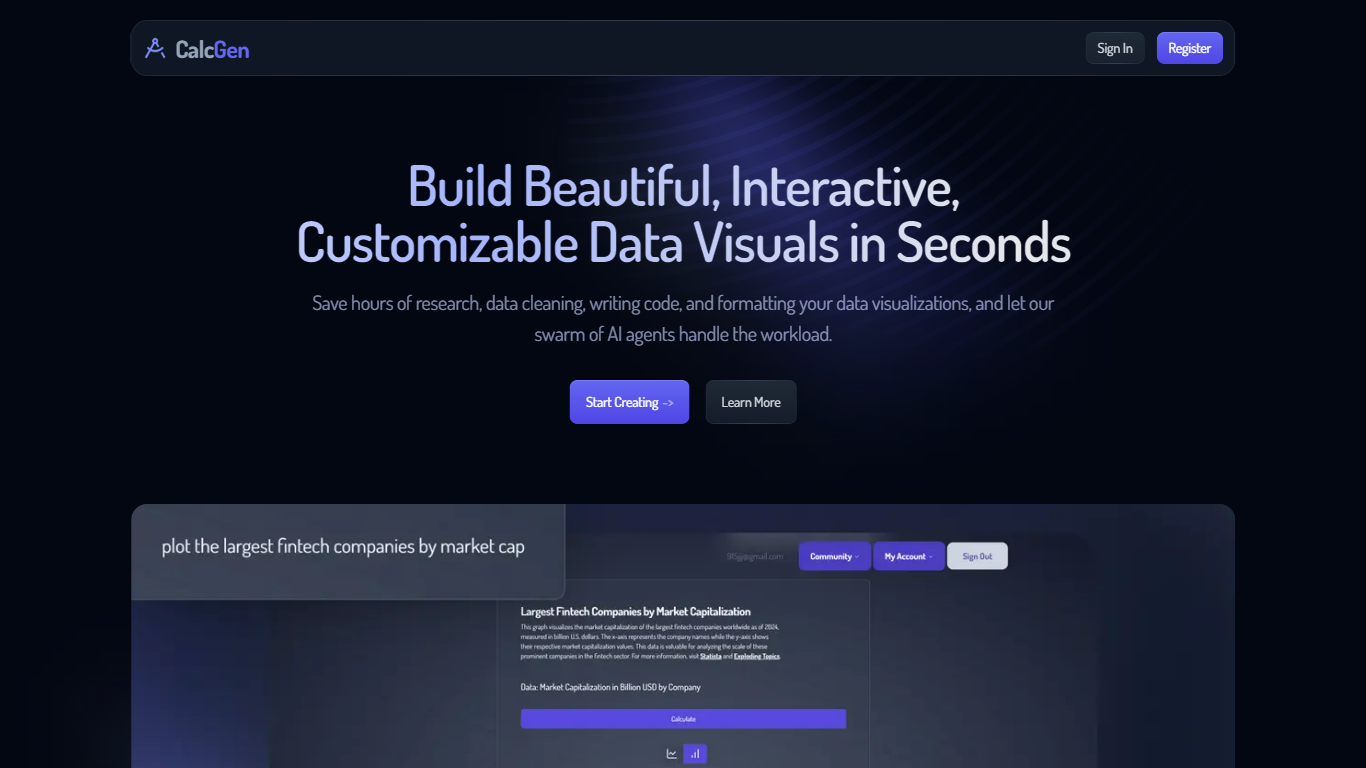
CalcGen AI turns a plain-language question into an interactive chart, graph, or calculator without you writing code or hunting down datasets. Type a prompt like smoking rates in the USA, and a swarm of search, analysis, and visualization agents finds credible sources, writes a summary, and renders a shareable visual you can embed in Notion, PowerPoint, or WordPress.
ChatGPT can sketch a chart from data you paste in. CalcGen goes further by sending a search agent to pull numbers from the web, linking every source, and letting you customize themes, filters, and chart types in a visual editor. The trade-off is beta maturity: the tutorial recommends datasets under 150 points for best results.
Analysts, educators, and marketers use it when they need a polished visualization fast but lack time for spreadsheet cleanup and formatting. CalcGen was featured on Product Hunt as a top 8 launch and in Rundown AI's trending products list in October 2024.
World Monitor Upvotes
CalcGen AI Upvotes
World Monitor Top Features
Fuses 100+ live signals including conflicts, AIS vessels, flights, cables, markets, and cyber on one map
Tracks 13 maritime chokepoints with live AIS counts, week-over-week transit change, and disruption scoring
Country instability index built from 12 fused signals per country with cited AI briefs
Breaking alerts require corroboration across five independent origin types before firing
Pro includes WM Analyst chat, scenario engine, Route Explorer, and MCP plus SDK access with 50 calls per day
Open source under AGPL-3.0 with REST API, npm, PyPI, RubyGems, and Go clients
CalcGen AI Top Features
Search Agent finds data online and links credible sources to every visualization
Analysis Agent writes chart titles and detailed data summaries automatically
Visualization Agent builds interactive charts with custom filters and sorting from prompts
Embeds into Notion, PowerPoint, WordPress, Wix, and Miro
Theme library lets you match charts to your brand design language
Custom graph calculators plot equations dynamically from user inputs
Paid plans start at $9.99 per month according to the welcome page
World Monitor Category
- Analytics
CalcGen AI Category
- Analytics
World Monitor Pricing Type
- Freemium
CalcGen AI Pricing Type
- Freemium