Write GPT vs Writer's brew
Dive into the comparison of Write GPT vs Writer's brew and discover which AI Writing Assistant tool stands out. We examine alternatives, upvotes, features, reviews, pricing, and beyond.
When comparing Write GPT and Writer's brew, which one rises above the other?
When we compare Write GPT and Writer's brew, two exceptional writing assistant tools powered by artificial intelligence, and place them side by side, several key similarities and differences come to light. In the race for upvotes, Write GPT takes the trophy. Write GPT has 6 upvotes, and Writer's brew has 4 upvotes.
Disagree with the result? Upvote your favorite tool and help it win!
Write GPT
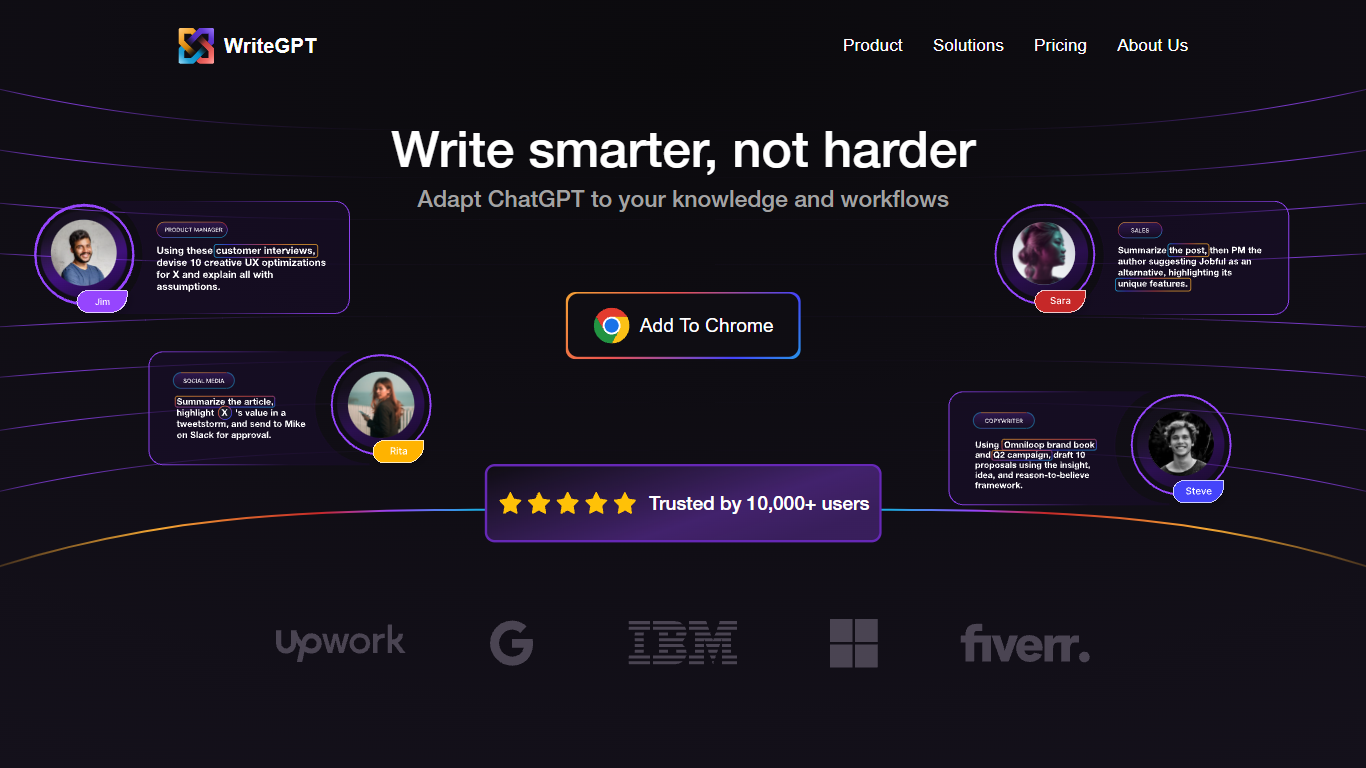

What is Write GPT?
The Write GPT website is a comprehensive and advanced AI-powered tool that is designed to assist users with generating high-quality and personalized written content. Whether you need help with creative writing, academic papers, business documents, or any other type of written material, Write GPT is here to assist you.
With its state-of-the-art natural language processing capabilities, Write GPT can accurately understand user inputs and generate relevant and engaging content. It can provide assistance with brainstorming ideas, creating outlines, generating paragraphs, and even proofreading and editing existing texts. Users can input prompts or specific instructions, and Write GPT will generate well-structured and coherent content that meets their requirements.
Write GPT is constantly updated with the latest language models and continues to learn and improve over time. It leverages a vast amount of data to offer highly accurate and contextually relevant suggestions and recommendations. This enables users to save time and effort while producing high-quality content that resonates with their target audience.
Additionally, Write GPT offers various features and functionalities to enhance the writing experience. It includes grammar and spell-checking tools, plagiarism detection, citation management, and even suggestions for improving readability and style. Users can customize their preferences and writing styles to ensure that the generated content aligns with their individual needs and preferences.
Whether you are a professional writer, student, or business professional, Write GPT is an invaluable tool that can help you produce exceptional written content efficiently and effectively. With its user-friendly interface and powerful capabilities, it simplifies the writing process and eliminates the challenges associated with generating high-quality content.
Writer's brew
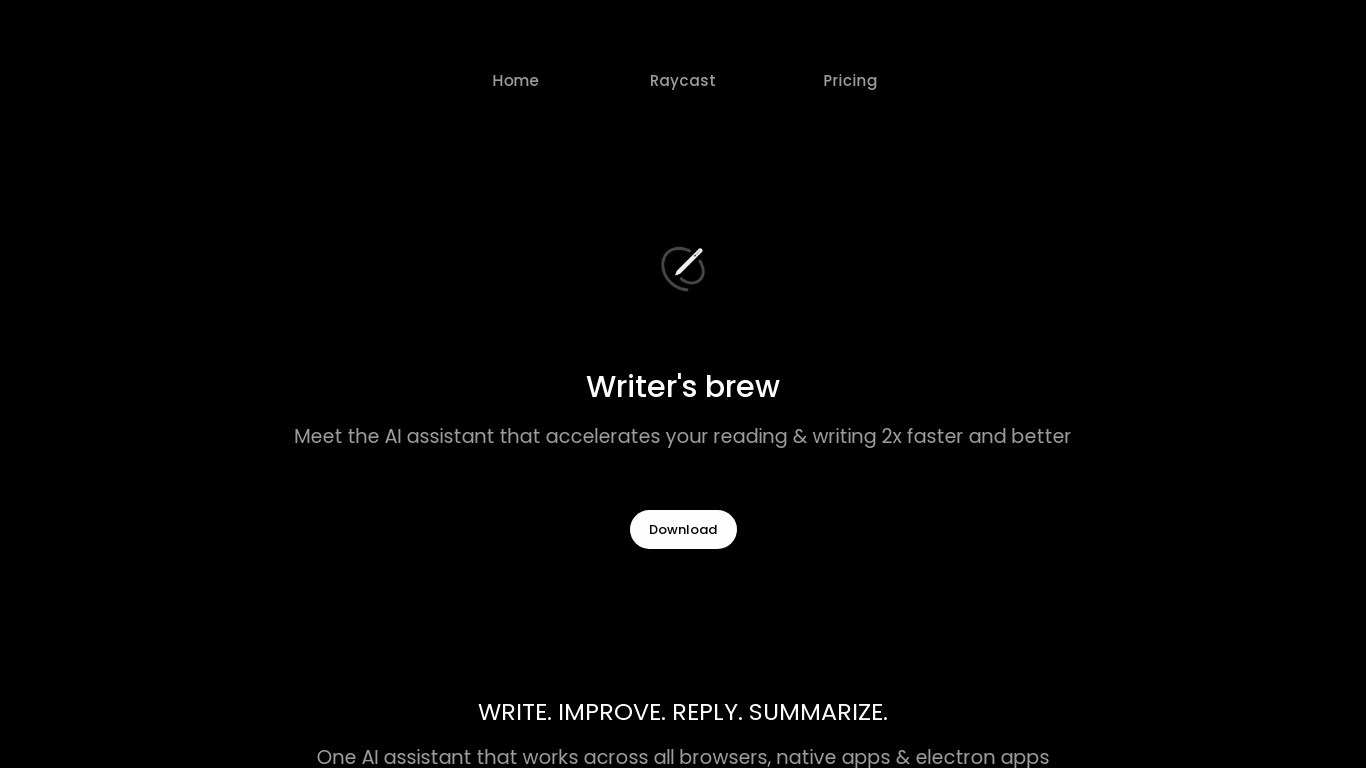
What is Writer's brew?
Writer's brew is a macOS writing assistant that rewrites, summarizes, translates, and replies to text you highlight in any app. It runs from the menu bar, a Spotlight-style popup, or keyboard shortcuts, and includes snippets, 15+ text utilities, and OCR that pulls words from images before sending them to AI. You bring your own OpenAI API key, so usage costs go to OpenAI rather than a monthly SaaS bill.
Most writing assistants live inside one browser tab or web editor. Writer's brew works system-wide on macOS 15.0 or later, which suits people who jump between Notes, email, Slack, and docs all day. The trade-off is it is Mac-only, requires your own OpenAI key, and skips the managed cloud workflow that all-in-one web tools provide.
Product managers, founders, and students who draft in multiple native Mac apps are the core audience. Power users pair it with Raycast or PopClip extensions for one-click rewrites, while snippet forms with placeholders like {date} and {clipboard} handle repetitive replies.
Write GPT Upvotes
Writer's brew Upvotes
Write GPT Top Features
No top features listedWriter's brew Top Features
30+ AI writing tools plus 50+ community presets for rewrite, summarize, translate, and reply tasks
Works across any macOS app via menu bar, Spotlight-style popup, or custom keyboard shortcuts
Snippet engine with smart placeholders like {date}, {clipboard}, and custom form fields
OCR extracts text from images anywhere on macOS before running AI transforms
Raycast and PopClip integrations add one-click presets from selected text
Pro license covers 2 devices for $29 with lifetime use and requires your own OpenAI API key
Translates highlighted text across 15+ languages from the same popup interface
Write GPT Category
- Writing Assistant
Writer's brew Category
- Writing Assistant
Write GPT Pricing Type
- Freemium
Writer's brew Pricing Type
- Paid