Write Tone vs Writer's brew
In the face-off between Write Tone vs Writer's brew, which AI Writing Assistant tool takes the crown? We scrutinize features, alternatives, upvotes, reviews, pricing, and more.
In a face-off between Write Tone and Writer's brew, which one takes the crown?
If we were to analyze Write Tone and Writer's brew, both of which are AI-powered writing assistant tools, what would we find? Write Tone stands out as the clear frontrunner in terms of upvotes. Write Tone has received 9 upvotes from aitools.fyi users, while Writer's brew has received 4 upvotes.
Does the result make you go "hmm"? Cast your vote and turn that frown upside down!
Write Tone
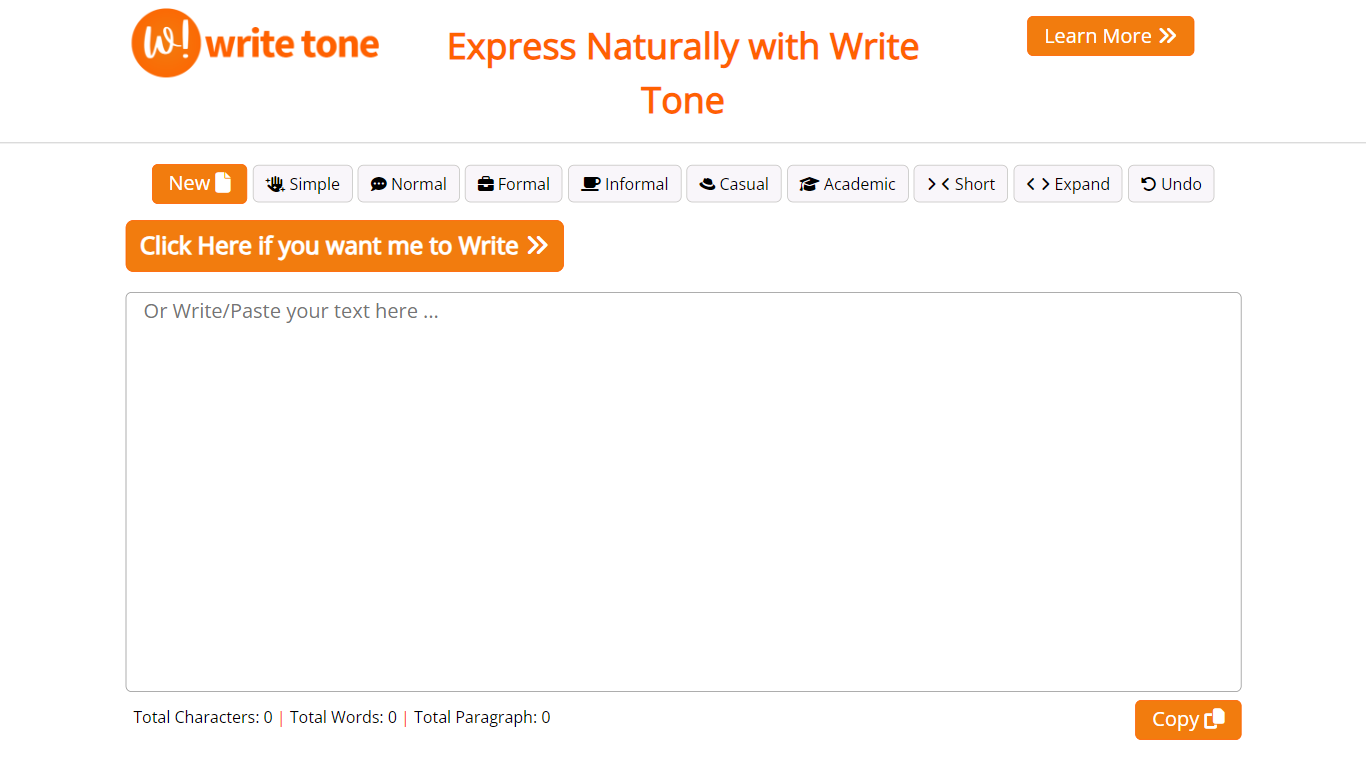

What is Write Tone?
Write Tone is a writing assistant that rewrites text in 90+ tones, humanizes AI drafts, and bundles 30+ study and productivity tools behind one account. The platform covers paraphrasing, grammar checks, plagiarism scans, summarizers, citation generation, and an AI tutor for homework help. A Chrome extension and free tier with 100,000 characters per month lower the barrier for students and professionals testing the service.
Grammarly and Jasper dominate the broad writing-assistant market, but Write Tone leans harder into tone switching and AI-detector bypassing through its HumanGPT module. The site claims 637,516+ active users and lists 100+ use-case templates spanning blog posts, cold emails, and social captions. That breadth trades depth: many tools share the same underlying rewrite engine rather than offering standalone specialized apps.
Students, teachers, content writers, and marketers are the primary audiences. Free users get paraphrasing in 50+ languages with ads, while the Plus plan removes ads and lifts character limits. API access is available for developers who want to embed Write Tone into their own applications.
Writer's brew
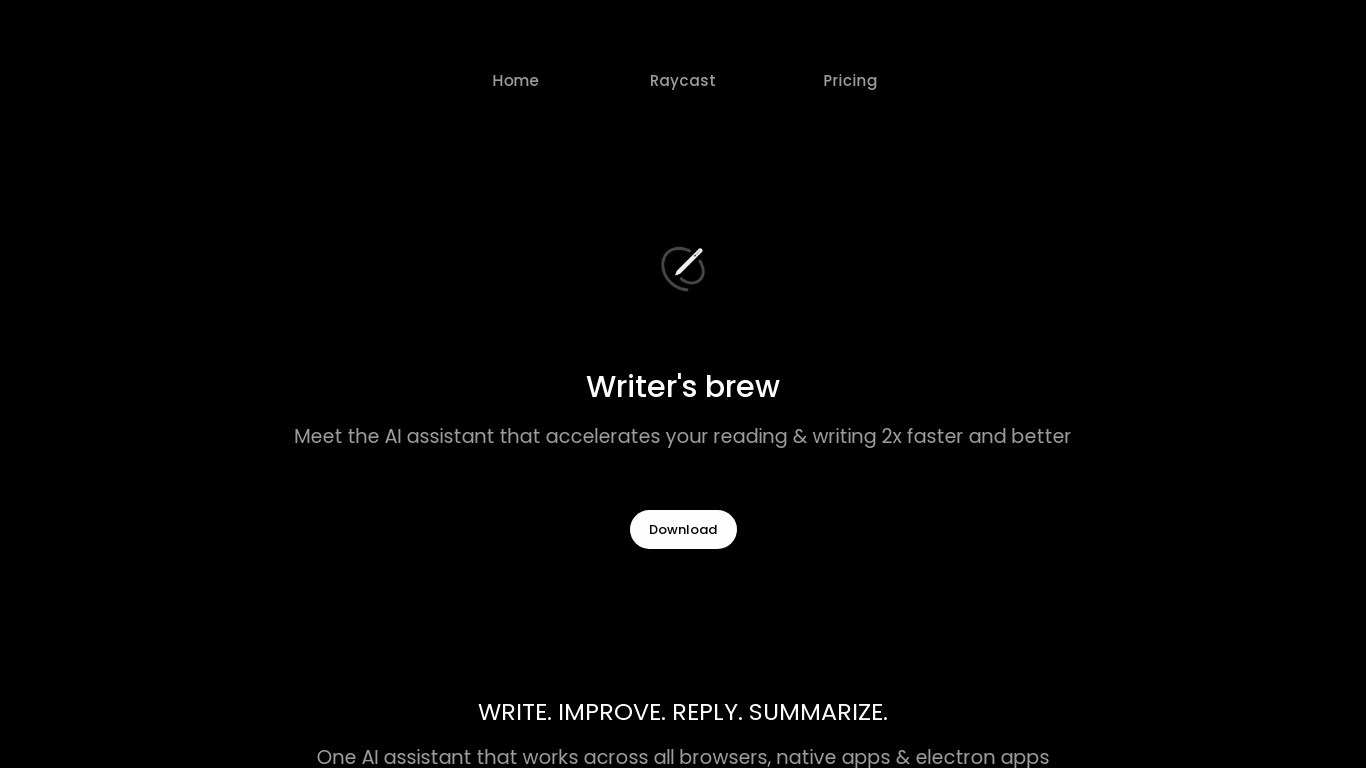
What is Writer's brew?
Writer's brew is a macOS writing assistant that rewrites, summarizes, translates, and replies to text you highlight in any app. It runs from the menu bar, a Spotlight-style popup, or keyboard shortcuts, and includes snippets, 15+ text utilities, and OCR that pulls words from images before sending them to AI. You bring your own OpenAI API key, so usage costs go to OpenAI rather than a monthly SaaS bill.
Most writing assistants live inside one browser tab or web editor. Writer's brew works system-wide on macOS 15.0 or later, which suits people who jump between Notes, email, Slack, and docs all day. The trade-off is it is Mac-only, requires your own OpenAI key, and skips the managed cloud workflow that all-in-one web tools provide.
Product managers, founders, and students who draft in multiple native Mac apps are the core audience. Power users pair it with Raycast or PopClip extensions for one-click rewrites, while snippet forms with placeholders like {date} and {clipboard} handle repetitive replies.
Write Tone Upvotes
Writer's brew Upvotes
Write Tone Top Features
90+ writing tones for paraphrasing and style adjustment
HumanGPT module to humanize AI text and bypass detectors
Free plan includes 100,000 characters per month (~12 pages)
30+ AI tools including quiz generator, flashcards, and essay outliner
100+ use-case templates for blogs, emails, and social posts
Chrome extension for in-browser rewriting
Paraphrasing supports 50+ languages on the free tier
Writer's brew Top Features
30+ AI writing tools plus 50+ community presets for rewrite, summarize, translate, and reply tasks
Works across any macOS app via menu bar, Spotlight-style popup, or custom keyboard shortcuts
Snippet engine with smart placeholders like {date}, {clipboard}, and custom form fields
OCR extracts text from images anywhere on macOS before running AI transforms
Raycast and PopClip integrations add one-click presets from selected text
Pro license covers 2 devices for $29 with lifetime use and requires your own OpenAI API key
Translates highlighted text across 15+ languages from the same popup interface
Write Tone Category
- Writing Assistant
Writer's brew Category
- Writing Assistant
Write Tone Pricing Type
- Freemium
Writer's brew Pricing Type
- Paid