Writely vs Writer's brew
Compare Writely vs Writer's brew and see which AI Writing Assistant tool is better when we compare features, reviews, pricing, alternatives, upvotes, etc.
Which one is better? Writely or Writer's brew?
When we compare Writely with Writer's brew, which are both AI-powered writing assistant tools, Writely stands out as the clear frontrunner in terms of upvotes. The upvote count for Writely is 6, and for Writer's brew it's 4.
You don't agree with the result? Cast your vote to help us decide!
Writely

What is Writely?
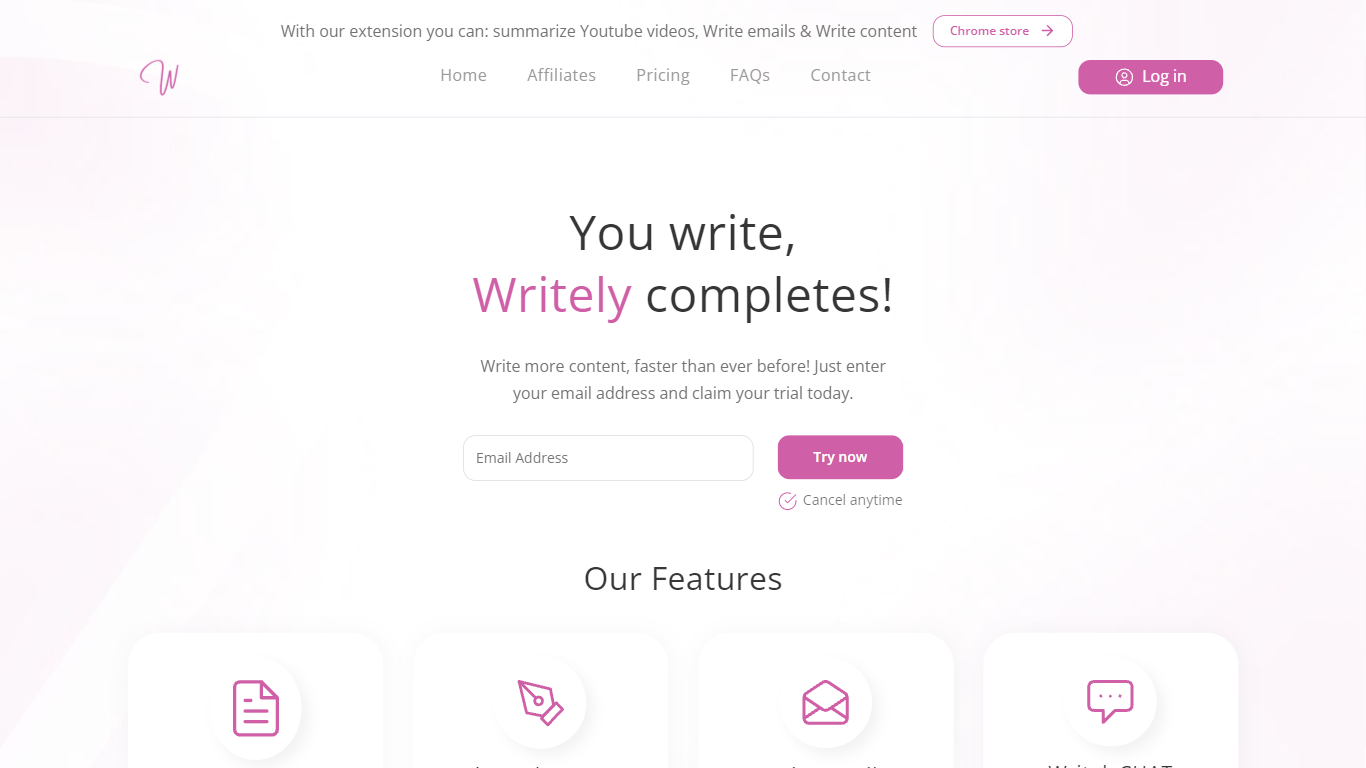
Writely is a writing assistant built around finishing drafts that read like a person wrote them, not a generic chatbot. You start with your own notes or partial text, and Writely generates articles, short stories, emails, and chat replies from templates tuned for blogs, cold outreach, and creative pieces. The homepage pitches speed plus output that can pass common AI detection checks, which is a narrower goal than all-in-one copy suites.
Where most writing tools optimize for volume, Writely leans into a humanize workflow with unlimited rewrites when a draft still flags detectors. Paid plans include real-time team workspaces, command shortcuts to expand ideas, and a 1-on-1 buddy scheme with Writely experts. Subscribers also get optional promotion through partner accounts that the site lists at a 20M follower reach.
Writely fits bloggers, marketing managers, and students who need first drafts fast but worry about robotic tone or detector scores. The contact page lists [email protected] with a stated two-hour reply window if you need billing or account help.
Writer's brew
What is Writer's brew?
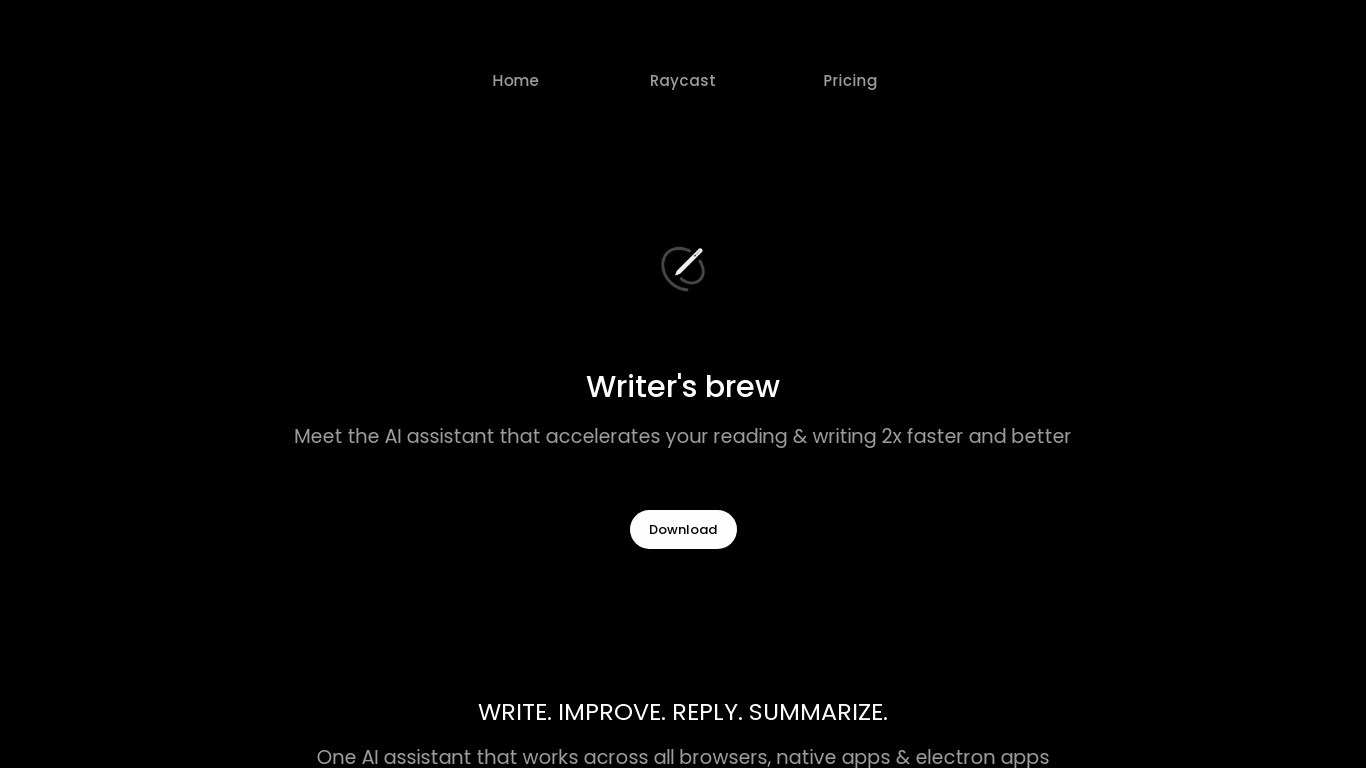
Writer's brew is a macOS writing assistant that rewrites, summarizes, translates, and replies to text you highlight in any app. It runs from the menu bar, a Spotlight-style popup, or keyboard shortcuts, and includes snippets, 15+ text utilities, and OCR that pulls words from images before sending them to AI. You bring your own OpenAI API key, so usage costs go to OpenAI rather than a monthly SaaS bill.
Most writing assistants live inside one browser tab or web editor. Writer's brew works system-wide on macOS 15.0 or later, which suits people who jump between Notes, email, Slack, and docs all day. The trade-off is it is Mac-only, requires your own OpenAI key, and skips the managed cloud workflow that all-in-one web tools provide.
Product managers, founders, and students who draft in multiple native Mac apps are the core audience. Power users pair it with Raycast or PopClip extensions for one-click rewrites, while snippet forms with placeholders like {date} and {clipboard} handle repetitive replies.
Writely Upvotes
Writer's brew Upvotes
Writely Top Features
Monthly plan lists unlimited usage at $39 per month with human-like completions
Annual billing runs $35 per month, $420 per year, with the same feature set as monthly
Humanize mode offers unlimited rewrites when output still triggers AI detectors
Shared workspaces let teams invite collaborators and write together in real time
WritelyCHAT acts as an in-app assistant alongside article, story, and email modes
Paid plans include a 1-on-1 buddy scheme with Writely experts for onboarding help
Writer's brew Top Features
30+ AI writing tools plus 50+ community presets for rewrite, summarize, translate, and reply tasks
Works across any macOS app via menu bar, Spotlight-style popup, or custom keyboard shortcuts
Snippet engine with smart placeholders like {date}, {clipboard}, and custom form fields
OCR extracts text from images anywhere on macOS before running AI transforms
Raycast and PopClip integrations add one-click presets from selected text
Pro license covers 2 devices for $29 with lifetime use and requires your own OpenAI API key
Translates highlighted text across 15+ languages from the same popup interface
Writely Category
- Writing Assistant
Writer's brew Category
- Writing Assistant
Writely Pricing Type
- Paid
Writer's brew Pricing Type
- Paid