WriteMe vs Writer's brew

Dive into the comparison of WriteMe vs Writer's brew and discover which AI Writing Assistant tool stands out. We examine alternatives, upvotes, features, reviews, pricing, and beyond.

In a comparison between WriteMe and Writer's brew, which one comes out on top?

When we compare WriteMe and Writer's brew, two exceptional writing assistant tools powered by artificial intelligence, and place them side by side, several key similarities and differences come to light. WriteMe stands out as the clear frontrunner in terms of upvotes. WriteMe has attracted 8 upvotes from aitools.fyi users, and Writer's brew has attracted 4 upvotes.

Does the result make you go "hmm"? Cast your vote and turn that frown upside down!

WriteMe
WriteMe

What is WriteMe?

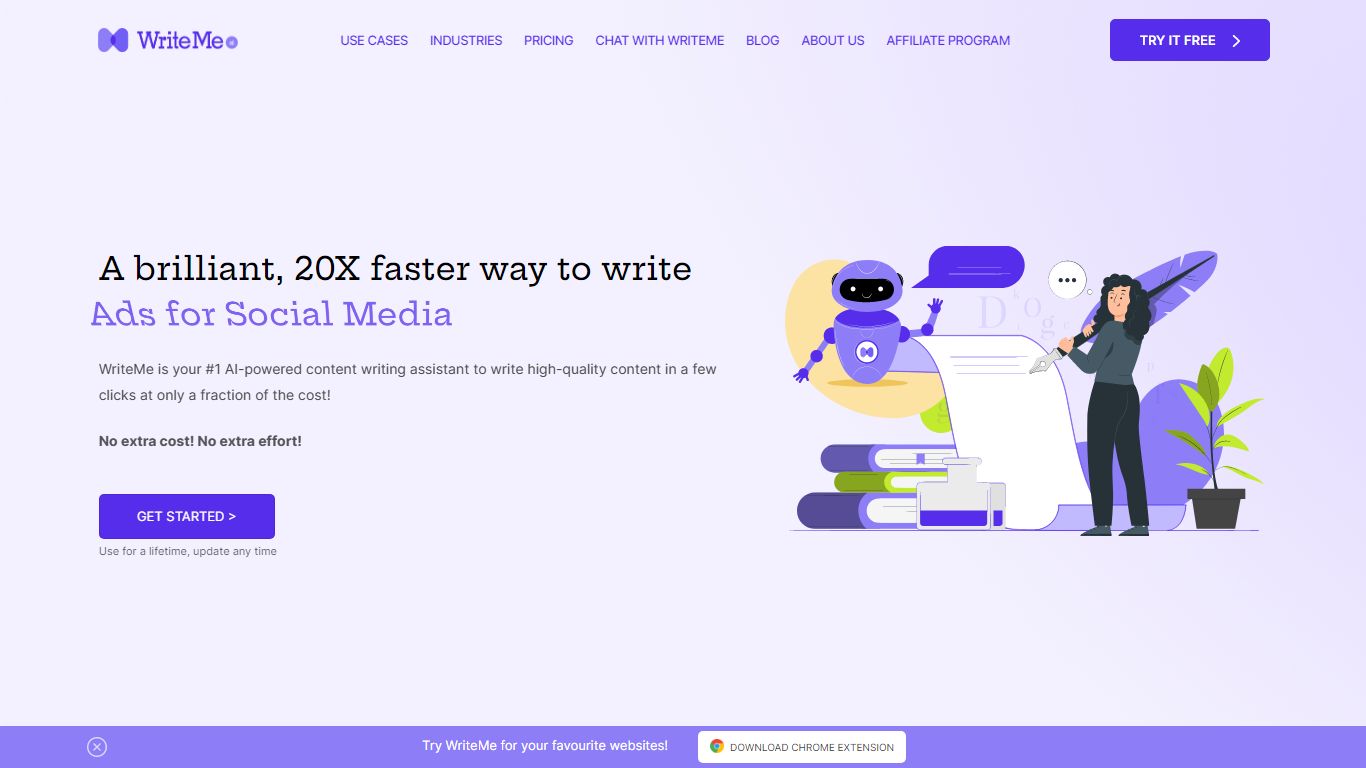
WriteMe is a writing assistant that turns a use case, brief, tone, and language into finished copy across ads, blogs, emails, and dozens of other formats. You pick a template (social ad, product description, blog outline, SEO meta title, and more), add context, and the app generates text in the editor with unlimited line suggestions on every plan.

Most AI writers charge extra for regeneration or cap how many times you can rewrite a line. WriteMe includes unlimited free line suggestions on all tiers, including the free plan, so you can keep cycling outputs without paying per variation. It also bundles long-form and short-form composers, project folders, and a Chrome extension in one subscription rather than splitting those across separate tools.

The platform lists 40+ writing use cases, 30+ languages, and copywriting frameworks like AIDA and PAS built into templates. A Long Form Composer walks you through blog ideas, introductions, outlines, section content, and conclusions step by step. Chat with WriteMe handles open-ended requests when you do not want to pick a specific template.

WriteMe fits content marketers, freelancers, bloggers, agencies, and small businesses that need volume across many content types without juggling multiple writing apps. TurboAnchor, the company behind WriteMe, trains its model on a large article corpus and positions the product for scaling output while keeping projects organized in folders.

Writer's brew

Writer's brew

What is Writer's brew?

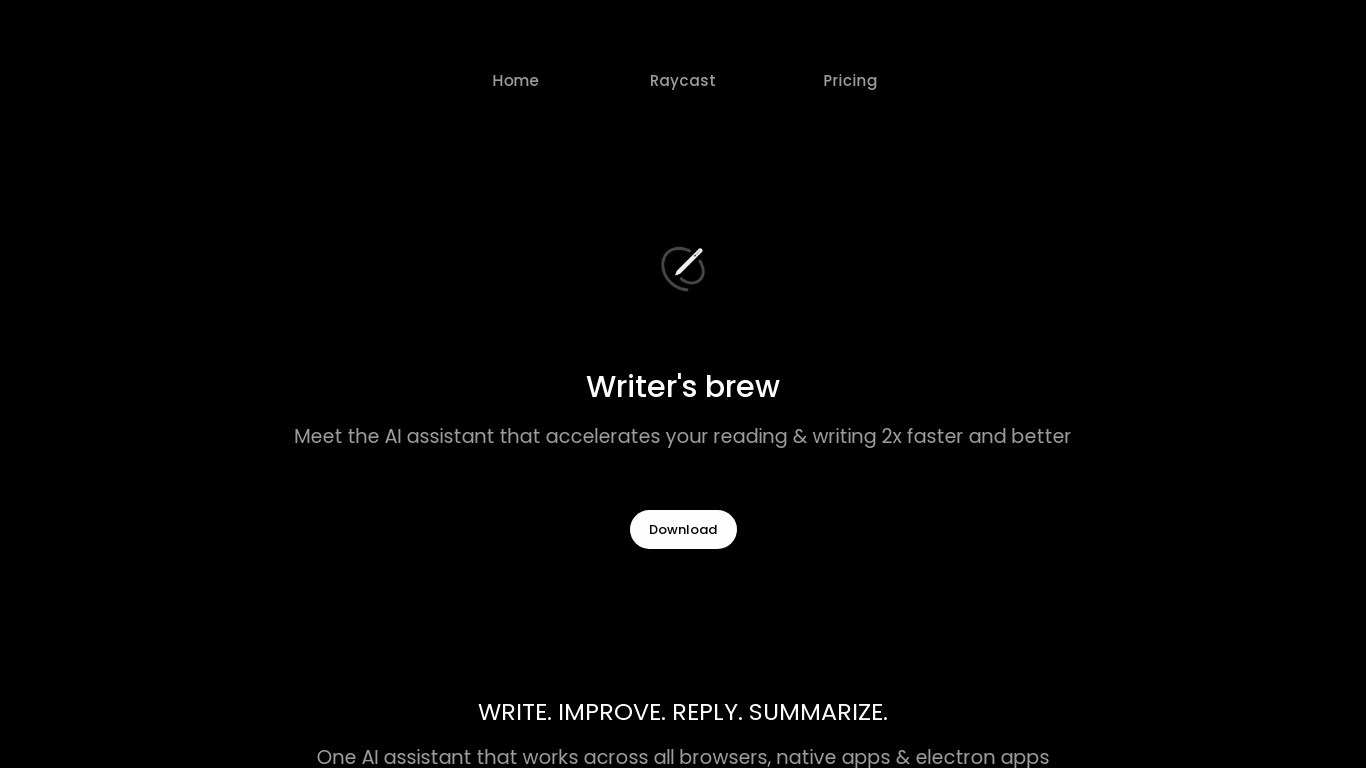
Writer's brew is a macOS writing assistant that rewrites, summarizes, translates, and replies to text you highlight in any app. It runs from the menu bar, a Spotlight-style popup, or keyboard shortcuts, and includes snippets, 15+ text utilities, and OCR that pulls words from images before sending them to AI. You bring your own OpenAI API key, so usage costs go to OpenAI rather than a monthly SaaS bill.

Most writing assistants live inside one browser tab or web editor. Writer's brew works system-wide on macOS 15.0 or later, which suits people who jump between Notes, email, Slack, and docs all day. The trade-off is it is Mac-only, requires your own OpenAI key, and skips the managed cloud workflow that all-in-one web tools provide.

Product managers, founders, and students who draft in multiple native Mac apps are the core audience. Power users pair it with Raycast or PopClip extensions for one-click rewrites, while snippet forms with placeholders like {date} and {clipboard} handle repetitive replies.

WriteMe Upvotes

8🏆

Writer's brew Upvotes

4

WriteMe Top Features

  • 40+ writing use cases from social ads to complete blog posts

  • Unlimited free line suggestions on every plan, including free tier

  • 30+ languages for both interface and generated content

  • Long Form Composer with step-by-step blog idea, outline, and section workflow

  • Chrome extension for writing inside documents, email, and social sites

  • Built-in ProWritingAid grammar checking in the editor

  • Project folders with export and search across saved work

Writer's brew Top Features

  • 30+ AI writing tools plus 50+ community presets for rewrite, summarize, translate, and reply tasks

  • Works across any macOS app via menu bar, Spotlight-style popup, or custom keyboard shortcuts

  • Snippet engine with smart placeholders like {date}, {clipboard}, and custom form fields

  • OCR extracts text from images anywhere on macOS before running AI transforms

  • Raycast and PopClip integrations add one-click presets from selected text

  • Pro license covers 2 devices for $29 with lifetime use and requires your own OpenAI API key

  • Translates highlighted text across 15+ languages from the same popup interface

WriteMe Category

    Writing Assistant

Writer's brew Category

    Writing Assistant

WriteMe Pricing Type

    Freemium

Writer's brew Pricing Type

    Paid

WriteMe Technologies Used

GPT-4
Django
Natural Language Processing
WordPress
Bootstrap
Tailwind CSS
Google Analytics
Hotjar
Elementor

Writer's brew Technologies Used

Ant Design
Google Cloud
Firebase
Supabase
Google Analytics
Google Tag Manager
Google Fonts
Ruby
Lemon Squeezy
YouTube
GitHub

WriteMe Tags

Long Form Writing
Chrome Extension
Copywriting Formulas
Project Management
AIDA Framework
Content Scaling
Grammar Checking
Long-form Content

Writer's brew Tags

macOS Writing App
Text Snippets
OCR Text Extraction
Raycast Integration
PopClip Integration
BYOP Presets
Menu Bar Utility
Content Summary

WriteMe Average Rating

5.00

Writer's brew Average Rating

No rating available

WriteMe Reviews

Syeda Mutahira Zaidi
Best tool I have used so far.

Writer's brew Reviews

No reviews available
By Rishit