Yomu AI vs Writer's brew
In the face-off between Yomu AI vs Writer's brew, which AI Writing Assistant tool takes the crown? We scrutinize features, alternatives, upvotes, reviews, pricing, and more.
In a face-off between Yomu AI and Writer's brew, which one takes the crown?
If we were to analyze Yomu AI and Writer's brew, both of which are AI-powered writing assistant tools, what would we find? Yomu AI is the clear winner in terms of upvotes. The upvote count for Yomu AI is 6, and for Writer's brew it's 4.
You don't agree with the result? Cast your vote to help us decide!
Yomu AI
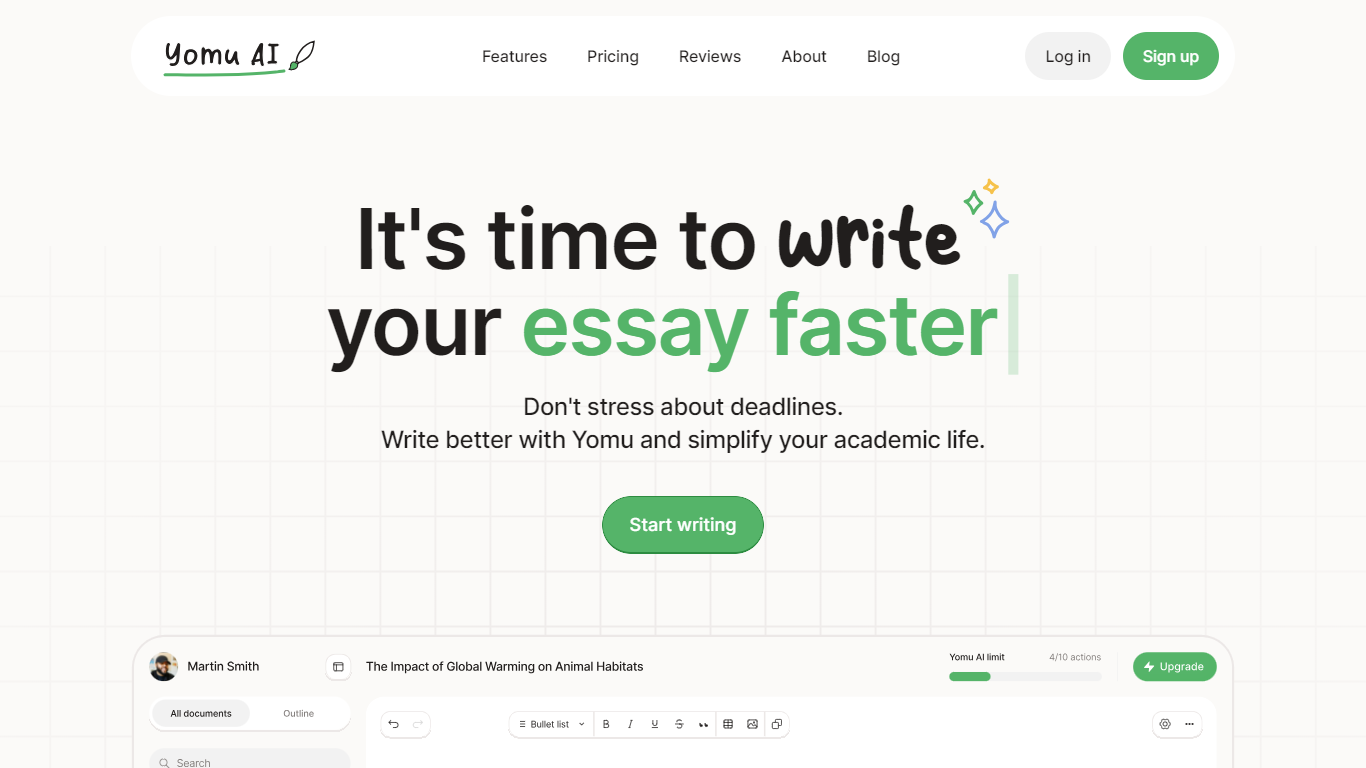

What is Yomu AI ?
Yomu AI offers an advanced AI-powered writing assistant designed to simplify and enhance the process of academic writing. By utilizing Yomu AI, users can seamlessly write papers and essays with higher efficiency, creativity, and integrity.
The platform features a variety and innovative tools including a smart Document Assistant, AI autocomplete for essay writing, comprehensive editing functionalities, and an AI-powered citation tool that streamlines the referencing process. Additionally, Yomu AI ensures the originality of your work with an advanced plagiarism checker, thereby maintaining academic integrity.
With a focus on multiple language support and accessibility, Yomu AI aims to empower writers to produce high-quality content effortlessly. Embrace the future of academic writing with Yomu AI.
Writer's brew
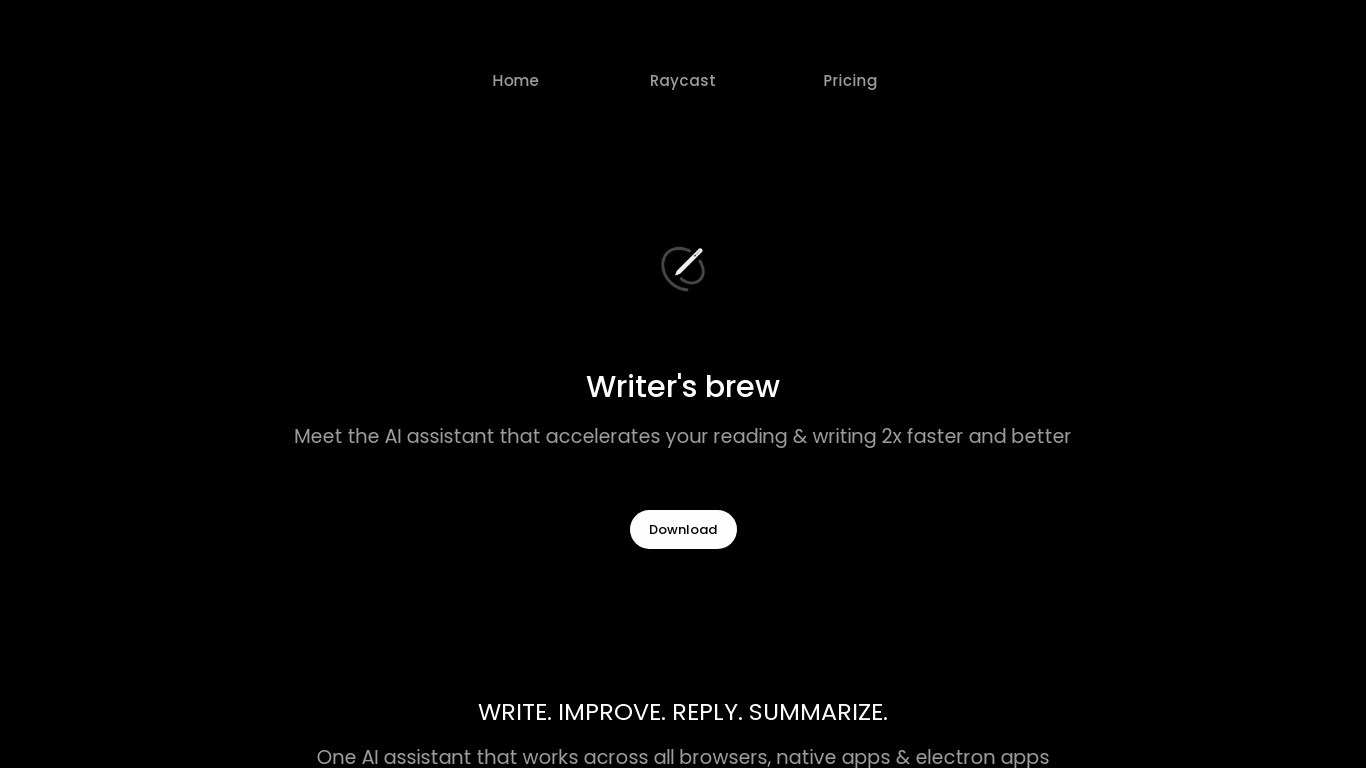
What is Writer's brew?
Writer's brew is a macOS writing assistant that rewrites, summarizes, translates, and replies to text you highlight in any app. It runs from the menu bar, a Spotlight-style popup, or keyboard shortcuts, and includes snippets, 15+ text utilities, and OCR that pulls words from images before sending them to AI. You bring your own OpenAI API key, so usage costs go to OpenAI rather than a monthly SaaS bill.
Most writing assistants live inside one browser tab or web editor. Writer's brew works system-wide on macOS 15.0 or later, which suits people who jump between Notes, email, Slack, and docs all day. The trade-off is it is Mac-only, requires your own OpenAI key, and skips the managed cloud workflow that all-in-one web tools provide.
Product managers, founders, and students who draft in multiple native Mac apps are the core audience. Power users pair it with Raycast or PopClip extensions for one-click rewrites, while snippet forms with placeholders like {date} and {clipboard} handle repetitive replies.
Yomu AI Upvotes
Writer's brew Upvotes
Yomu AI Top Features
Intelligent Document Assistant: A tool to help write entire sections and provide feedback.
AI Autocomplete: Completes sentences and paragraphs to elevate essay writing.
Advanced Editing Tools: Includes paraphrasing, expanding, shortening, summarizing, and transforming bullet points into detailed text.
AI-Powered Citation Tool: Easily find, include, and format citations in your paper, powered by Sourcely.
Plagiarism Checker: Advanced tool to ensure original work and provide insights on maintaining authenticity.
Writer's brew Top Features
30+ AI writing tools plus 50+ community presets for rewrite, summarize, translate, and reply tasks
Works across any macOS app via menu bar, Spotlight-style popup, or custom keyboard shortcuts
Snippet engine with smart placeholders like {date}, {clipboard}, and custom form fields
OCR extracts text from images anywhere on macOS before running AI transforms
Raycast and PopClip integrations add one-click presets from selected text
Pro license covers 2 devices for $29 with lifetime use and requires your own OpenAI API key
Translates highlighted text across 15+ languages from the same popup interface
Yomu AI Category
- Writing Assistant
Writer's brew Category
- Writing Assistant
Yomu AI Pricing Type
- Freemium
Writer's brew Pricing Type
- Paid