YouTube Summarizer vs Scholarcy
In the battle of YouTube Summarizer vs Scholarcy, which AI Summarizer tool comes out on top? We compare reviews, pricing, alternatives, upvotes, features, and more.
Between YouTube Summarizer and Scholarcy, which one is superior?
Upon comparing YouTube Summarizer with Scholarcy, which are both AI-powered summarizer tools, The upvote count shows a clear preference for Scholarcy. The upvote count for Scholarcy is 7, and for YouTube Summarizer it's 6.
Want to flip the script? Upvote your favorite tool and change the game!
YouTube Summarizer
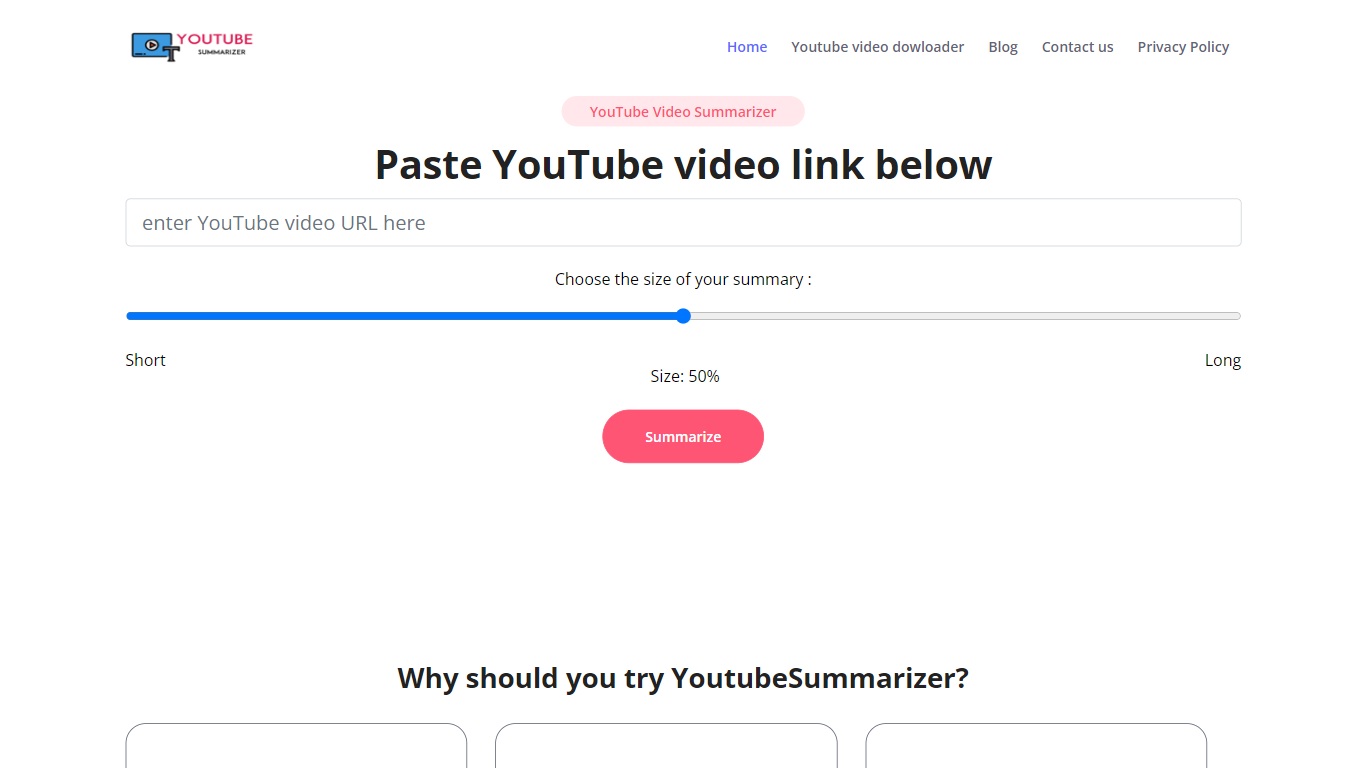

What is YouTube Summarizer?
YouTube Summarizer turns long videos into structured notes without making you watch every minute. Paste a link from YouTube, Vimeo, TikTok, or Dailymotion and it pulls the transcript, then returns key points, detailed summaries, or timestamped outlines in under 10 seconds. The free tier works with no account, though registering unlocks 30 lifetime credits beyond the daily limit.
Most video summarizers stop at bullet points. This one layers mind maps, flashcards, and an AI chat that answers questions about the video content. Pro users get a searchable summary library, email digests for subscribed channels, and a Chrome extension for one-click summaries. That study-tool stack sets it apart from transcript-only utilities.
Students use it to condense lecture recordings and generate flashcards before exams. Content creators and researchers skim competitor videos and conference talks without watching them end to end. Professionals pull action items from training videos and share TXT or PDF exports with their teams.
Scholarcy
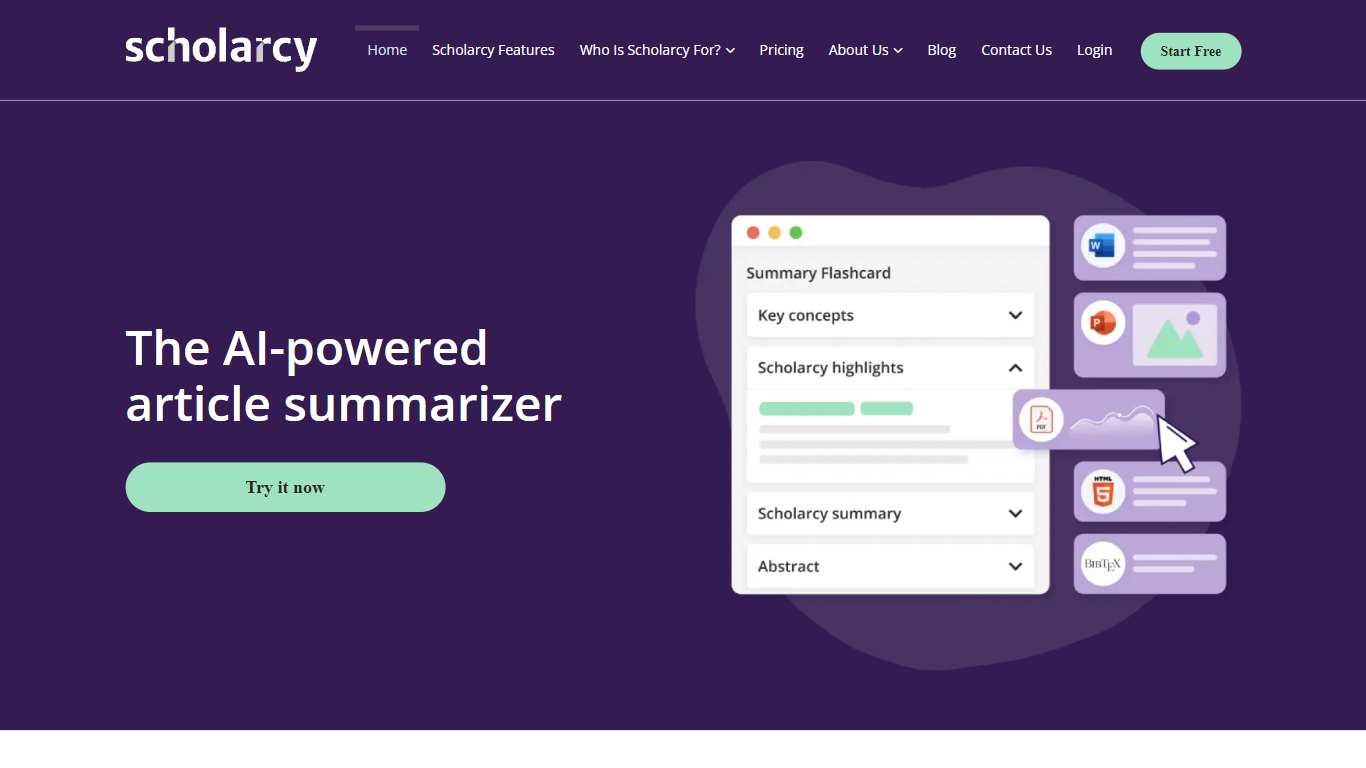
What is Scholarcy?
Scholarcy turns academic papers, book chapters, and articles into interactive summary flashcards that highlight key findings, methods, and limitations. Upload a PDF, import from Zotero or Google Drive, or paste a YouTube link, and Scholarcy extracts structured takeaways you can read in minutes instead of skimming for an hour.
General summarizers compress text into paragraphs. Scholarcy builds flashcards designed for research screening, with Spotlight jumps to important sections, research quality indicators, study comparisons, and a Dig Deeper prompt feature for asking questions about the paper. That structure suits literature reviews more than a generic TL;DR.
Students, PhD researchers, and international learners use Scholarcy to screen papers, organize flashcards into collections, and export bibliographies to Word or reference managers. Browser extensions for Chrome, Edge, Firefox, and Safari let you summarize articles while browsing, and paid plans add unlimited summaries, literature matrix exports, and batch export of up to 100 flashcards.
YouTube Summarizer Upvotes
Scholarcy Upvotes
YouTube Summarizer Top Features
10 free summarization requests per day without an account, or 30 lifetime credits after free registration
Outputs key points, detailed notes, and timestamped outlines, plus mind maps and flashcards on paid plans
Works with YouTube, Vimeo, TikTok, and Dailymotion videos that have captions in 50+ languages
Full transcript view with clickable timestamps that jump to the exact moment in the source video
Pro plan at $7.99 per month includes chat with video, a summary library, and a Chrome extension
Scholarcy Top Features
Converts PDFs, articles, book chapters, and YouTube videos into interactive flashcard summaries
Free plan includes up to 10 summaries with single flashcard export
Scholarcy Plus at $9.99 per month includes unlimited summaries and a 7-day free trial
Yearly plan at $90 saves 25% compared to monthly billing
Import directly from Zotero and export to Excel, Markdown, Word, and reference managers
Literature Matrix export compares up to 100 flashcards across key findings and methods
Browser extensions for Chrome, Edge, Firefox, and Safari summarize papers while browsing
YouTube Summarizer Category
- Summarizer
Scholarcy Category
- Summarizer
YouTube Summarizer Pricing Type
- Freemium
Scholarcy Pricing Type
- Freemium