YouTube Summarizer vs Scribbler
Dive into the comparison of YouTube Summarizer vs Scribbler and discover which AI Summarizer tool stands out. We examine alternatives, upvotes, features, reviews, pricing, and beyond.
When comparing YouTube Summarizer and Scribbler, which one rises above the other?
When we compare YouTube Summarizer and Scribbler, two exceptional summarizer tools powered by artificial intelligence, and place them side by side, several key similarities and differences come to light. The upvote count favors Scribbler, making it the clear winner. Scribbler has been upvoted 8 times by aitools.fyi users, and YouTube Summarizer has been upvoted 6 times.
Don't agree with the result? Cast your vote and be a part of the decision-making process!
YouTube Summarizer
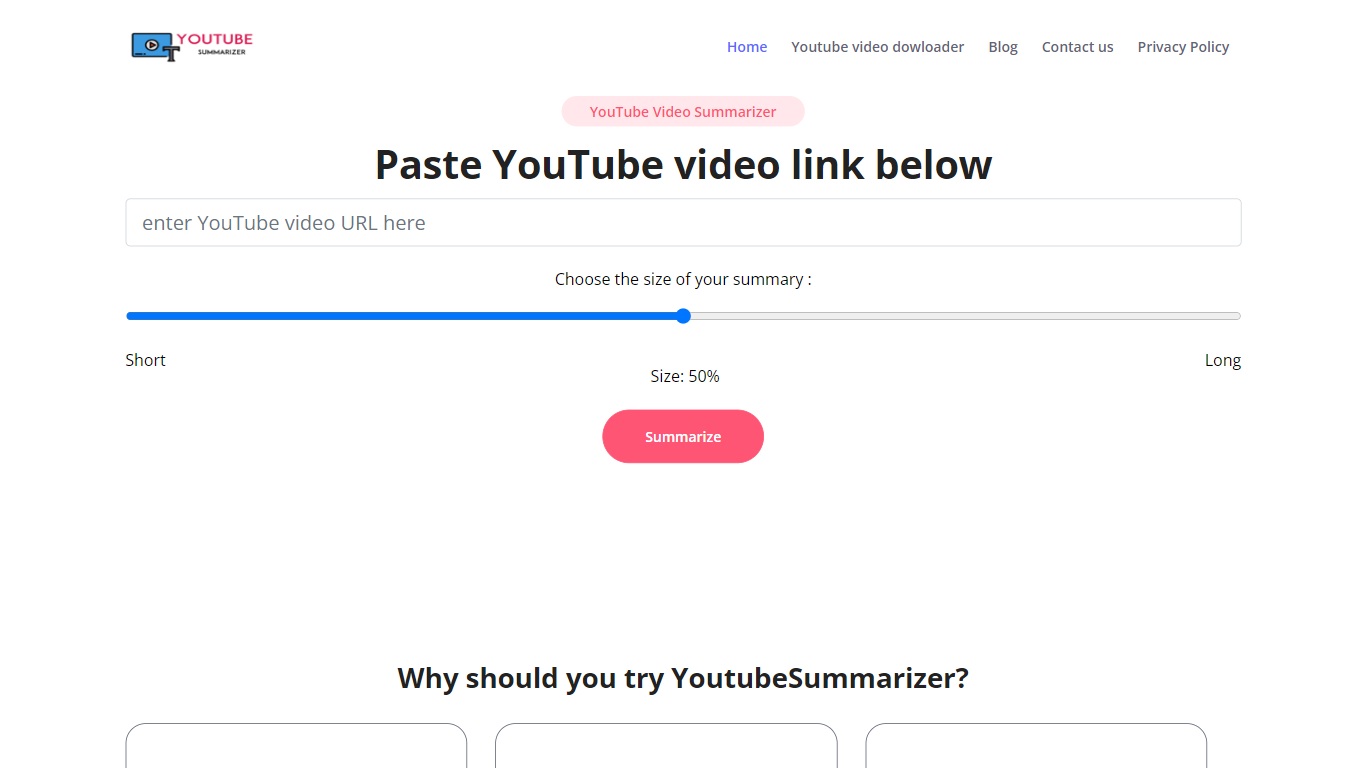

What is YouTube Summarizer?
YouTube Summarizer turns long videos into structured notes without making you watch every minute. Paste a link from YouTube, Vimeo, TikTok, or Dailymotion and it pulls the transcript, then returns key points, detailed summaries, or timestamped outlines in under 10 seconds. The free tier works with no account, though registering unlocks 30 lifetime credits beyond the daily limit.
Most video summarizers stop at bullet points. This one layers mind maps, flashcards, and an AI chat that answers questions about the video content. Pro users get a searchable summary library, email digests for subscribed channels, and a Chrome extension for one-click summaries. That study-tool stack sets it apart from transcript-only utilities.
Students use it to condense lecture recordings and generate flashcards before exams. Content creators and researchers skim competitor videos and conference talks without watching them end to end. Professionals pull action items from training videos and share TXT or PDF exports with their teams.
Scribbler
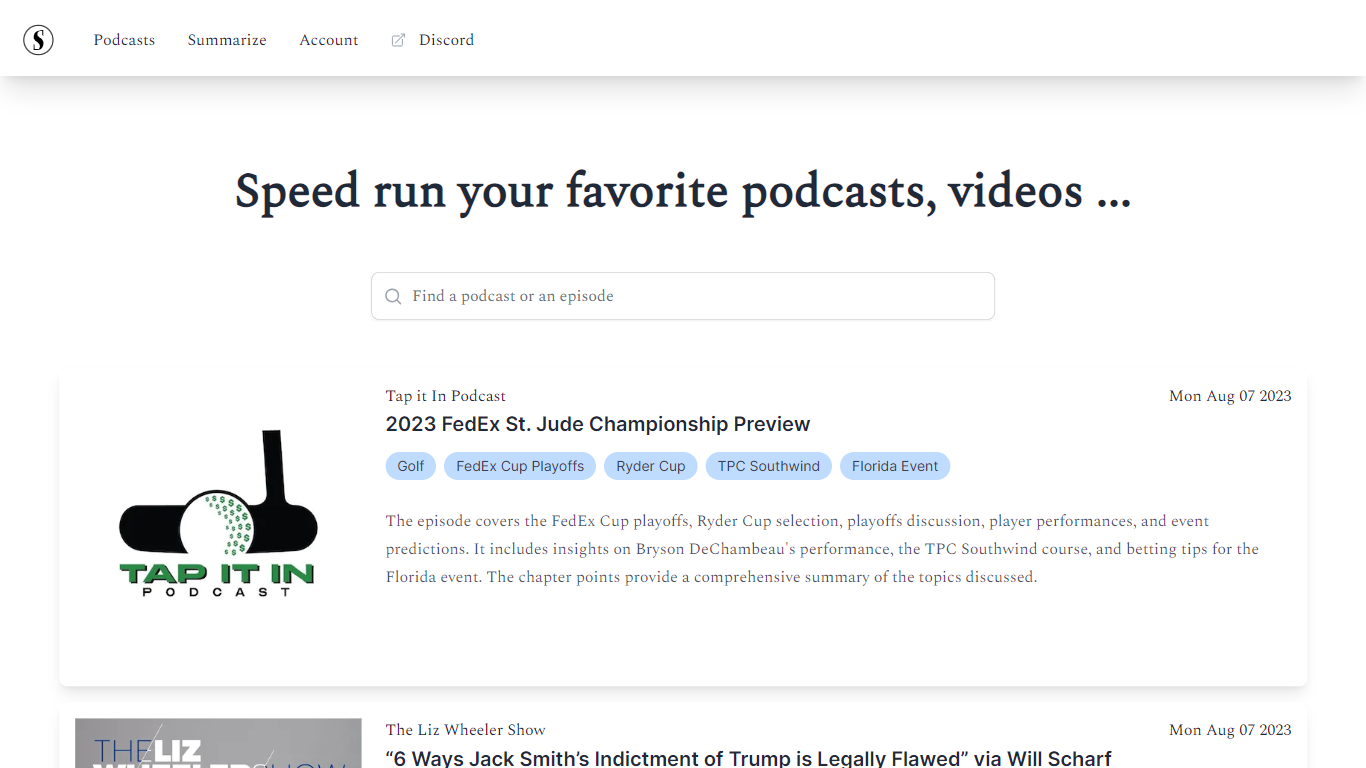
What is Scribbler?
Scribbler summarizes podcasts and YouTube videos so you can skim the takeaways instead of listening to full episodes. Search the library or paste a link, and the app returns short writeups with topic tags plus links into each episode page. The homepage invites you to speed run favorites with a search bar that accepts podcasts, episodes, videos, or YouTube URLs.
Full-listen apps assume you have an hour to spare. Scribbler focuses on discovery, transcripts with timestamps, and optional chat with the underlying content on paid tiers. Premium also adds podcast subscriptions and email digests, while free users still get library access and can buy on-demand transcription or summary credits by the hour.
Podcast listeners, researchers, and busy professionals who follow long shows but need the gist quickly are the core users. The product pairs a browsable catalog of summarized episodes with on-demand requests when something is not already in the library.
YouTube Summarizer Upvotes
Scribbler Upvotes
YouTube Summarizer Top Features
10 free summarization requests per day without an account, or 30 lifetime credits after free registration
Outputs key points, detailed notes, and timestamped outlines, plus mind maps and flashcards on paid plans
Works with YouTube, Vimeo, TikTok, and Dailymotion videos that have captions in 50+ languages
Full transcript view with clickable timestamps that jump to the exact moment in the source video
Pro plan at $7.99 per month includes chat with video, a summary library, and a Chrome extension
Scribbler Top Features
Search podcasts, episodes, videos, or YouTube links from the app homepage
Free plan includes unlimited library access with pay-per-hour transcription and summaries
Premium at $10 per month adds chat with content and podcast subscriptions
On-demand transcription at $0.40 per hour on Free and $0.30 on Premium
On-demand summaries at $0.40 per hour on Free and $0.20 on Premium
Full transcripts with clickable timestamps for navigation
YouTube Summarizer Category
- Summarizer
Scribbler Category
- Summarizer
YouTube Summarizer Pricing Type
- Freemium
Scribbler Pricing Type
- Freemium