Yuque vs NocoAI
Compare Yuque vs NocoAI and see which AI Web Apps tool is better when we compare features, reviews, pricing, alternatives, upvotes, etc.
Which one is better? Yuque or NocoAI?
When we compare Yuque with NocoAI, which are both AI-powered web apps tools, There's no clear winner in terms of upvotes, as both tools have received the same number. Since other aitools.fyi users could decide the winner, the ball is in your court now to cast your vote and help us determine the winner.
Feeling rebellious? Cast your vote and shake things up!
Yuque
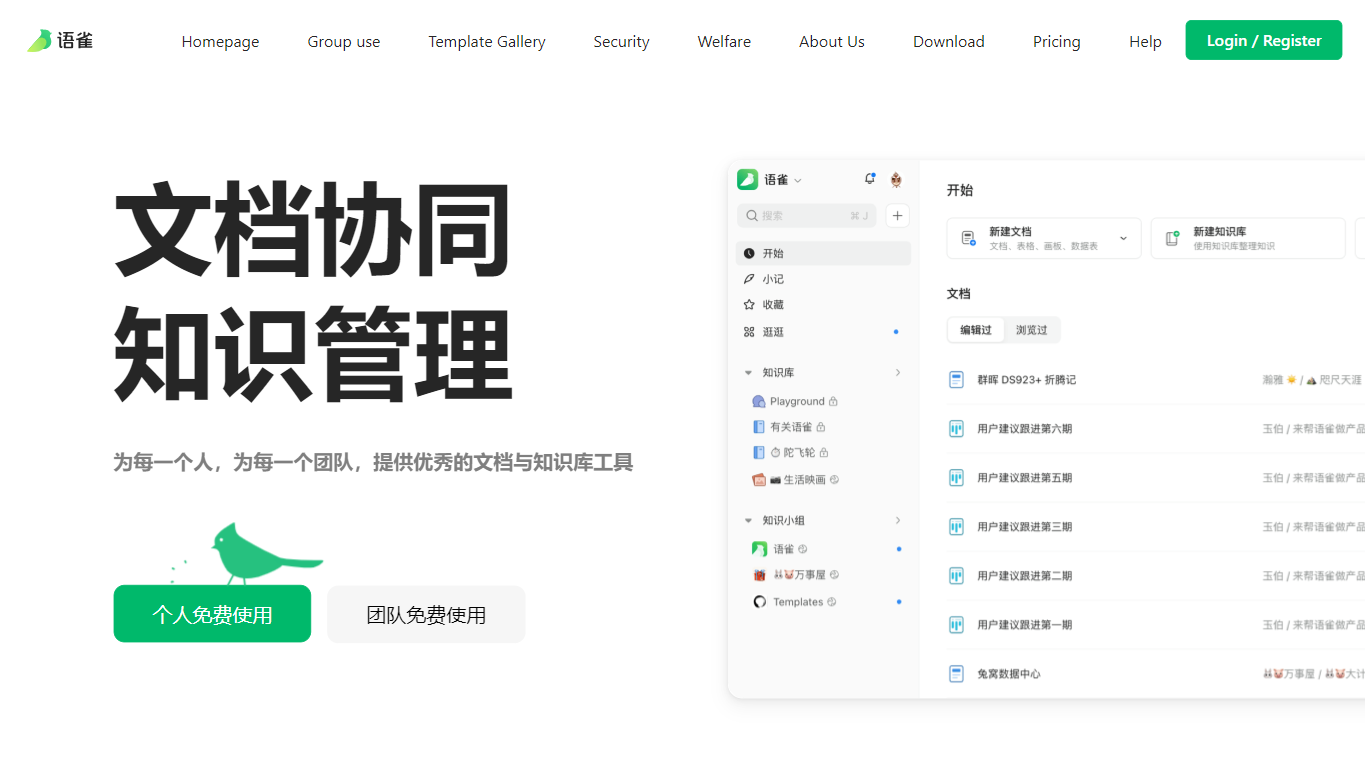

What is Yuque?
Yuque is a documentation and knowledge base platform for individuals and teams who want structured writing instead of scattered notes. It combines quick captures with organized knowledge libraries, so fragmented ideas turn into books-style repositories with clear tables of contents. Teams collaborate asynchronously around documents rather than chat threads.
Unlike basic note apps, Yuque ships a native editor with four document types: rich docs, boards, spreadsheets, and data tables. You get Markdown, code blocks, LaTeX, PlantUML, 40 plus embed cards, and previews for local video, Office files, and PDFs. Desktop apps for macOS and Windows (version 4.2.1.1333) plus mobile and browser extensions keep the same library everywhere.
Product teams, engineering groups, and creators use Yuque for internal wikis, API docs, and team handbooks. Personal and team accounts can start free from the homepage, with paid organization plans for larger deployments listed on the pricing page.
NocoAI
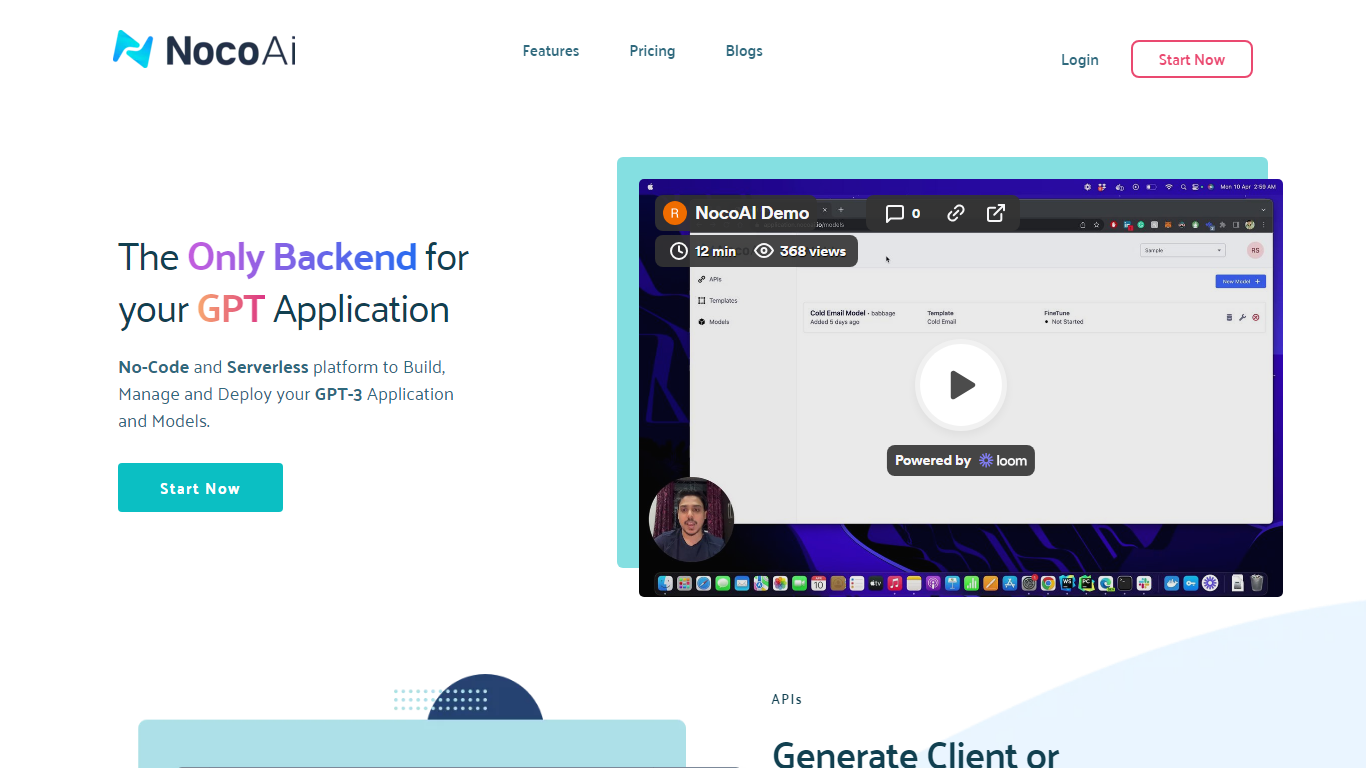
What is NocoAI?
NocoAI revolutionizes the deployment of GPT-based applications with its no-code, serverless platform, designed for simplicity and effectiveness. It empowers businesses to create custom models and API endpoints that cater to the client or backend needs. With NocoAI, you gain the ability to define prompt templates using the Mustache template engine, leading to highly personalized input for fine-tuning applications. The platform offers a unique feature enabling you to control OpenAI costs with request and user limits on your APIs, while the upcoming feature to analyze API usage promises an even more refined custom model optimization. Moreover, the NocoAI team stands ready to assist non-developers in adding datasets for further model fine-tuning via a user-friendly interface.
Yuque Upvotes
NocoAI Upvotes
Yuque Top Features
Four editor types: documents, boards, spreadsheets, and data tables
40 plus embed cards plus Markdown, LaTeX, PlantUML, and code blocks
Book-style knowledge bases with directory and outline navigation
Desktop apps for macOS and Windows version 4.2.1.1333 plus iOS and Android
Chrome and Edge browser extensions for quick capture
Granular permissions for edit, copy, share, and download controls
NocoAI Top Features
No-Code Platform: Utilize a serverless environment to build and deploy GPT applications without coding.
API Generation: Easily generate client or backend APIs with custom or inbuilt models.
Template Customization: Define prompt templates and variables with the Mustache template engine for personalized API inputs.
Cost Control: Implement request and user limits to manage OpenAI costs effectively.
Non-Developer Friendly: Engage the NocoAI team for assistance in dataset addition and model fine-tuning.
Yuque Category
- Web Apps
NocoAI Category
- Web Apps
Yuque Pricing Type
- Freemium
NocoAI Pricing Type
- Freemium