
Last updated 08-14-2026
Category:
Reviews:
Join thousands of AI enthusiasts in the World of AI!
Crayon AI
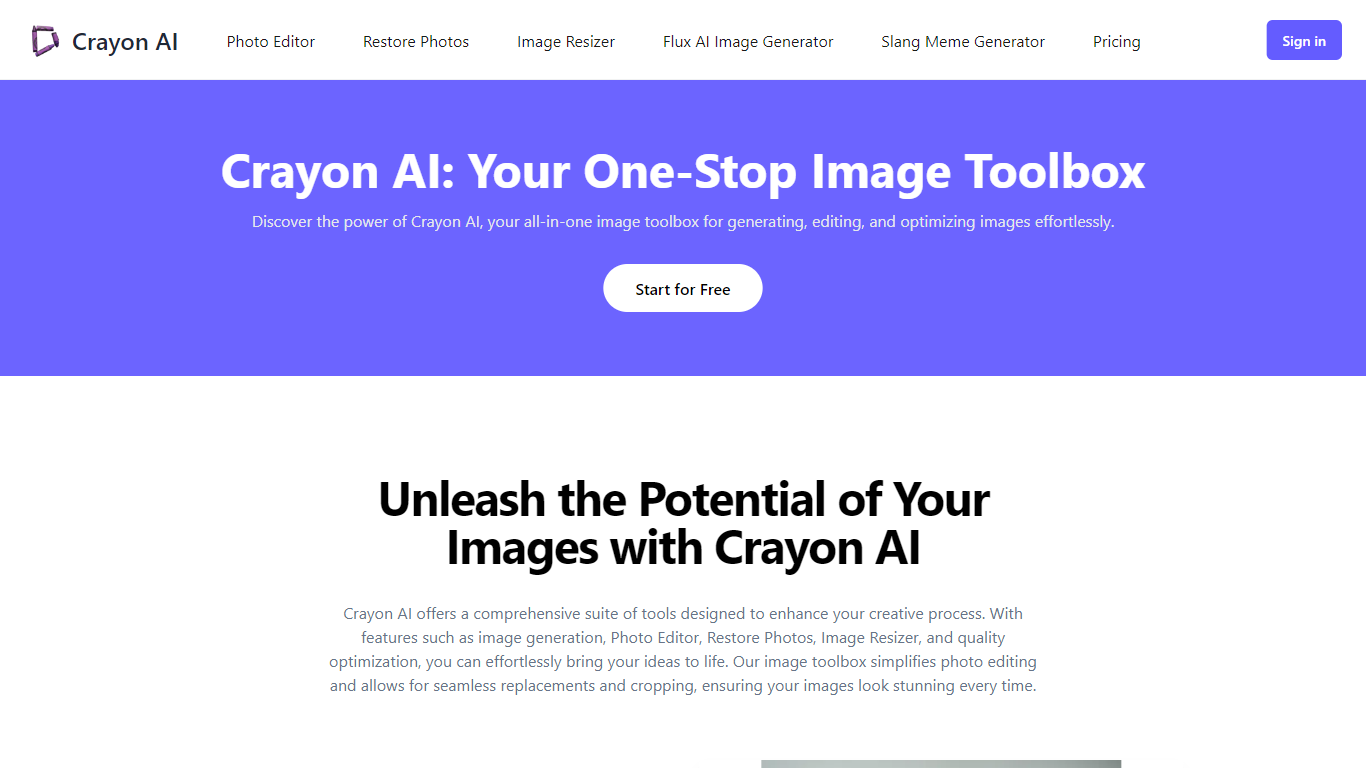
Crayon AI is a browser-based image generation and editing suite that bundles text-to-image creation, background removal, photo restoration, meme tools, and manual editing in one place. You can generate images from prompts across models like FLUX 1.1 Pro, Imagen 3, and Stable Diffusion 3.5, then crop, resize, add text, or remove backgrounds without switching apps.
Most AI image sites sell one generator or one editor. Crayon AI stacks dozens of small utilities (meme templates, JPG-to-PNG conversion, face restoration, slang sign memes) behind a shared credit wallet, so casual creators pay once for background removal and upscaling instead of juggling separate subscriptions.
The basic photo editor runs free in the browser on desktop, tablet, and mobile. AI features consume credits from paid plans (300 or 800 per month). It fits social media managers, meme makers, and hobbyists who want quick edits and occasional AI generations without installing desktop software.
10 image models including FLUX 1.1 Pro, Imagen 3, and Stable Diffusion 3.5 Turbo
Upload up to 9 reference images for AI editing in the image generator
Pro plan includes 800 monthly credits for up to 800 images or 80 videos
Meme generator with 100 top templates plus a library of 2000+ meme layouts
Supports JPEG, PNG, and WebP across editing and conversion tools
Free browser photo editor with crop, resize, stickers, text, and draw tools
Bundles generation, editing, memes, and restoration behind one credit balance
Choice of 10 image models from fast FLUX Schnell to higher-quality FLUX 1.1 Pro
Basic photo editor and format converters stay free without a subscription
Browser-based with no install required on desktop, tablet, or mobile
AI features stop after credits run out; there is no unlimited generation tier
Basic plan caps downloads and uses slower generation speed than Pro
One-time monthly payments expire after 30 days rather than auto-renewing subscriptions
Is Crayon AI free to use?
Crayon AI keeps its photo editor and many utility tools free in the browser. AI generators, background removal, and restoration consume credits after a limited free allowance, with paid Basic ($10) and Pro ($20) plans that refill 300 or 800 credits per month.
What AI models does Crayon AI support?
Crayon AI's image generator lists Nano Banana (Gemini 2.5 Flash Image), FLUX Schnell, FLUX Dev, FLUX 1.1 Pro, Imagen 3, Recraft v3, Ideogram v2 Turbo, Ideogram v2, Stable Diffusion 3.5 Turbo, and Stable Diffusion 3.5. You pick the model before generating.
How many images can I create on Crayon AI's Pro plan?
Crayon AI's Pro plan costs $20 as a one-time payment for one month and includes 800 credits. That covers up to 800 image generations, 80 videos, or 800 background removals before credits run out.
Can Crayon AI remove backgrounds from photos?
Yes. Crayon AI has a dedicated background remover that auto-detects subjects and cuts them out. The Basic plan allows up to 300 removals per month; the Pro plan allows up to 800.
Does Crayon AI work on mobile phones?
Yes. Crayon AI runs in mobile browsers on phones and tablets as well as desktop computers. The site lists multi-platform support for editing and generating on the go.
What file formats does Crayon AI accept?
Crayon AI supports common image formats including JPEG, PNG, and WebP for editing, conversion, and AI processing across its toolbox.