
Last updated 08-22-2026
Category:
Reviews:
Join thousands of AI enthusiasts in the World of AI!
CreateImage Online
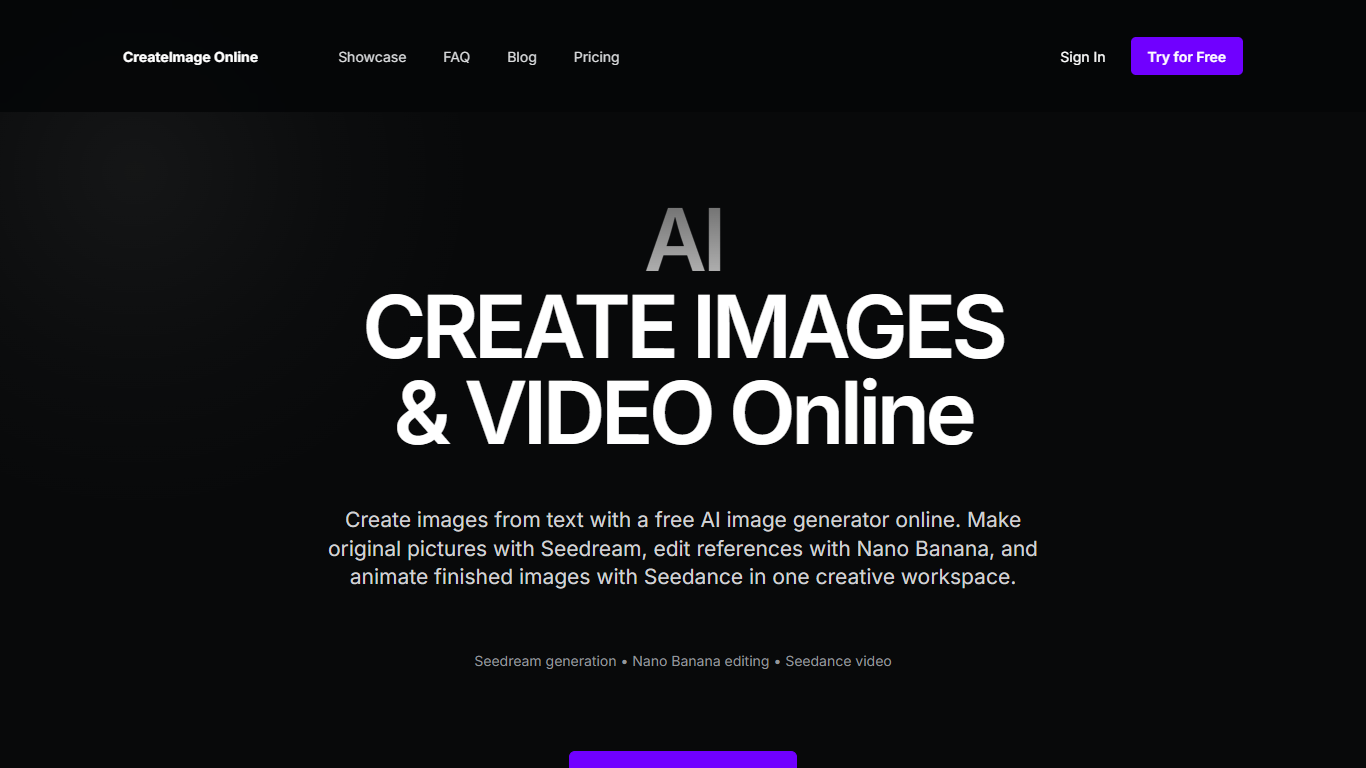
CreateImage Online puts Seedream, Nano Banana, and Seedance in one browser workspace so you can generate an image, edit it, then turn it into a clip without hopping between apps. You start with a prompt or a JPG, PNG, or WebP reference, pick the model that matches the job, then download the result. It's built for portraits, product shots, campaign frames, and short motion pieces, not for people who want an API.
Most image generators drop you into one model and leave it at that. This one splits the work: Seedream invents the still, Nano Banana edits a reference without throwing away the subject, and Seedance adds motion. Video stays off the free workspace, so you can try pictures without unlocking the clip pipeline.
If you make campaign concepts, product stills, or storyboard frames, that generate-then-edit-then-animate handoff is the actual product. You'll need a Google account to open the studio. The whole thing stays in the browser, and commercial use depends on the model, the provider terms, and your plan rather than a blanket license.
Runs Seedream for stills, Nano Banana for reference edits, and Seedance for video
Accepts JPG, PNG, WebP, GIF, AVIF, HEIC, and HEIF reference uploads
Free plan covers images only; Seedance video unlocks on Creator and Studio
Session list keeps completed images and videos after you generate
Opens in the browser after Google sign-in, with no app to install
Puts Seedream generation, Nano Banana editing, and Seedance video in one browser workspace instead of three separate sites.
Free plan lets you try image generation and reference editing before paying for video.
Accepts a wide set of reference formats, including HEIC and AVIF, not just JPG and PNG.
Session list keeps finished work available after you generate.
Seedance video, high-resolution exports, and priority processing are locked to paid Creator and Studio plans.
Monthly generation quotas are not published, so you cannot compare limits before signing up.
The public FAQ says generated media can disappear because provider URLs expire unless storage is configured.
You must sign in with Google, and there is no listed native iOS or Android app.
Does CreateImage Online have a free plan?
Yes. CreateImage Online has a Free plan at per month with text-to-image, reference uploads, and Seedream generation. Reference editing is included on that tier. Seedance video, high-resolution exports, and priority processing start on the Creator plan at per month.
How much does CreateImage Online cost?
CreateImage Online charges $0 for Free, $19 per month for Creator, and $49 per month for Studio. Creator is marked most popular and adds Seedance video, high-resolution exports, and priority processing. Studio raises monthly limits and adds faster processing plus priority support.
What models does CreateImage Online use?
CreateImage Online focuses on three models: Seedream for new images from text, Nano Banana for instruction-led reference editing, and Seedance for text-to-video and image-to-video. The studio asks you to pick the model that matches the job before you generate.
What file formats does CreateImage Online accept?
CreateImage Online accepts JPG, PNG, WebP, GIF, AVIF, HEIC, and HEIF uploads. The homepage walkthrough highlights JPG, PNG, and WebP as the starting formats. Very large files may be rejected.
Can I use CreateImage Online outputs commercially?
CreateImage Online says usage rights depend on the selected model, provider terms, and your plan. You also need permission to use any uploaded source material. The site does not grant a blanket commercial license, so check those terms before ads or client work.
Do I need an account to use CreateImage Online?
Yes. CreateImage Online sends new users through Google sign-in before the studio opens. There is no mentioned email-and-password signup, and the product runs in the browser with no iOS or Android app listed.