
Last updated 08-21-2026
Category:
Reviews:
Join thousands of AI enthusiasts in the World of AI!
Creen AI
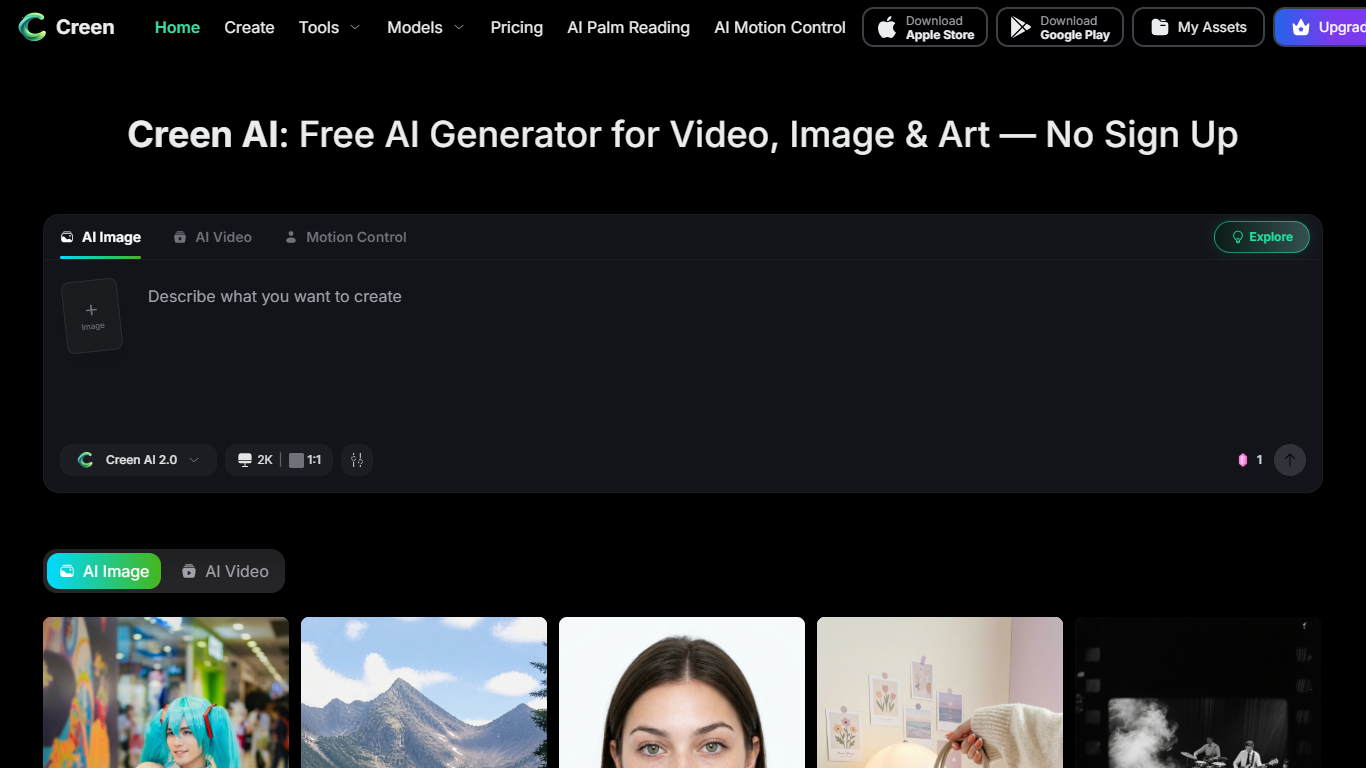
Creen AI is a browser-based creative studio for video, images, and audio. You can start generating without creating an account, and the free tier covers daily use on many models. It is built for creators who want one workspace instead of juggling separate image and video subscriptions.
The platform aggregates 40+ frontier models behind a single model picker. That includes 28 video engines (Sora 2, VEO 3.1, Seedance 2.0, Kling V3, and others), 11 image models, and 7 audio models for TTS and voice cloning. You can run the same prompt through different engines to compare results, then send a still into image-to-video without leaving the tab.
Freelancers, short-form creators, indie game artists, and teachers use Creen for everything from TikTok edits and product mockups to lesson explainers and storyboard pre-vis. Native iOS and Android apps extend the same workflow beyond the browser.
28 video models in one picker, from Sora 2 Pro to Hailuo 2.3 Fast
No sign-up flow for core image, video, and image-to-video generation
4K stills and 1080p clips up to 10 seconds with exposed seed control
Image-to-video in about 20–40 seconds on fast models
Seven audio models for TTS, voice cloning, and dubbing in the same workspace
Aggregates dozens of video, image, and audio models in one browser tab.
Core generation works without an account on the free tier.
Exposes seed values and negative prompts for reproducible creative work.
Native iOS and Android apps alongside the web studio.
Premium frontier models such as Sora 2 Pro and VEO 3.1 require credits.
Plan subscription credits reset each billing cycle and do not roll over.
NSFW and celebrity deepfake-style content is blocked.
Is Creen AI free to use?
Yes. Creen AI offers free and unlimited daily generations on select models for text-to-image, image-to-image, and image-to-video. Premium frontier models such as Sora 2 Pro and VEO 3.1 consume credits when you opt into them.
Do I need an account to use Creen AI?
No. Creen AI supports a no sign-up, no login workflow for its core generator tools. You can open the studio in a browser and start creating immediately.
What models does Creen AI support?
Creen AI lists 28 video models (including Sora 2 Pro, VEO 3.1, Seedance 2.0, Kling V3, and Grok Imagine Video), 11 image models (including Nano Banana Pro, Seedream 4.5, and GPT Image 2), and 7 audio models (including MiniMax Speech and Gemini 2.5 TTS). The roster is updated as new models launch.
What resolution does Creen AI output?
Creen AI supports up to 4K (3840 × 2160) for images and 1080p at 24fps for video clips up to 10 seconds. Generation time is typically 5–15 seconds for images and 20–40 seconds for video on fast models.
Can I use Creen AI output commercially?
Yes. Creen AI states that outputs you generate are yours to use for personal and commercial work, subject to its content policy and local rules on AI-generated material.
Does Creen AI have mobile apps?
Yes. Creen AI offers native apps on iOS (App Store) and Android (Google Play) in addition to the browser studio.
Does Creen AI allow NSFW content?
No. Creen AI prohibits adult, NSFW, and pornographic content. Prompts targeting explicit material are blocked, and repeated violations may result in access restrictions.