
Last updated 07-26-2026
Category:
Reviews:
Join thousands of AI enthusiasts in the World of AI!
Cubed
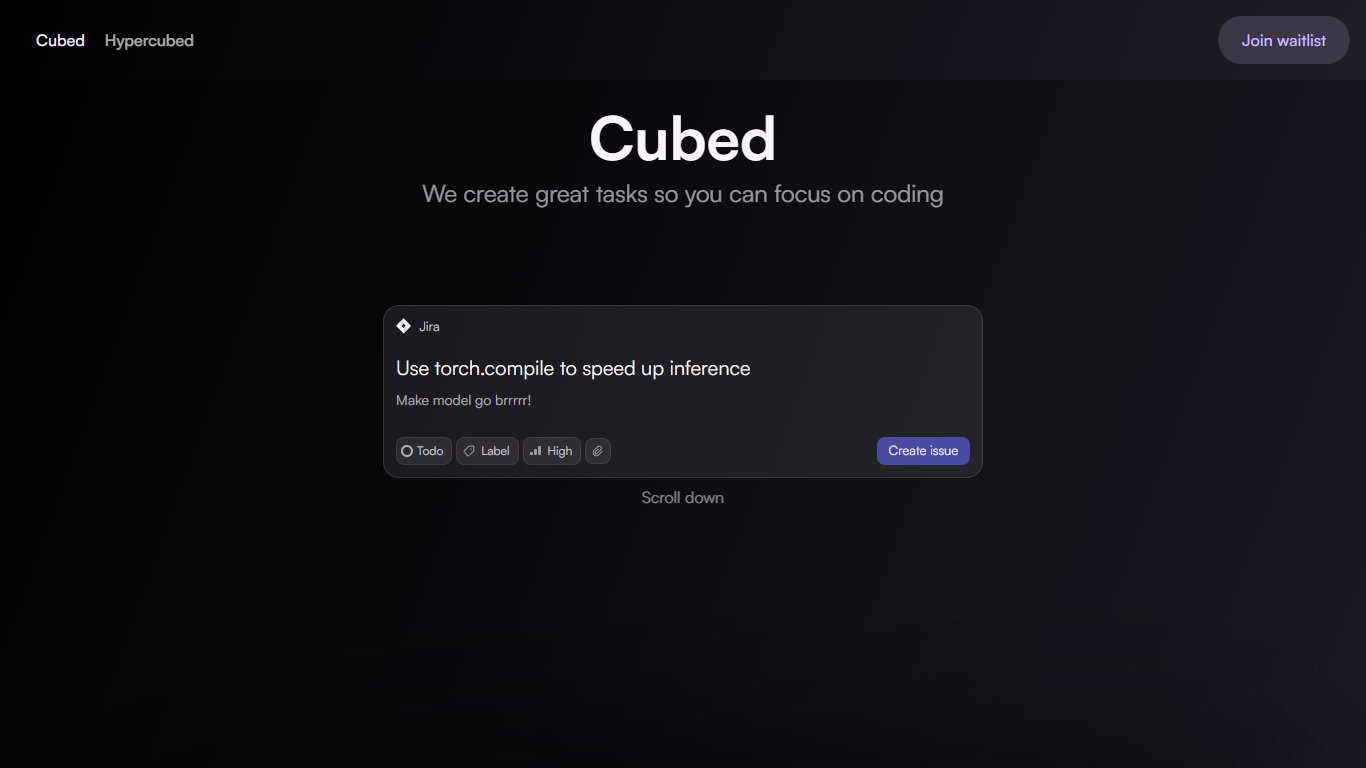
Cubed is a productivity platform tailored for software engineers that generates AI-created tasks by analyzing a project's GitHub codebase. It creates clear, actionable cards that guide developers through their workflow, helping them focus on what matters most. The platform's AI understands the context of the codebase to improve ticket creation and speed up development cycles.
A key part of Cubed is its Visual Studio Code extension called Hypercubed. This plugin uses the AI-generated cards and GitHub data to provide coding assistance directly within the editor. It enriches large language models with relevant context from the project, making AI suggestions more accurate and helpful.
Cubed targets software engineers and development teams who want to streamline task management and coding workflows. By automating task generation and integrating tightly with GitHub and VS Code, it reduces manual overhead and keeps developers focused on coding.
The platform emphasizes context-aware AI to deliver precise task descriptions and coding help. This approach differentiates Cubed from generic task or AI coding tools by deeply understanding the project's code and history.
Technically, Cubed connects to GitHub repositories to analyze code changes and project structure. It then uses AI models to generate descriptive tasks and injects this information into VS Code through the Hypercubed plugin. This setup ensures developers get relevant, actionable insights without leaving their coding environment.
Overall, Cubed enhances software development productivity by combining AI task generation with integrated coding support, making it easier for engineers to manage work and write code efficiently.
📝 AI-Generated Task Cards: Automatically create clear, actionable tasks from your GitHub codebase to keep work organized.
🔍 Context-Aware Coding Help: Hypercubed plugin provides coding suggestions enriched with your project's specific details.
⚡ Faster Development Cycles: Reduce manual ticket writing and focus on coding with AI-driven task management.
🔗 GitHub Integration: Directly connects with your repositories to analyze code changes and generate relevant tasks.
💻 VS Code Extension: Access AI-powered assistance inside your favorite code editor for seamless workflow support.
Generates precise, actionable tasks based on actual code context.
Integrates directly with GitHub and Visual Studio Code for smooth workflows.
Helps developers focus by reducing manual task creation overhead.
Enhances AI coding assistance with project-specific context.
Speeds up development by automating task and ticket generation.
Limited to projects hosted on GitHub for full functionality.
Effectiveness depends on quality and structure of the codebase.
May require initial setup and learning to maximize benefits.
How does Cubed generate tasks from my code?
Cubed analyzes your GitHub codebase using AI to understand the context and automatically creates clear, actionable task cards based on your project's current state.
Can I use Cubed with private GitHub repositories?
Yes, with the Pro plan, Cubed supports private repositories, allowing AI task generation for all your projects.
What is the Hypercubed plugin?
Hypercubed is Cubed's Visual Studio Code extension that uses AI-generated tasks and GitHub data to provide coding assistance directly in your editor.
Does Cubed support other code editors besides VS Code?
Currently, Cubed's coding assistance is available through the Hypercubed plugin for Visual Studio Code only.
Is there a free version of Cubed?
Yes, Cubed offers a free plan with basic AI task generation and limited Hypercubed plugin features for public GitHub repositories.
How does Cubed improve coding productivity?
By automating task creation and providing context-aware coding help, Cubed reduces manual work and keeps developers focused on writing code.
Can teams collaborate using Cubed?
The Pro plan includes features designed for team collaboration, helping multiple developers stay aligned on tasks and code changes.