
Last updated 09-01-2026
Category:
Reviews:
Join thousands of AI enthusiasts in the World of AI!
DocentPro
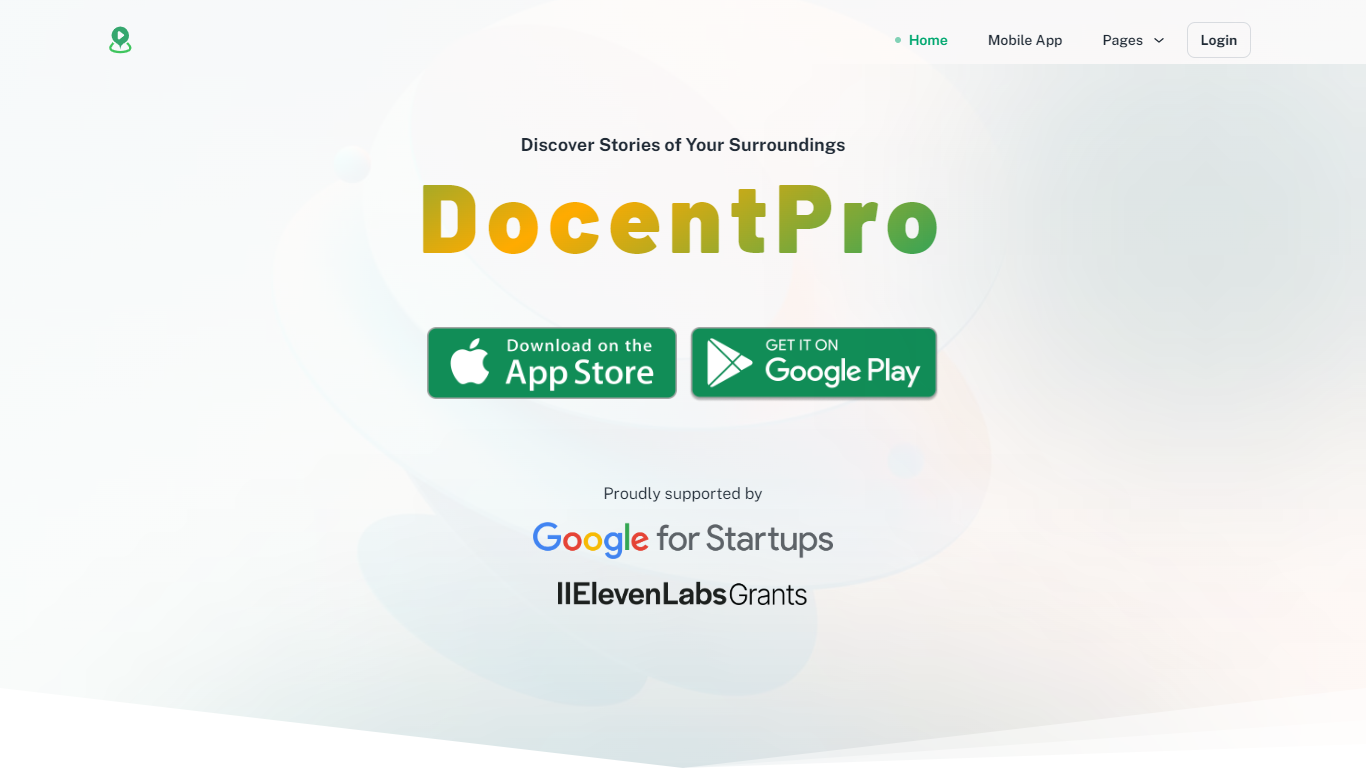
DocentPro is a mobile travel planner that turns saved social posts into a real trip. Share an Instagram reel, TikTok, YouTube video, Facebook post, Google Maps list, screenshot, or pasted text, and SpotFetch pulls every named place onto a map. You describe what you want in plain language, get day-by-day routes on an interactive map, and book a hotel without leaving the app. It works for cities worldwide from a free DocentPro account.
Most trip planners ask where you are going first and make you type stops manually. DocentPro flips that: it starts with the travel videos and posts you already bookmarked, extracts the restaurants and sights inside them, then builds an itinerary you can reorder in seconds. That social-first workflow is the gap between saving inspiration and actually visiting those spots.
The app fits travelers who hoard travel content on Instagram, TikTok, and YouTube but rarely revisit those saves. Solo travelers, short city breaks, and business travelers squeezing in a guided walk between meetings can use the chat assistant, curated collections, and on-foot audio tours. Trending place collections from DocentPro and other travelers add starting points when you are not working from your own saves.
SpotFetch reads Instagram, TikTok, YouTube, and Facebook posts and saves every named place to a mapped collection in a couple of minutes
Builds a day-by-day itinerary from saved places when you share dates and destination, with routes you reorder on an interactive map in seconds
Books recommended hotels inside the app so you go from a saved video to a confirmed stay without switching tools
Accepts Google Maps saved lists, website links, screenshots, and pasted text when a social share is not available
Natural-language search finds matching stays and activities without manual filter menus
Trending collections from DocentPro and travelers bundle 10 to 34 curated places per city theme
Self-guided immersive audio tours for exploring new cities on foot via the mobile app
SpotFetch turns saved social travel posts into mapped place collections without manual copy-paste.
Books hotels inside the app after you build an itinerary from saved spots.
Free to use with no paid tier advertised on the website.
Accepts screenshots, pasted text, and Google Maps lists when a social share is not available.
Natural-language search finds stays and activities without digging through filter menus.
Core experience is mobile-first; the website mainly promotes app download rather than full browser planning.
SpotFetch reads captions and on-screen text, so a first share can take a couple of minutes and occasional places need manual edits.
Hotel booking and social import depend on third-party platforms, so coverage varies by city and content type.
Is DocentPro free to use?
Yes. DocentPro is free to install, and SpotFetch is included at no extra cost with a free DocentPro account. The site describes the AI trip builder as free of charge with no paid tier advertised.
Does DocentPro have a mobile app?
Yes. DocentPro offers native apps for iPhone and Android. Download links are on docentpro.com/mobile-app, and SpotFetch works through each platform's share button.
What is SpotFetch?
SpotFetch is a DocentPro feature that reads captions, on-screen text, and location tags from shared travel content. It saves every place mentioned to your DocentPro collection in a couple of minutes.
Which platforms does SpotFetch support?
DocentPro's SpotFetch works with Instagram reels and posts, TikTok videos, YouTube videos and Shorts, and Facebook posts and videos. It also accepts website links, Google Maps saved lists, screenshots, and pasted text inside the app.
Can DocentPro book hotels?
Yes. DocentPro recommends hotels that fit your trip and lets you book them in-app. You can go from a saved social post to a mapped itinerary and a booked stay without switching between apps.
Can DocentPro build a trip from saved places?
Yes. Tell DocentPro when and where you are traveling, and it turns your saved places into a day-by-day itinerary on an interactive map you can reorder in seconds.
How do I contact DocentPro support?
Email [email protected]. The address is listed in the site footer and on the FAQs page at docentpro.com/faqs.