
Last updated 06-26-2026
Category:
Reviews:
Join thousands of AI enthusiasts in the World of AI!
DocTools Pro
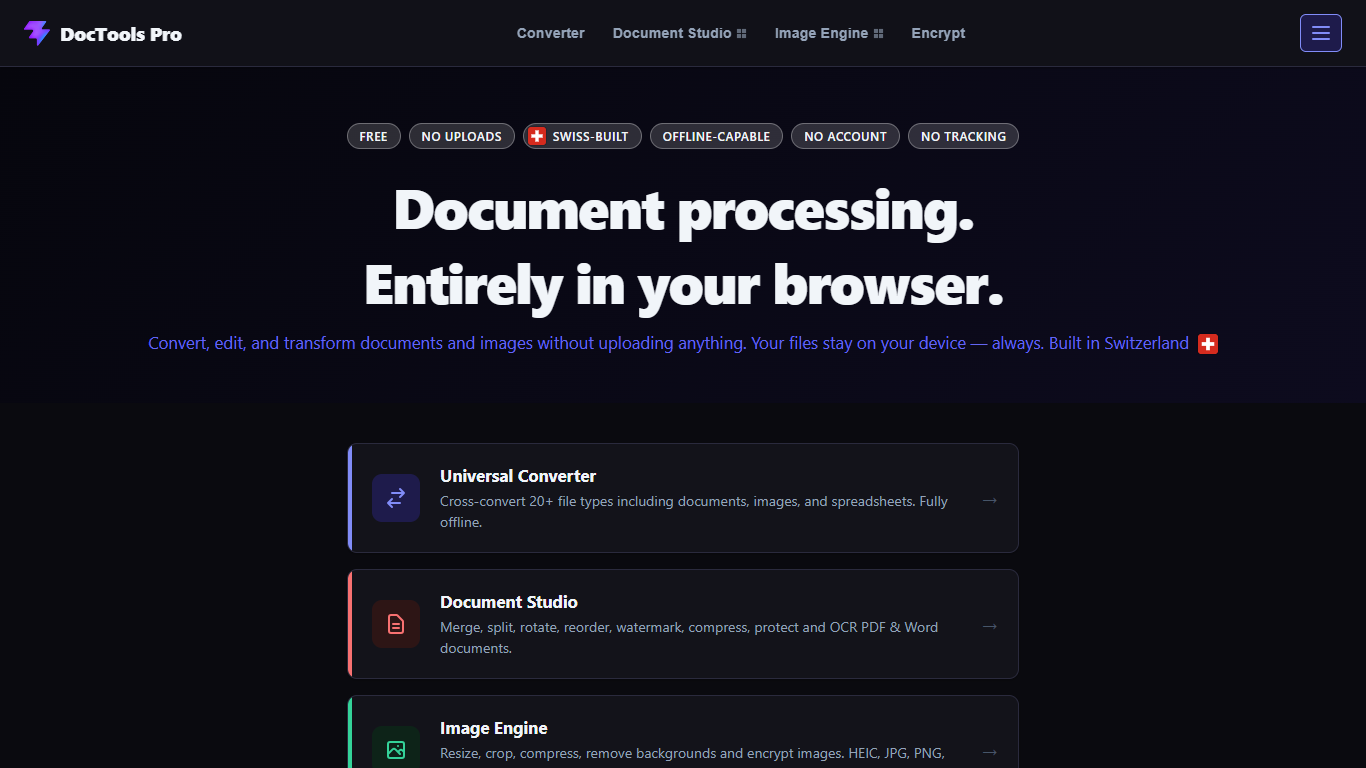
DocTools Pro is a free browser workspace for everyday document and image tasks: merge or split PDFs, convert between 20+ formats, resize photos, password-protect files, and more. Everything runs on your device, so files never upload to a server. No account, no file size cap, and no install required.
ConvertFlow Systems built it around local processing instead of the usual cloud-converter model. Open a tool, drop your files, and work offline after the page loads. The site groups tools into Document Studio, Image Engine, a universal format converter, and Encrypt & Lock for any file type.
It fits anyone who handles sensitive documents, large files cloud tools reject, or routine format swaps without wanting another signup. Freelancers, office staff, students, and privacy-conscious teams can use it from Chrome, Firefox, Edge, or Safari on desktop or mobile.
Merge, split, rotate, and watermark PDFs without sending files anywhere
Cross-convert 20+ document, image, and spreadsheet formats in one place
Remove image backgrounds in-browser with WASM, no server round trip
Password-lock any file type, from PDFs to ZIP archives
Batch-resize images with 30+ dimension presets or custom sizes
OCR pulls text from scanned PDFs into TXT or searchable PDF output
Files never leave your device, which suits confidential documents and large batches.
No signup, no install, and no advertised file size ceiling on conversions.
Covers documents, images, spreadsheets, and encryption in one workspace.
Daily usage limits apply on the free tier via browser-stored fair-use tracking.
No dedicated mobile app; you rely on the mobile browser experience.
New domain with limited third-party visibility at launch.
Is DocTools Pro free to use?
Yes. DocTools Pro offers every tool for free with no account or subscription. Sub-pages note daily usage limits managed through fair-use storage in your browser.
Are files uploaded when using DocTools Pro?
No. DocTools Pro processes files entirely in your browser. Your documents and images stay on your device and are never sent to DocTools Pro servers.
Does DocTools Pro require an account?
No. DocTools Pro works without registration. Open a tool, drop your files, and download results immediately.
Can DocTools Pro work without an internet connection?
You need a connection to load the page initially, but most DocTools Pro tools keep working if your connection drops afterward because processing is local.
Which file formats does DocTools Pro support?
DocTools Pro supports 20+ formats including PDF, Word, HEIC, PNG, WebP, CSV, and XLSX. Document Studio handles PDF and DOCX; Image Engine covers JPG, PNG, WebP, HEIC, and SVG.
Does DocTools Pro work on mobile devices?
Yes. DocTools Pro runs in modern mobile browsers, though the site notes that larger files are easier to handle on a desktop or laptop.