
Last updated 07-22-2026
Category:
Reviews:
Join thousands of AI enthusiasts in the World of AI!
DocuWriter.ai
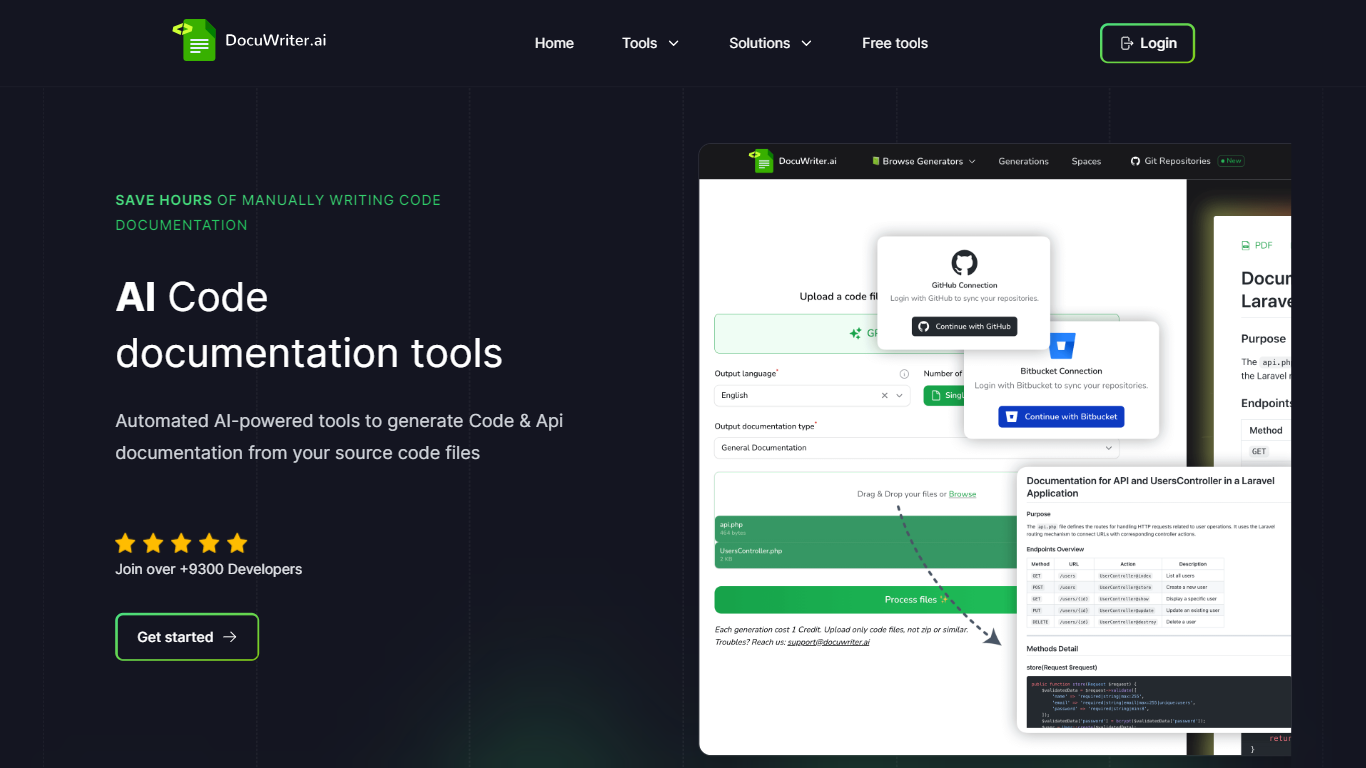
DocuWriter.ai is a code documentation platform that connects to your Git repository and builds a complete documentation tree from your source code. It generates code documentation, API references, and UML diagrams without requiring MDX files or a dedicated documentation team. The output is structured like a technical book, grounded in your actual codebase through AST parsing rather than generic prose generation.
The platform targets engineering teams dealing with undocumented legacy code, stale docs, or fast onboarding cycles. You connect GitHub, GitLab, Bitbucket, or Azure DevOps, review the generated documentation in an editor, and publish to private team spaces or public-facing sites. Autopilot monitors repository changes and opens reviewable update suggestions whenever code drifts from the docs.
DocuWriter.ai also publishes each knowledge space as an MCP server with llms.txt support, so tools like Cursor, Claude, and ChatGPT can read your documentation natively. Enterprise teams at NVIDIA, MIT, Verizon, and Zoho use it for compliance audits, due diligence, and large-scale repository documentation.
Connects to GitHub, GitLab, Bitbucket, and Azure DevOps and generates book-style documentation trees from source code
Autopilot watches pushes and merged PRs, then drafts reviewable documentation updates with confidence scores
Produces Swagger and OpenAPI API references, class diagrams, and sequence diagrams directly from your codebase
Every knowledge space publishes as an MCP server with llms.txt so Cursor, Claude, and ChatGPT read your docs natively
Exports documentation to Confluence, Git repositories, Markdown, Word, or PDF without vendor lock-in
Generates documentation from raw source code without requiring MDX or existing docs
Autopilot keeps documentation aligned with code changes through reviewable suggestions
Supports 20+ programming languages and all major Git providers
No per-seat pricing; plans scale by document generation credits
Exports to Confluence, Git, Markdown, Word, and PDF
Autopilot apply and auto-apply features require Enterprise or Unlimited plans
Starter plan limited to 50 document credits per month
Self-hosted deployment is a separate offering outside standard SaaS plans
Is there a free trial for DocuWriter.ai?
Yes. DocuWriter.ai offers a free 7-day trial with credits to generate documentation from your first repository. You can also start on the Starter plan at $20 per month with 50 document credits.
Which Git providers does DocuWriter.ai support?
DocuWriter.ai supports GitHub, GitLab (including self-hosted), Bitbucket, and Azure DevOps. You connect repositories via OAuth or a personal access token.
What programming languages does DocuWriter.ai support?
DocuWriter.ai supports 20 or more programming languages, including Python, JavaScript, TypeScript, Java, C#, Go, Ruby, PHP, Rust, and Swift. If your code compiles, the platform can document it.
How does DocuWriter.ai keep documentation up to date?
The Autopilot AI Agent monitors connected repositories for pushes and merged pull requests. When code changes, it identifies affected documentation pages and drafts focused update suggestions your team can review, apply, or auto-apply based on confidence thresholds.
Is my source code stored by DocuWriter.ai?
No. DocuWriter.ai processes source code in memory and discards it after generation. Your code is not persisted to disk or used for model training. Documentation data can be exported or deleted on request.