
Last updated 07-24-2026
Category:
Reviews:
Join thousands of AI enthusiasts in the World of AI!
Dokkio
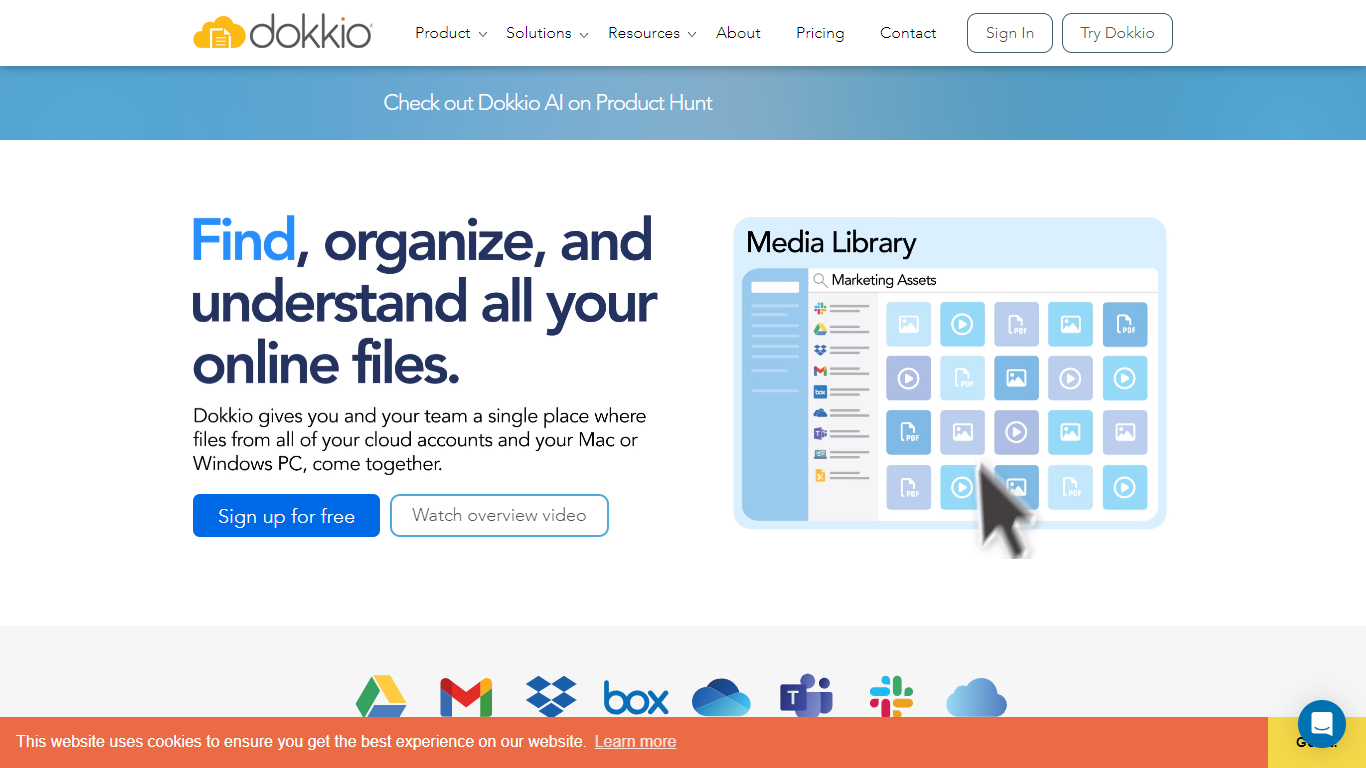
Dokkio gives you one place to search, organize, and work with files scattered across Dropbox, Google Drive, Gmail, Box, Slack, OneDrive, and Microsoft Teams. Instead of jumping between cloud accounts, you browse, preview, and edit everything from a single unified view while your files stay where they already live.
The platform applies automatic tagging, categorization, and entity detection to incoming documents, emails, and web pages. It recognizes document types like resumes and invoices, tags content by project or customer, and uses image recognition and AI-generated captions so screenshots and photos become searchable without manual filing.
Dokkio AI Chat and the Dokkio Sidebar Chrome extension connect ChatGPT, Claude, and Gemini to your private content without uploads. Teams juggling multiple projects, sales reps tracking customer files, and anyone drowning in cloud storage silos use Dokkio to find the right document fast and keep research materials organized.
Unifies Dropbox, Google Drive, Gmail, Box, Slack, OneDrive, and Teams in one searchable view
Auto-tags files by project, customer, or topic as they arrive from email and chat
ChatPlus in Sidebar connects ChatGPT, Claude, and Gemini to your private files without uploads
Recognizes document types like resumes and invoices instead of treating everything as a generic PDF
Captions images and extracts text from screenshots so you can search by content, not filenames
Connects major cloud storage and communication tools without copying or moving your files.
Automatic tagging and document-type recognition reduce manual folder organization.
ChatPlus brings ChatGPT, Claude, and Gemini into context with your private content.
Free plan limits you to 3 content sources and 50,000 connected files.
No native mobile apps; access is through the web app or mobile browser.
Enterprise features like SSO and reporting require a custom sales conversation.
What cloud services does Dokkio connect to?
Dokkio integrates with Dropbox, Google Drive, Box, Microsoft OneDrive, Gmail, Slack, and Microsoft Teams. It also supports local Mac and Windows desktop folders, iCloud via Dokkio for Mac, and browsed web pages through the Dokkio Sidebar Chrome extension.
Does Dokkio copy or move my files?
No. Dokkio does not copy or move your files. They remain in Dropbox, Google Drive, Box, Gmail, or wherever you originally stored them. Dokkio provides a unified interface to search, tag, and organize content across those services.
How much does Dokkio cost?
Dokkio offers a Free plan at $0 per user per month with up to 50,000 connected files and 3 content sources. The Pro plan costs $10 per user per month on annual billing, with no fixed limits on users, files, or sources. Enterprise pricing requires contacting the Dokkio sales team.
What is Dokkio ChatPlus?
Dokkio ChatPlus is a feature in Dokkio Sidebar 5 that connects ChatGPT, Claude, and Gemini directly to your private documents, emails, and project files. Your AI chat can search and summarize your connected content without manual file uploads or complex integrations.
Can I move files between different cloud storage providers in Dokkio?
Yes. Dokkio lets you move files between connected cloud repositories, such as from Dropbox to Google Drive. Changes you make in Dokkio, including delete, rename, or move actions, sync back to the underlying storage service.
Does Dokkio respect my existing file permissions?
Yes. Dokkio respects the security settings and access controls from your connected cloud accounts. If someone cannot see a file in Dropbox or Google Drive, they will not be able to access it through Dokkio either.