
Last updated 07-20-2026
Category:
Reviews:
Join thousands of AI enthusiasts in the World of AI!
Draw Things
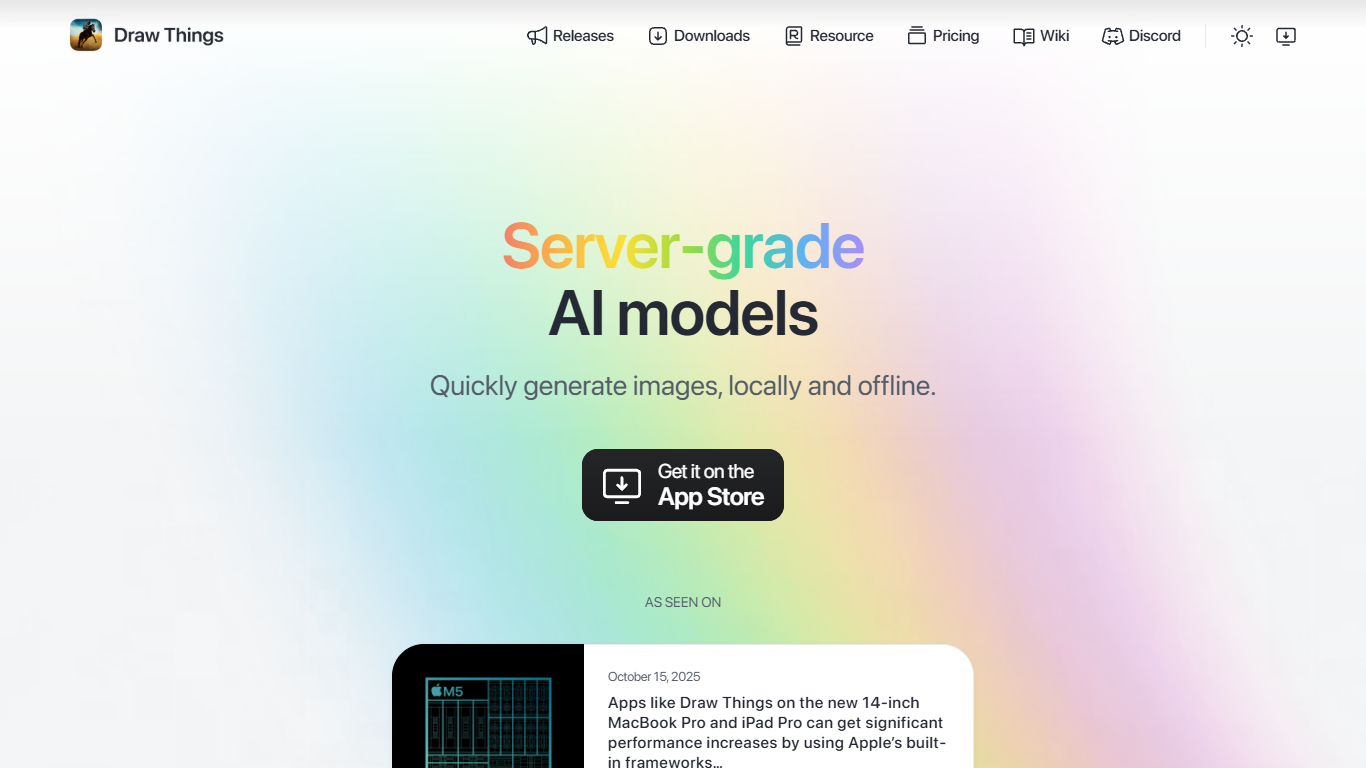
Draw Things is a native app for iPhone, iPad, and Mac that turns text prompts into images using diffusion models running on your own hardware. The core draw is local, offline generation: you download models once, then create without sending every render through someone else's servers.
The app packs in a full creative workflow beyond basic text-to-image. You can animate stills into video clips, expand an infinite canvas, restyle photos, prototype apparel with try-on previews, and train LoRAs entirely on-device. Draw Things also offers optional Cloud Compute for users who want to offload heavier jobs to managed servers.
It fits artists, designers, and hobbyists on Apple Silicon who want server-grade model support (FLUX, SDXL, Qwen Image, and more) without a browser tab or a standing cloud subscription. Apple has featured Draw Things in its own newsroom coverage of on-device AI performance on Mac and iPad.
Generate images from text prompts with models that run locally on your Mac, iPhone, or iPad
Turn a still image into a short video clip without leaving the app
Expand the canvas in any direction and fill new areas with matching generations
Restyle photos into animation looks or other preset aesthetics
Train custom LoRAs on-device so weights never leave your hardware
Optional Cloud Compute offloads heavy jobs to Draw Things managed servers
Runs image generation locally and offline after models are downloaded, which keeps private work on your device.
Supports a wide range of current diffusion models including FLUX, SDXL, Qwen Image, and video models.
Offers a genuinely free tier with local compute, not just a limited trial.
Includes image-to-video, infinite canvas, style transfer, and on-device LoRA training in one app.
Optional Cloud Compute lets you offload heavy jobs without giving up the local workflow.
Only available on Apple platforms (iOS, iPadOS, macOS); there is no Windows or Android app.
Cloud Compute and premium features require signing in with Apple and a subscription for Draw Things+.
Downloading large models can consume significant local storage before you can generate offline.
Is Draw Things free to use?
Yes. Draw Things offers a Free Edition that uses local compute on your device at no cost. A free Community account adds Cloud Compute access, and Draw Things+ is a paid subscription at $8.99 per month for higher cloud limits and premium features.
What devices does Draw Things support?
Draw Things runs on iPhone, iPad, and Mac. The app is available on the Apple App Store, and direct macOS downloads are also listed on drawthings.ai/downloads for users who prefer to install outside the store.
Does Draw Things work offline?
Yes. Draw Things is designed for local, offline image generation once models are downloaded to your device. Cloud Compute features require an internet connection and a signed-in account.
How much does Draw Things+ cost?
Draw Things+ costs $8.99 per month. It includes increased Cloud Compute limits, custom LoRA uploads for cloud jobs, on-demand compute boosts, a Privacy Pass, and everything in the Community Edition.
Does Draw Things require an account?
No account is required for the Free Edition and on-device generation. A free Community account is needed to use Cloud Compute, and Draw Things+ subscriptions are managed through Apple in-app purchases.
Can I train LoRAs in Draw Things?
Yes. Draw Things supports local LoRA training on your device, keeping your training data private. Draw Things+ also lets you upload and use your own LoRAs with Cloud Compute.