
Last updated 08-15-2026
Category:
Reviews:
Join thousands of AI enthusiasts in the World of AI!
Erase.bg
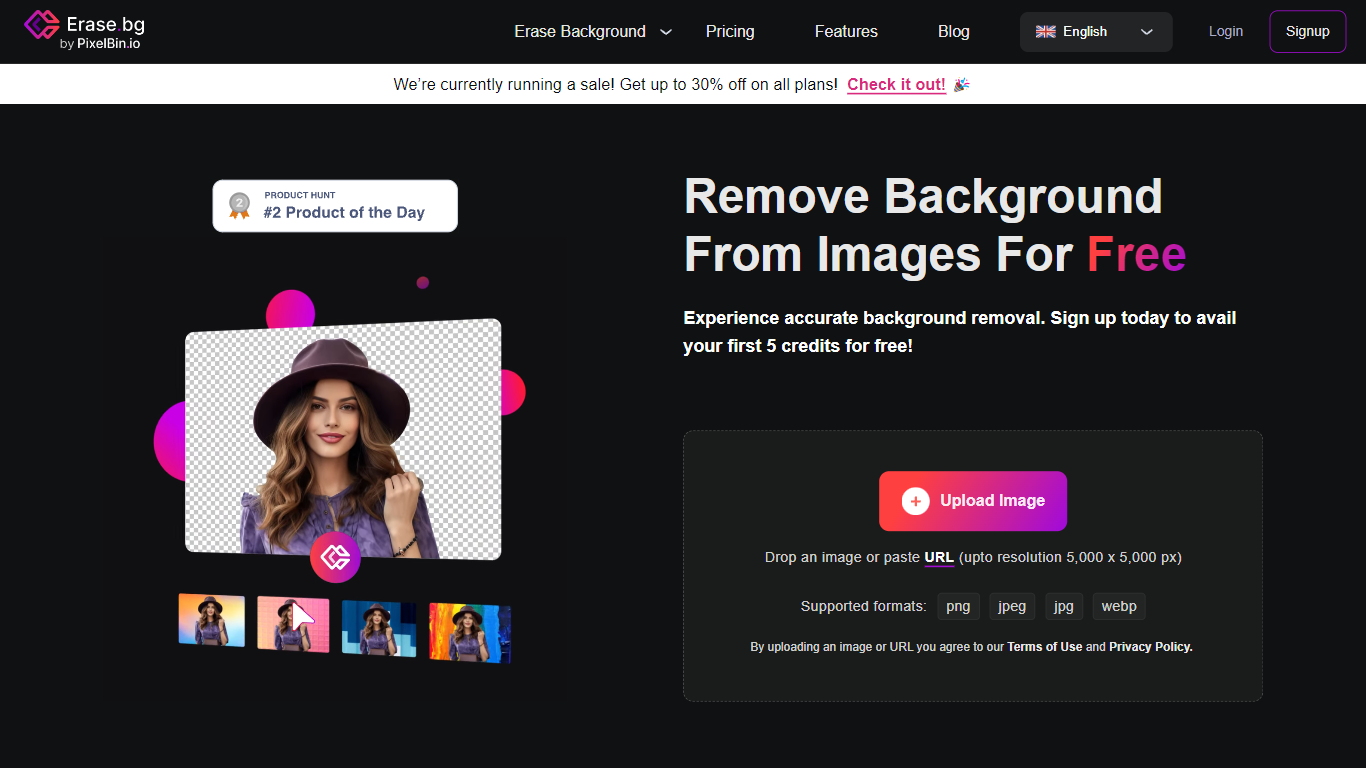
Erase.bg removes backgrounds from photos and short videos online, then lets you download transparent PNGs or swap in a new backdrop. Upload a PNG, JPEG, WebP, or HEIC image up to 10,000 by 10,000 pixels, or a video up to 30 seconds in MP4, MOV, or WebM format, and the tool strips the background in seconds.
Most free removers cap resolution or watermark exports. Erase.bg gives new signups 3 free credits for HD downloads, then sells pay-as-you-go credit packs starting at about €3.57 for 10 removals. A Pro tier adds batch mode for multiple images and unlimited HD downloads, which matters for e-commerce sellers processing product shots at volume.
The tool sits inside the Pixelbin image suite and offers bulk transformation plus API access for teams that need background removal inside existing workflows. Real estate agents, car dealerships, and online sellers use it when Photoshop masking is too slow for daily catalog updates.
Removes backgrounds from images up to 10,000 by 10,000 pixels in PNG, JPEG, WebP, and HEIC formats
Processes videos up to 30 seconds in MP4, MOV, and WebM with background removal support
New signups get 3 free credits for 3 HD image downloads before any payment
Bulk transformation uploads multiple images for batch background removal on one platform
API integration lets teams embed background removal into existing product workflows
Credit packs start at €3.57 for 10 removals with credits valid for 1 year
Handles images up to 10,000 by 10,000 pixels plus 30-second videos in common formats
3 free HD downloads on signup without a credit card for the starter tier
Batch mode and API access scale beyond one-off personal edits
Part of Pixelbin suite with bulk transformation for catalog workflows
Signup required before any background removal, no anonymous free use
Credits expire after 1 year and are non-refundable once purchased
Enterprise pricing requires contacting sales rather than self-serve checkout
Is Erase.bg free to use?
Erase.bg gives you 3 free credits when you sign up, which covers 3 HD image downloads. After that, you buy credit packs or a Pro plan for unlimited HD downloads and batch processing. Signup is required before using the tool.
What file formats does Erase.bg support?
Erase.bg accepts PNG, JPEG, JPG, WebP, and HEIC images plus MP4, MOV, and WebM videos. Images can be up to 10,000 by 10,000 pixels, and videos can run up to 30 seconds.
How do Erase.bg credits work?
Each background removal on Erase.bg uses 1 credit. Credit packs include 10 credits for €3.57, 100 for €7.14, and 1000 for €14.29 as one-time payments. Credits stay valid for 1 year and are non-refundable.
Does Erase.bg require an account?
Yes. Erase.bg requires signup before you can remove backgrounds. Creating an account unlocks your 3 free credits for HD downloads and access to paid credit packs and Pro features.
Can Erase.bg process multiple images at once?
Yes. Erase.bg Pro includes batch mode for processing multiple images in one upload. The bulk transformation feature also lets you remove backgrounds from many files without switching between individual jobs.
Does Erase.bg offer an API?
Yes. Erase.bg provides API integration so teams can add background removal to their own apps and workflows. Enterprise customers can contact sales at pixelbin.io for custom volume pricing and demos.