
Last updated 08-21-2026
Category:
Reviews:
Join thousands of AI enthusiasts in the World of AI!
Ez Img Editor
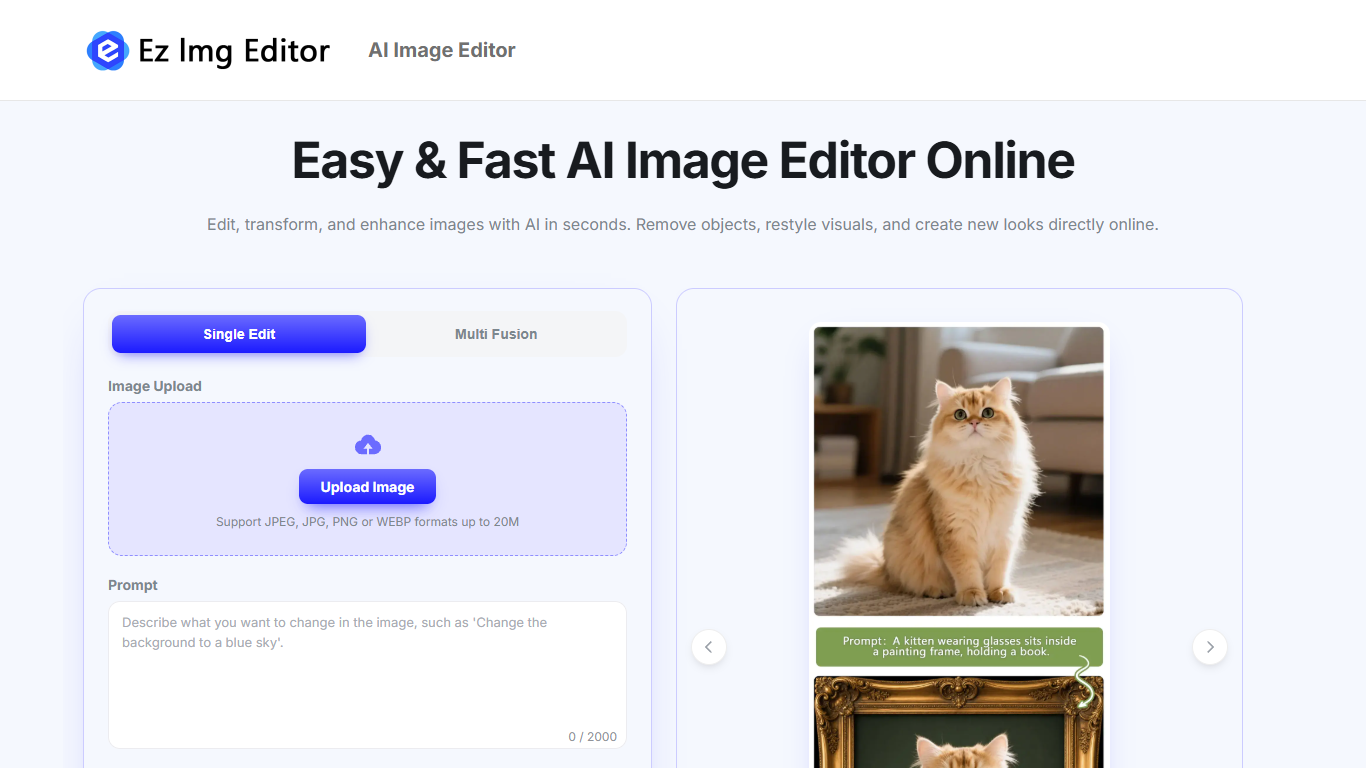
Ez Img Editor is a browser-based image generation and editing workspace that lets you upload photos, type what you want changed, and get edited results in seconds. You can remove objects, swap backgrounds, restore old photos, or blend multiple images in one session. It also includes a separate text-to-image generator for creating visuals from scratch.
Most AI photo editors focus on either generation or touch-ups. Ez Img Editor combines both in one site, with a dedicated multi-image fusion mode that merges styles or subjects from several uploads. That makes it more useful when you need to mix reference photos rather than edit a single file in isolation.
The site targets sellers, agents, designers, and creators who need clean product shots, listing photos, headshots, or social posts without opening desktop software. Free daily credits cover routine edits, and paid upgrades are available when you need more volume or faster processing.
Upload JPEG, JPG, PNG, or WEBP files up to 20MB per image
Type edits in a prompt field with a 2000-character limit
Pick from eight aspect ratios including 1:1, 9:16, and 16:9
Multi-image fusion blends styles or subjects from several uploads
Free daily credits refresh every day for core editing tools
Separate text-to-image page generates visuals from written prompts
Combines single-photo edits, multi-image fusion, and text-to-image in one site
Accepts common formats up to 20MB with eight aspect ratio options
Free daily credits cover routine object removal and background swaps
Privacy policy states uploads are not used for model training
Useful preset prompts for headshots, style transfer, and restoration
Object removal can struggle on busy or complex backgrounds
AI headshot quality depends heavily on the source photo resolution
No dedicated mobile app, browser-only access
Is Ez Img Editor free to use?
Yes. Ez Img Editor gives free daily credits that refresh every day, so you can run object removal, background changes, and headshots without paying upfront. Paid upgrades are available if you need more usage or faster processing.
What file formats does Ez Img Editor accept?
Ez Img Editor accepts JPEG, JPG, PNG, and WEBP uploads up to 20MB per file. You add a text prompt describing the change, pick an aspect ratio, and generate the edited result in the browser.
Are uploads on Ez Img Editor kept private?
Ez Img Editor processes uploads securely and states that images are not used to train AI models. Files are automatically removed after processing, which helps keep personal or client photos off the server.
Can I use Ez Img Editor results commercially?
Ez Img Editor states that edited images can be used for business, marketing, e-commerce, and social media when you own the rights to the original upload. You still need permission for any third-party content in the source photo.
Does Ez Img Editor blend multiple photos?
Yes. Ez Img Editor includes a multi-image fusion mode where you upload several photos and merge styles, subjects, or elements into one output. Single-image mode handles one photo with a text prompt for targeted edits.
Does Ez Img Editor include text to image?
Yes. Ez Img Editor has a dedicated text-to-image generator page that turns written prompts into new visuals. It supports multiple aspect ratios and is separate from the photo editing workspace on the homepage.