
Last updated 08-15-2026
Category:
Reviews:
Join thousands of AI enthusiasts in the World of AI!
Face Swap AI
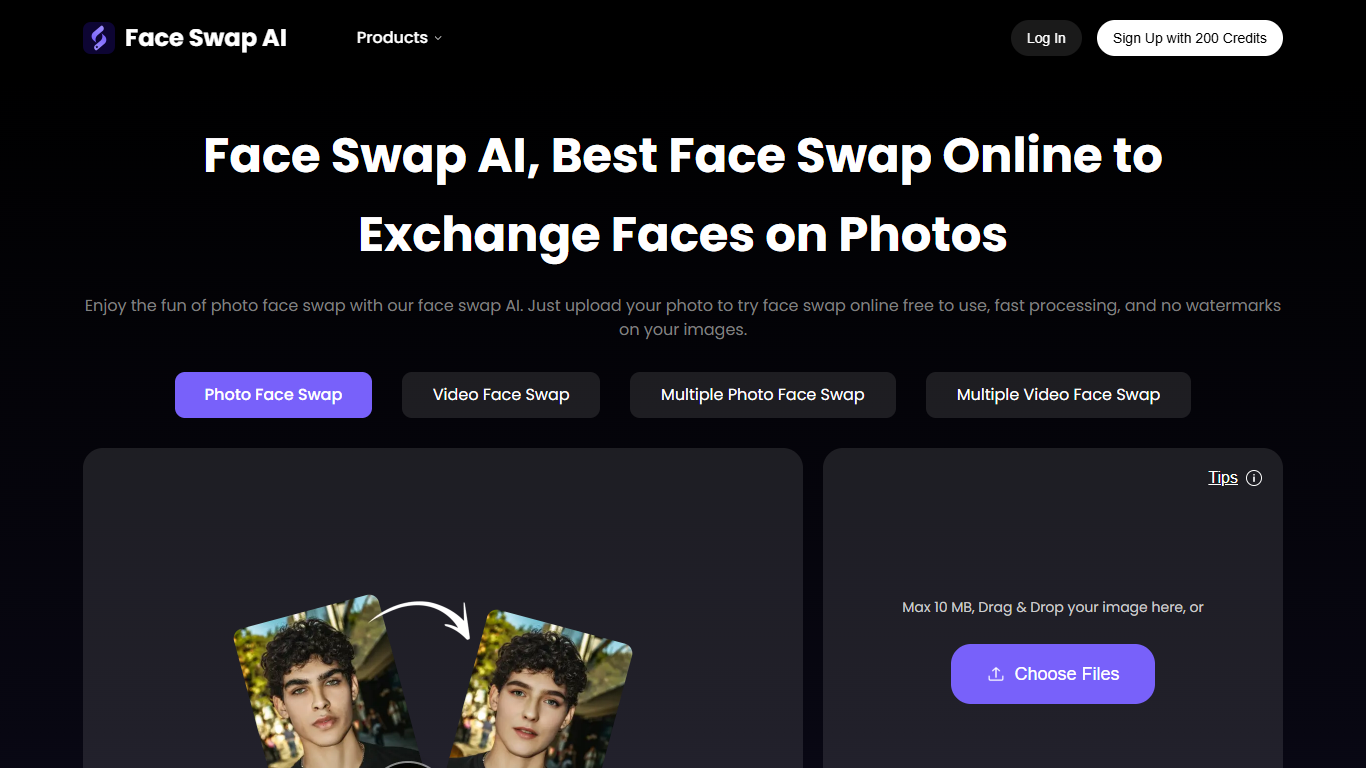
Face Swap AI swaps faces in photos and videos from your browser without opening Photoshop. Upload a source face and a target image or clip, and the site replaces faces while trying to match skin tone, lighting, and expression. It covers single-photo swaps, video face replacement, and multiple-face edits for group shots. You can start with one free try per day without creating an account.
Most face swap apps focus on one format or watermark your exports. Face Swap AI bundles photo, video, and multi-face swaps in one workspace, and advertises watermark-free downloads on the free tier. The trade-off is a credit system for heavy use: photos cost 1 credit each and video segments cost 10 credits per 15 seconds once you exhaust the daily free try.
The site targets social media creators, marketers, and casual users who want fast meme edits or marketing clips without learning layer masks. Guest uploads clear after 24 hours unless you sign in, which matters if you are batching client work.
Photo uploads accept files up to 20 MB with drag-and-drop
Video face swap supports clips up to 15 seconds and 200 MB on the free tier
Multiple face swap detects every face in group photos and videos
VIP access extends video length to 10 minutes and file size to 500 MB
Credits charge 1 per photo swap and 10 per 15-second video segment
Purchased credits do not expire and payments run through Stripe
Combines photo, video, and multi-face swaps in one browser tool
Advertises watermark-free exports on the free tier
No account required for the daily free try
Purchased credits never expire
Supports batch upload and priority queue on VIP tier
Photo uploads capped at 20 MB
Free tier limits videos to 15 seconds and 200 MB
Heavy use requires buying credits beyond the daily free try
Guest work clears after 24 hours without an account
Is Face Swap AI free to use?
Yes, Face Swap AI includes a free plan with one try per day for basic photo swaps. Registration is optional for guests. Optional credit packs and Permanent VIP access add more generations, priority processing, batch upload, and longer video limits.
How does Face Swap AI handle privacy?
Face Swap AI states that only you can access your swapped content and that uploads are auto-deleted. Guest sessions clear saved work after 24 hours unless you sign in to keep files in your gallery.
Can Face Swap AI swap multiple faces?
Yes. Face Swap AI includes dedicated multiple photo and multiple video face swap tools that detect each face in a group image or clip and replace them in one pass, without manual masking.
What are the upload limits on Face Swap AI?
Face Swap AI accepts photo uploads up to 20 MB. The free plan limits videos to 15 seconds and 200 MB, while Permanent VIP access raises video length to 10 minutes and file size to 500 MB.
How do credits work on Face Swap AI?
Face Swap AI uses credits instead of a monthly subscription. Each photo swap costs 1 credit, and each 15-second video segment costs 10 credits. Purchased credits stay valid permanently with no automatic renewal.
Does Face Swap AI reduce image quality?
Face Swap AI says its face swap process preserves the original resolution of your photo or video. Output should match the input sharpness, though higher-resolution or multi-face files may take longer to process.
Can I use Face Swap AI without signing up?
Yes. Face Swap AI lets guests upload a photo and run a face swap without registration, with one free try per day advertised on the homepage. Sign in to save work beyond the 24-hour guest window.