
Last updated 08-22-2026
Category:
Reviews:
Join thousands of AI enthusiasts in the World of AI!
FastMoro AI
FastMoro AI turns text prompts, photos, and style references into videos and still images from one browser studio. Creators, marketers, and product teams pick a model, set aspect ratio and resolution, and generate 1080p output in minutes without juggling separate image and video apps.
Most AI video sites lock you to one model family. FastMoro bundles Wan 3.0, MiniMax H3, Grok Imagine Video 1.5, Gemini Omni, Veo 3.1, Seedance 2.5, and more behind a single credit balance, so you can swap engines mid-project instead of opening three accounts.
Workflows span text-to-video, image-to-video, reference-to-video, text-to-image, and image editing, keeping a concept in one place as it moves from still frame to motion. Seedance 2.5 on FastMoro supports up to 30 seconds of native 4K video with 50+ multimodal references per the site homepage.
FastMoro AI launched in early 2026 and targets indie creators through enterprise teams. The studio supports 68 languages per its about page, runs in the browser with cloud rendering, and does not require local GPU hardware.
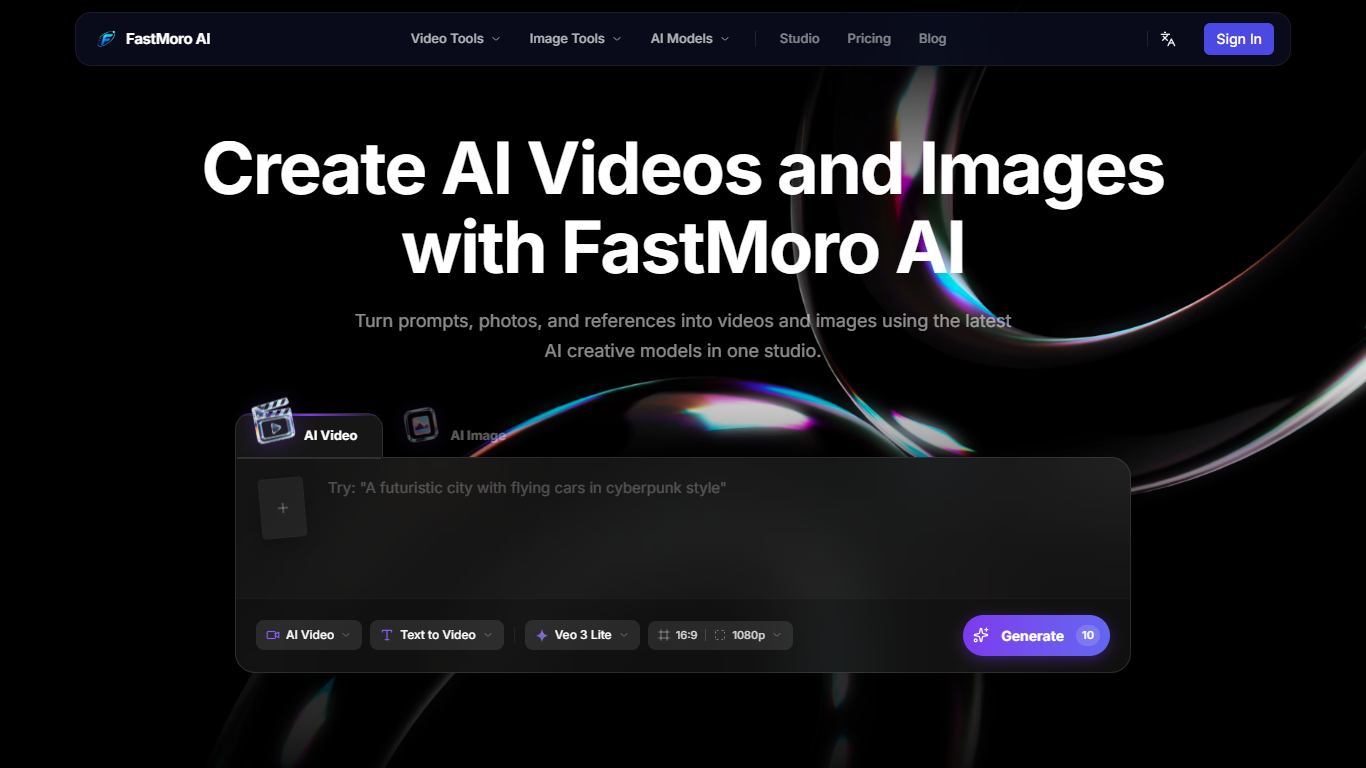
Veo 3 Lite text-to-video at 1080p in 16:9 or 9:16 costs 10 credits
Seedance 2.5 generates up to 30 seconds of native 4K video with 50+ references
Animate still photos with image-to-video while keeping the original composition
Lock color and style using a reference image in reference-to-video mode
Generate and edit images with text prompts or simple edit instructions
Switch between 10+ models including Grok Imagine Video 1.5 and Wan 3.0
Ten plus video and image models available in one studio instead of separate subscriptions.
Pro plans and above include commercial usage rights for client and marketing work.
Supports text-to-video, image-to-video, and reference-to-video in a single browser workflow.
The Basic plan does not grant commercial usage rights for generated content.
Credit costs add up quickly; a single 1080p Veo 3 Lite clip uses 10 credits.
FAQ answers on the site are collapsed, so some limits like max video duration are not documented publicly.
Which AI models does FastMoro AI support?
FastMoro AI integrates Wan 3.0, MiniMax H3, Meta Muse Video, Grok Imagine Video 1.5, Gemini Omni, Veo 3.1, Seedance 2.5, Seedance 2.0, ChatGPT Image 2.0, HappyHorse 1.1, and Happy Horse 1.0. You select the model before generating video or image output in the studio.
Can I use FastMoro AI videos commercially?
Commercial usage depends on your plan. FastMoro AI's Basic plan ($6.90/month) does not include commercial usage rights. Pro, Max, and Pro Max plans include commercial usage rights for generated content.
How do credits work on FastMoro AI?
FastMoro AI runs on a credit system. A sample text-to-video generation with Veo 3 Lite at 1080p costs 10 credits. Monthly plans include 100 to 1,500 credits depending on tier, and you can also buy credits on a pay-as-you-go basis.
What video workflows does FastMoro AI offer?
FastMoro AI supports text-to-video, image-to-video, and reference-to-video creation, plus text-to-image and image-to-image tools. You can upload a starting frame, provide style references, and adjust aspect ratio and duration before generating.
What languages does FastMoro AI support?
FastMoro AI supports 68 languages according to its about page. The platform is browser-based and does not require installing desktop software to generate videos or images.