
Last updated 08-30-2026
Category:
Reviews:
Join thousands of AI enthusiasts in the World of AI!
Flux.2 AI
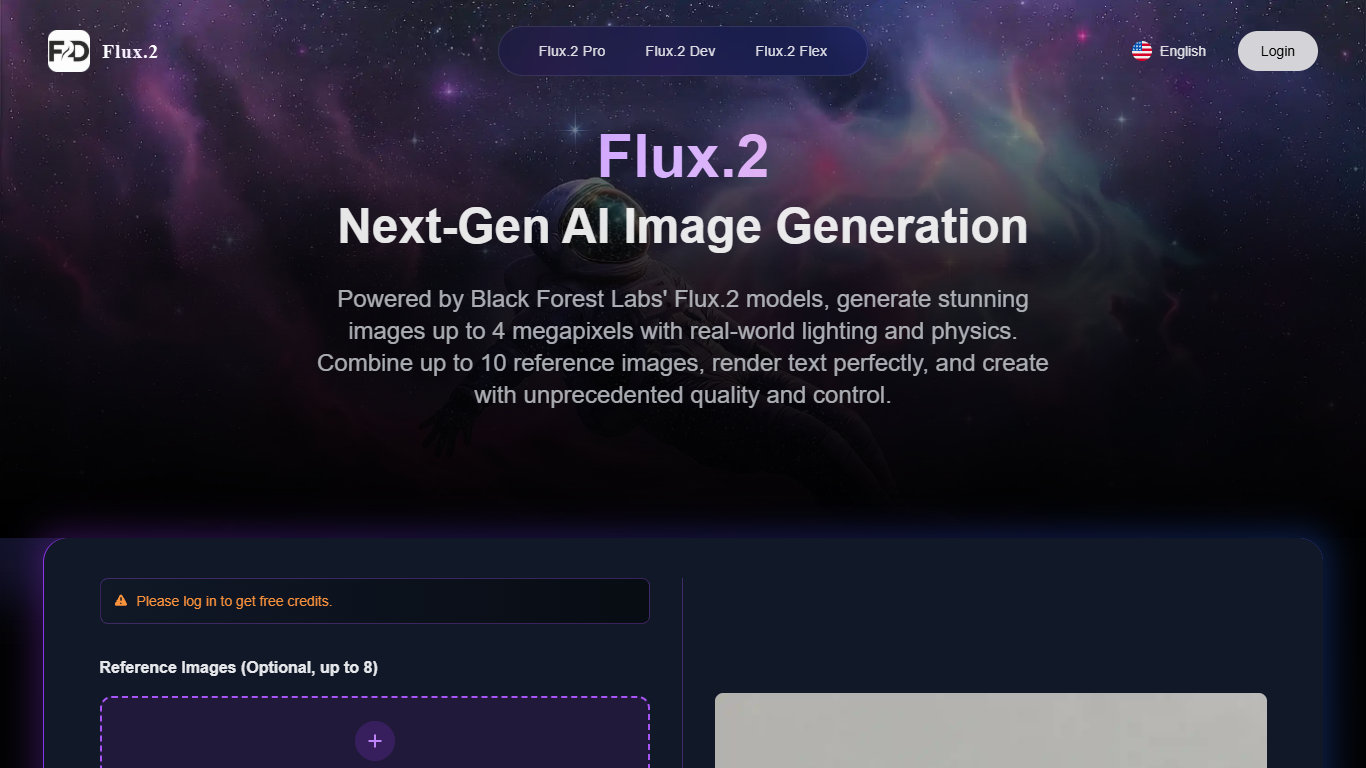
Flux.2 AI is a browser-based image generation studio built on Black Forest Labs' Flux.2 model family. You write a prompt, optionally upload reference images, pick Pro, Dev, or Flex, and generate photorealistic images up to 4 megapixels with strong text rendering. The site also lists video generation alongside image tools in one workspace.
Most hosted image generators lock you into one model tier. Flux.2 AI routes a single credit balance through three BFL variants plus editing utilities like upscaling, background removal, and style transfer. Dev adds open-weights parameter control and LoRA training for researchers, while Flex charges 1 credit per generation for adaptive tuning. That bundled routing is the trade-off: convenience and one bill, not the cheapest per-image rate if you only need one variant.
It fits designers, marketers, and content creators who want marketing visuals, product shots, UI mockups, or social assets without local GPU setup. Free credits on login lower the barrier before monthly, yearly, or pay-as-you-go plans kick in.
Three Flux.2 variants in one studio: Pro for speed, Dev for open-weights control, and Flex for adaptive tuning
Upload up to 10 reference images on Flex, 8 on the main generator, or 4 on the Dev workflow
Output from 0.5 MP to 4 MP with aspect ratios from 1:1 square through 21:9 ultrawide
Pro and Dev generations start at 0.5 credit per image; Flex generations cost 1 credit
Flux.2 Dev runs a 32-billion-parameter open-weights model with step count and guidance scale controls
Export finished images as WebP, JPG, or PNG directly from the generator panel
Built-in upscaling, background removal, and style transfer sit beside generation in the same interface
Bundles Pro, Dev, and Flex variants so you can match speed, control, or flexibility without switching sites.
Reference-image workflows support consistent characters and products across a campaign.
4 MP output and strong in-image text help with mockups and marketing layouts that need readable type.
Free login credits make it easy to test before committing to a subscription.
Homepage pricing emphasizes annual subscriptions; monthly and pay-as-you-go details are less visible in scraped pages.
Flex generations cost 1 credit compared with 0.5 credit on the main Pro and Dev generators.
No social profiles linked in the site footer, which makes external verification harder.
Is Flux.2 AI free to use?
Flux.2 AI gives free credits when you log in, so you can test generation before buying more access. Paid options include Basic, Standard, and Premium yearly subscriptions plus pay-as-you-go credits listed on the homepage pricing section.
Which Flux.2 variants does Flux.2 AI offer?
Flux.2 AI exposes three Black Forest Labs variants: Flux.2 Pro for production speed, Flux.2 Dev for open-weights experimentation with parameter control, and Flux.2 Flex for adaptive resolution and tuning. Each variant has its own page on flux2.design.
What resolution can I generate with Flux.2 AI?
Flux.2 AI supports outputs from 0.5 MP up to 4 MP depending on the variant and settings you choose. The generator lets you pick resolution presets and aspect ratios including 1:1, 16:9, 9:16, and 21:9.
Can I use Flux.2 AI images commercially?
Flux.2 AI states that outputs are ready for commercial use and that licensing details are provided per variant. Check the site FAQ and terms for the rules that apply to your chosen model before publishing client work.
How many reference images can I upload?
The main Flux.2 generator accepts up to 8 reference images in the upload panel. Flux.2 Dev supports up to 4 references, and Flux.2 Flex supports up to 10 on its dedicated page.
Does Flux.2 AI store my uploaded images?
According to the Flux.2 privacy policy, uploaded photos and videos are not saved or stored after processing unless you explicitly agree otherwise. The marketing site also describes generations as private and encrypted.
How do I contact Flux.2 AI support?
Flux.2 AI lists [email protected] in the site footer and legal pages. Subscription plans include email and community support according to the homepage pricing section.