
Last updated 07-19-2026
Category:
Reviews:
Join thousands of AI enthusiasts in the World of AI!
Free AI Background Remover - Remover AI
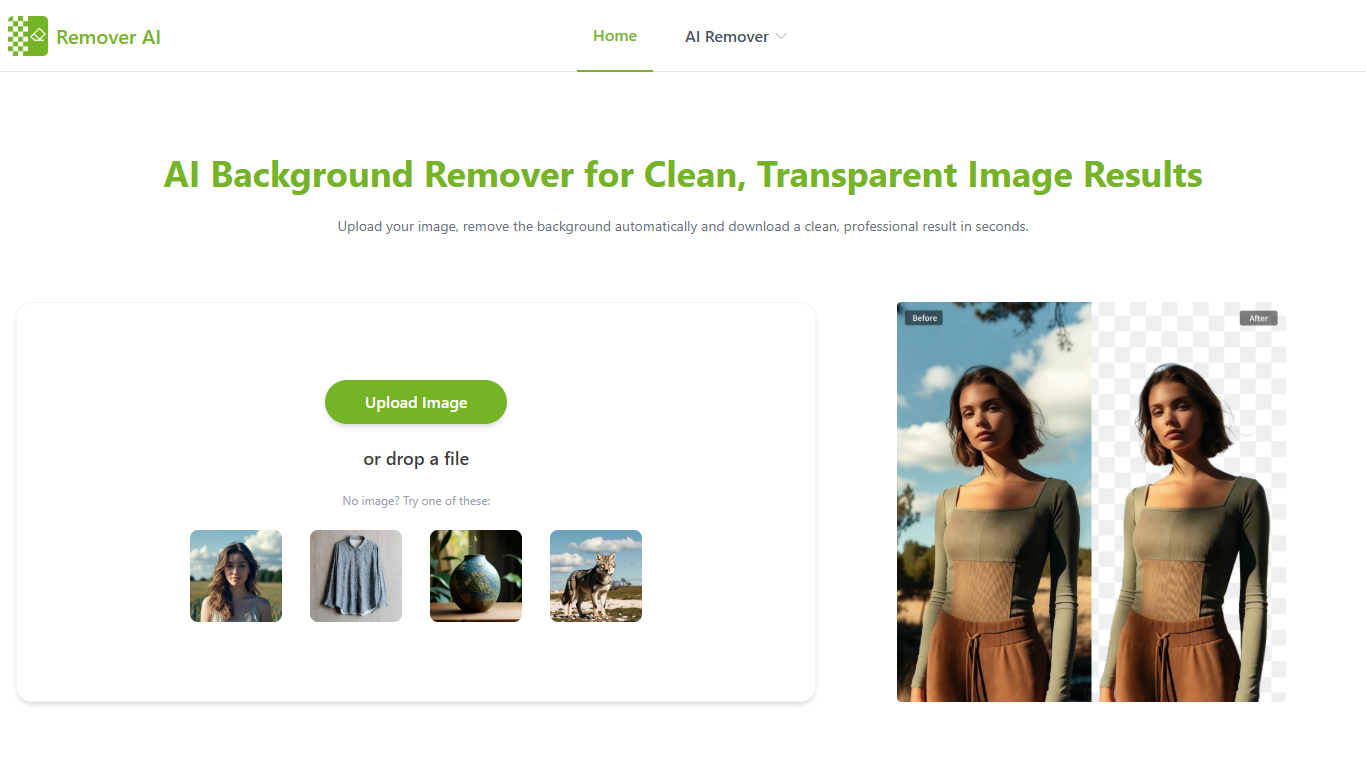
Remover AI is a browser-based image and video editing suite built around fast background removal. Upload a photo and get a transparent PNG in seconds, with no account required and no watermark on downloads.
The platform goes well beyond a single background eraser. It includes dedicated tools for bulk image processing, video background removal, GIF editing, watermark removal, object removal, and logo cleanup. Each tool runs in the browser with no software install.
Edge detection handles tricky subjects like hair, fur, and semi-transparent objects. The site also supports JPG, PNG, and WebP uploads, with HD transparent exports suitable for e-commerce listings, social posts, and professional headshots.
Strip backgrounds from JPG, PNG, and WebP photos in seconds with no signup
Hair, fur, and fine edges stay intact on portraits and product shots
Process up to 5 images at once with the bulk background remover
Remove video backgrounds from MP4 and WebM clips up to 60 seconds
Erase watermarks, text, logos, and unwanted objects from photos
Download HD transparent PNGs with no watermark on free edits
Free background removal with HD downloads and no watermark, no account needed.
Wide toolset covers images, video, GIFs, watermarks, and object removal in one platform.
Credit packs are one-time purchases that never expire.
Bulk processing supports up to 5 images at a time for faster workflows.
Video background removal is limited to 60-second clips in MP4 and WebM formats.
Bulk uploads cap at 5 images per batch on the free bulk remover.
No dedicated mobile app; all editing happens in the browser.
Is Remover AI free to use?
Yes. Remover AI lets you remove backgrounds and download HD transparent PNGs without creating an account or adding a watermark. Paid credit packs are available for heavier usage with priority processing.
What image formats does Remover AI support?
Remover AI accepts JPG, PNG, and WebP uploads for background removal. Edited images download as high-resolution transparent PNG files.
How does Remover AI pricing work?
Remover AI uses one-time credit packs with no subscription. Packs start at $4.99 for 200 credits and go up to $49.99 for 5,000 credits. Credits never expire and work across devices when you log in.
Can Remover AI remove video backgrounds?
Yes. Remover AI includes a video background remover that supports MP4 and WebM files up to 60 seconds. It works in the browser without a green screen setup.
Does Remover AI work on mobile devices?
Yes. Remover AI runs in mobile browsers on iPhone, Android, tablets, and desktop. No app download is required.
Can I use Remover AI results for commercial projects?
Yes. Remover AI states that transparent PNG images can be used for e-commerce, marketing, branding, presentations, and other commercial purposes.