
Last updated 08-15-2026
Category:
Reviews:
Join thousands of AI enthusiasts in the World of AI!
Img Editor (formerly GEMPIX2)
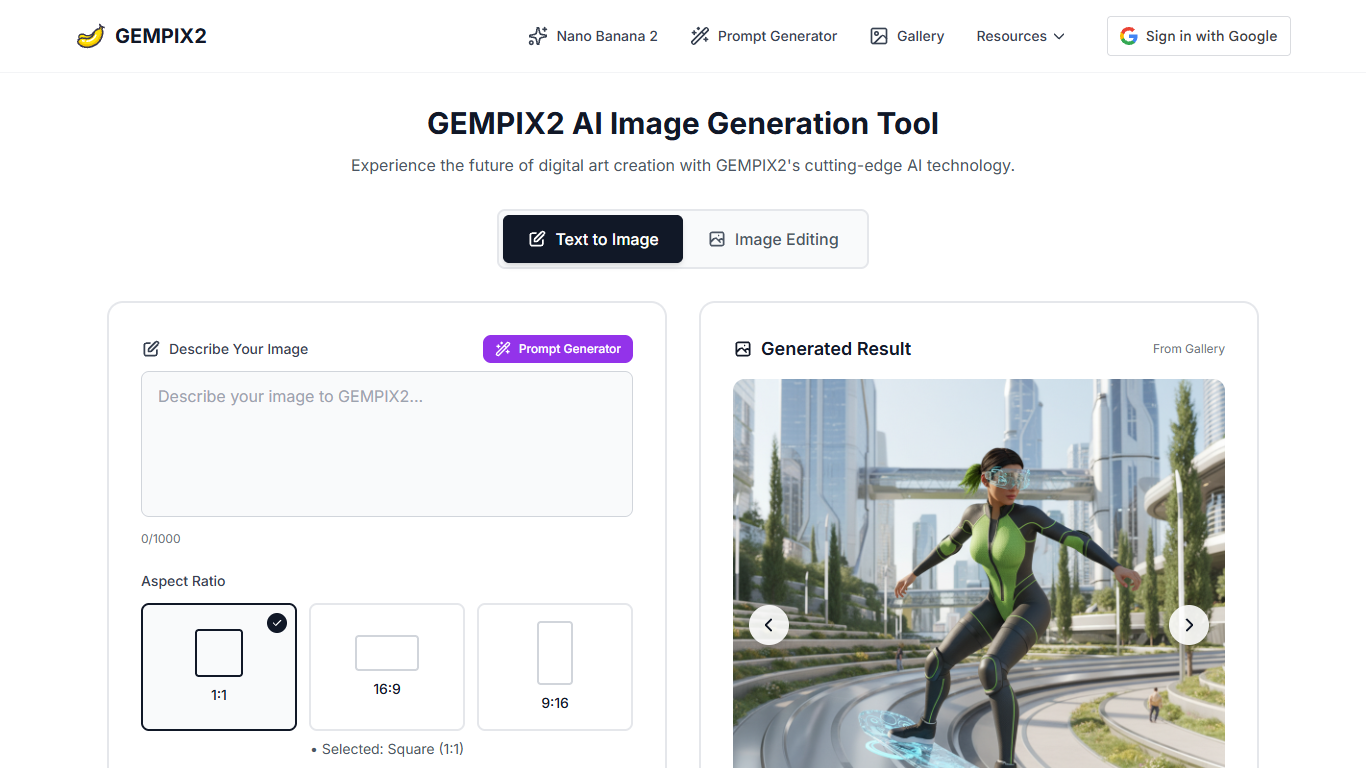
Img Editor turns text prompts into images in about 2 to 5 seconds, with text-to-image and image editing modes on a single page. You pick an aspect ratio (1:1, 16:9, or 9:16), choose 1K standard quality, and describe what you want in up to 5,000 characters. The site gives you 10 free generations per day without a credit card or account.
Most free image generators cap you at a handful of daily credits or watermark every output. Img Editor advertises unlimited generations on its free plan, no watermarks, and commercial use rights. The trade-off is that 2K and 4K quality require switching to a separate Nano Photo service, and the Pro tier with native 2K resolution and 99% character consistency is a paid upgrade over the basic tier.
The tool fits hobbyist creators, social media managers, and designers who need quick visuals without installing software. It includes a built-in prompt generator, a community gallery where approved submissions earn 10 bonus generations, and Google sign-in for saving work.
10 free image generations per day with no credit card required
Text-to-image and image editing modes on one page
Three aspect ratios: 1:1, 16:9, and 9:16
Prompts up to 5,000 characters with a built-in prompt generator
Gallery submissions earn 10 bonus generations when approved
Generation completes in 2 to 5 seconds per image
10 daily free generations with no credit card or account required.
No watermarks on generated images, even on the free plan.
Built-in prompt generator and community gallery with reusable prompts.
Fast 2 to 5 second generation times for standard 1K images.
2K and 4K quality requires switching to the separate Nano Photo service.
Pro features like 99% character consistency and native 2K are paid upgrades.
gempix2.photo redirects to imgeditor.pro, which may confuse users following old links.
Is Img Editor free to use?
Yes. Img Editor offers 10 free generations per day with no credit card, subscription, or sign-up required. The site also advertises a free forever plan with unlimited generations, no watermarks, and commercial use rights.
What image sizes does Img Editor support?
Img Editor supports three aspect ratios: 1:1 square, 16:9 landscape, and 9:16 portrait. Standard quality outputs at 1K resolution. Higher 2K and 4K quality is available through the linked Nano Photo service.
How fast does Img Editor generate images?
Img Editor generates most images in 2 to 5 seconds, depending on prompt complexity and server load. The Pro tier claims 15% faster generation compared to the basic tier.
Can I edit existing images in Img Editor?
Yes. Img Editor includes an image editing mode alongside text-to-image generation. You can upload an image and modify it using text prompts on the same page.
Does Img Editor add watermarks?
No. Img Editor states that free plan images have no watermarks and can be used commercially. Check the Terms of Service on imgeditor.pro for specific commercial usage details.
What is the Img Editor gallery?
Img Editor has a community gallery where users share generated images and prompts. Submitting an image for gallery review earns 10 extra generations if approved. You can also click any gallery prompt to try it yourself.