
Last updated 07-03-2026
Category:
Reviews:
Join thousands of AI enthusiasts in the World of AI!
GenYOU
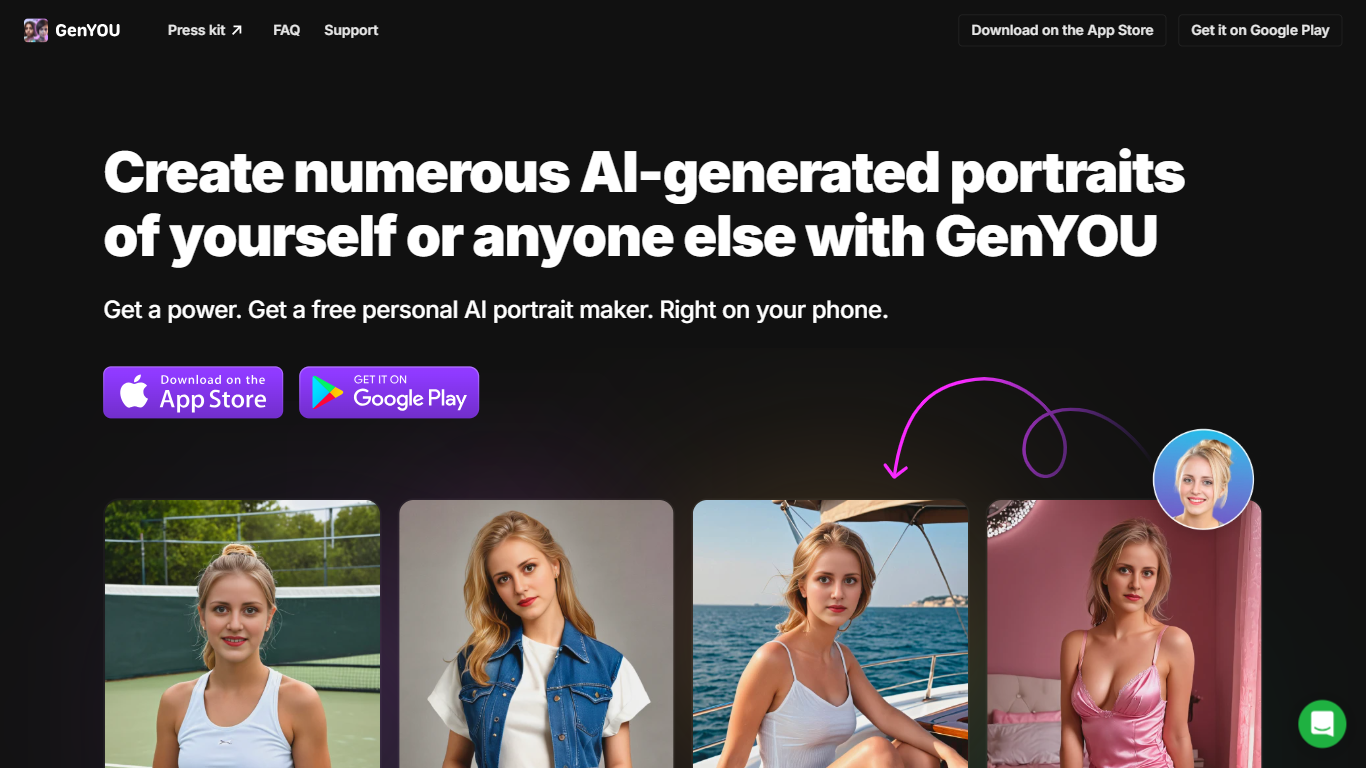
GenYOU is a portrait generator from Generated Media that creates AI photos of you or someone else while keeping facial identity consistent across outputs. Upload a face photo, write a style prompt, and get headshots, selfies, profile pictures, avatars, or full-body images through the web app or mobile apps for iOS and Android.
The product focuses on identity preservation rather than random lookalikes. You can adjust face resemblance, choose square or portrait aspect ratios, browse community galleries for inspiration, and generate styled portraits in settings ranging from professional headshots to creative character looks.
It fits anyone who wants fresh profile photos without booking a shoot: job seekers updating LinkedIn headshots, social creators refreshing avatars, and people experimenting with styled portraits of themselves or friends.
Upload a face photo and generate portraits that keep the same person across every image
Create headshots, selfies, avatars, and full-body photos from text style prompts
Tune face resemblance with a slider from subtle changes to complete likeness
Switch between square and portrait aspect ratios before generating
Generate styled portraits of friends by uploading their photos too
Keeps facial identity consistent across generated portraits instead of producing random lookalikes.
Supports headshots, selfies, avatars, and full-body photos from one uploaded face.
Free tier available on web, iOS, and Android.
Pro plan removes watermarks and unlocks private generation.
Free tier images use public mode by default, so outputs can be visible to other users.
Free user images are stored for only three months before they may be deleted.
Web billing may be limited if your account was originally created on mobile.
Is GenYOU free to use?
Yes. GenYOU offers free access with public sharing mode. A Pro subscription costs $6.99 per week or $39.99 per year and adds unlimited generations, no watermarks, faster output, and private results.
How does GenYOU work?
GenYOU asks you to upload a photo with a visible face, enter a style prompt (often using @me), set face resemblance and aspect ratio, then generate. On the web app you can sign in with Apple or Google before creating images.
Will my generated portraits be visible to other users?
In public mode, assets can be visible to other users and this mode is available to all users. Private mode stores images securely and shows them only to you unless you share them, and private mode requires a paid Pro subscription.
How do you use uploaded faces?
GenYOU stores the uploaded face image and 68 facial landmarks extracted using the dlib library. This data is used to detect faces, verify resolution, and perform face swapping so generated portraits stay realistic.
How long does GenYOU store my images?
For free users, GenYOU stores AI-generated images and related data for three months before they may be deleted. For paid subscribers, content is stored while the subscription is active, then retained for three months after cancellation.
Does GenYOU have a mobile app?
Yes. GenYOU is available on the App Store and Google Play. Billing management for accounts created on mobile is handled inside the mobile app.
How can I use the photos I create with GenYOU?
You are responsible for how you use uploaded photos and generated images, including consent when uploading photos of other people. The site shows examples for profile pictures, social media posts, and influencer-style portrait series.